iPECS UCP
Feature Description and Operation Manual Issue 1.3
284
5551122323
21/11 09:10 CNT: 2
BACK SELECT> DEL CUR
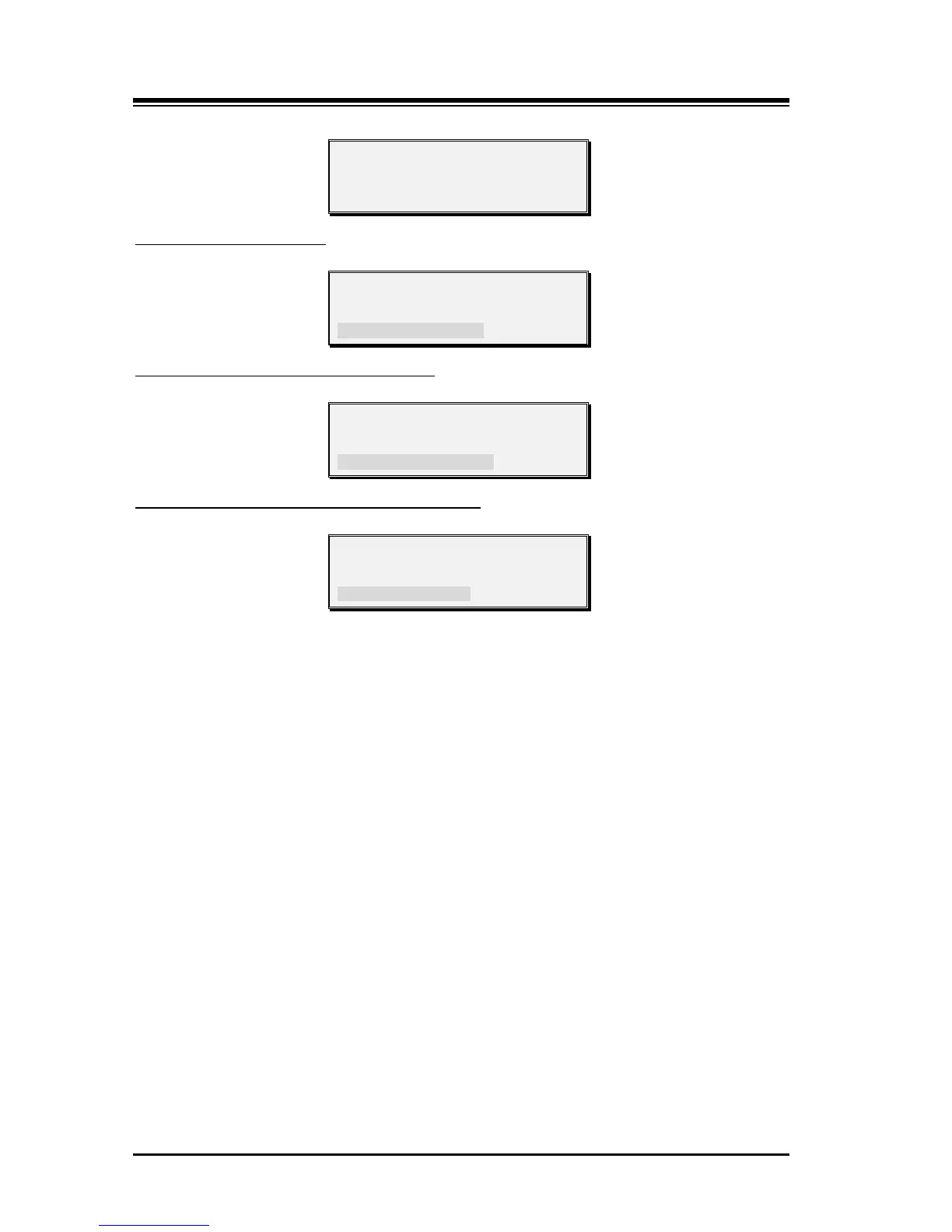
1. Press SELECT>, and choose DEL ALL.
To delete all CLI Messages
5551122323
21/11 09:10 CNT: 2
BACKSELECT>DEL ALL
1. Press SELECT>, and choose ANSWER.
To return a call to the current CLI Message
5551122323
21/11 09:10 CNT: 2
BACK SELECT>ANSWER
1. Press SELECT>, and choose SAVE.
To save the CLI Message to a Station Speed Dial
5551122323
21/11 09:10 CNT: 2
BACK SELECT>SAVE
Conditions
1. The total number of CLI Message Wait indications in queue for the system is 4000.
Should the Message Wait buffer fill, the buffer full message, as below will be
output over the RS-232 port.
“Warning: Message Wait Buffer Full.”
2. The CLI Message Wait display includes the date, time, message count and caller
Id. The count is the number of attempts by a specific calling party with the time and
date of the most recent attempt.
3. The CLI Message Wait status is stored in non-volatile memory to protect against
power loss.
4. When an outside call is assigned to ring multiple stations, or a group, CLI Message
Wait is not provided.
5. When an outside call with CLI is routed to an ACD/Terminal/Circular station group,
the CLI Message Wait will be provided to the last station notified of the call before
the call was abandoned.
6. Once a call is answered by a station in the system, CLI Message Wait is no longer
available i.e.; transferred calls do not provide CLI Message Wait.
7. A CLI Message Wait indication is left at the originally called station even if the call
is forwarded to another station.
8. While idle, the user may toggle between CLI number and CLI name, if available,
by pressing the [TRANS/PGM] button.
9. The CLI and called station number will be shown in the SMDR record as an
abandoned or lost call.



 To Next Page