214603 305 Revision A
Figure 5.32: Cab Fresh Air Filter Access
3. Slide filter tray (B) into housing.
NOTE:
If necessary, move the Global Positioning
System (GPS) wiring harnesses to the left (engine side)
of the housing before inserting the filter tray.
4. Close and latch housing door (A).
5.7.2 Servicing the Return Air Cleaner/Filter
DANGER
To avoid bodily injury or death from unexpected startup of the machine, always stop the engine and
remove the key from the ignition before leaving the operator’s seat for any reason.
If replacing the return air filter, refer to 8.2.4 Filter Part Numbers, page 462 for the part number.
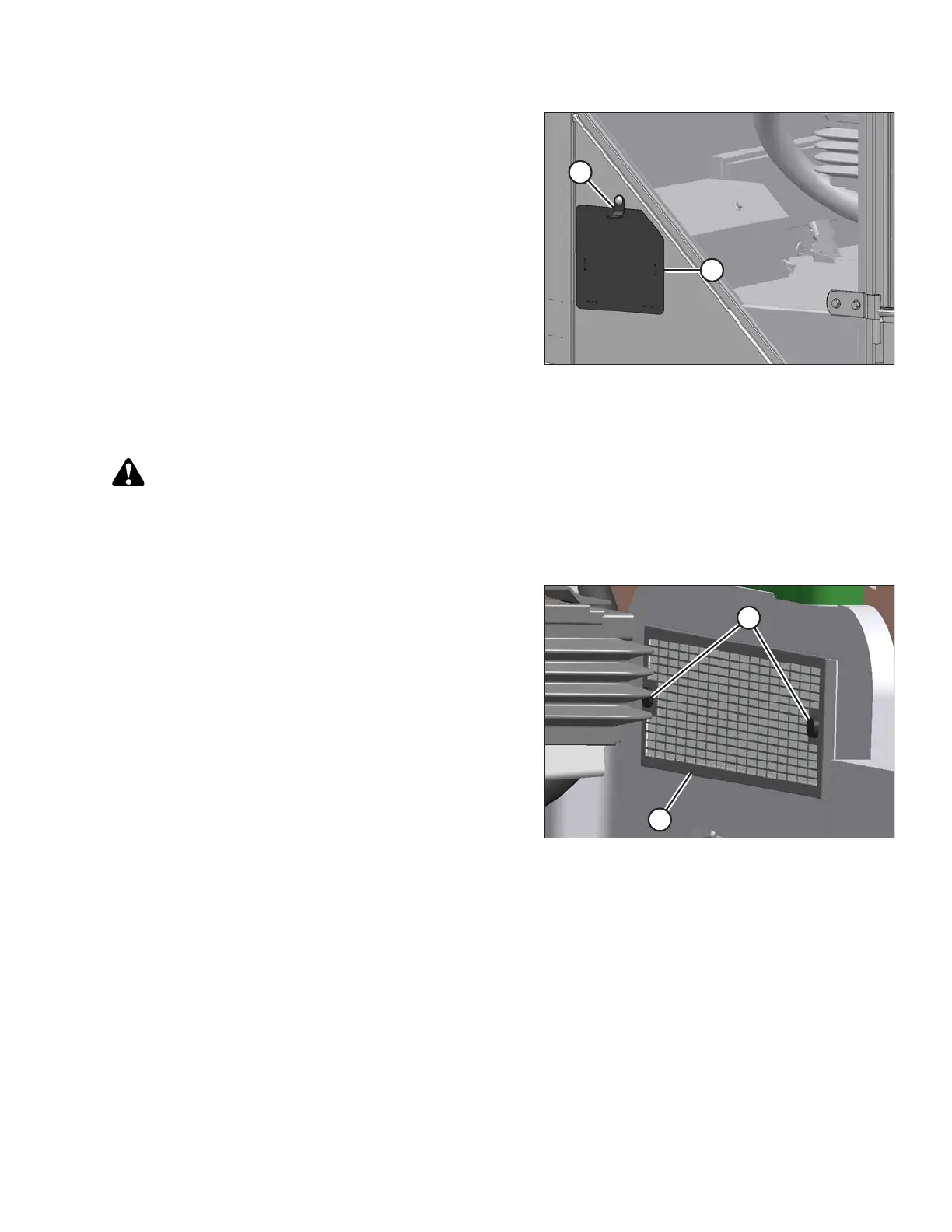
Figure 5.33: Return Air Filter
1. Unscrew the two knobs (A) attaching cover and filter to
cab wall, and remove the cover and filter assembly (B).
MAINTENANCE AND SERVICING





 To Next Page