214603 329 Revision A
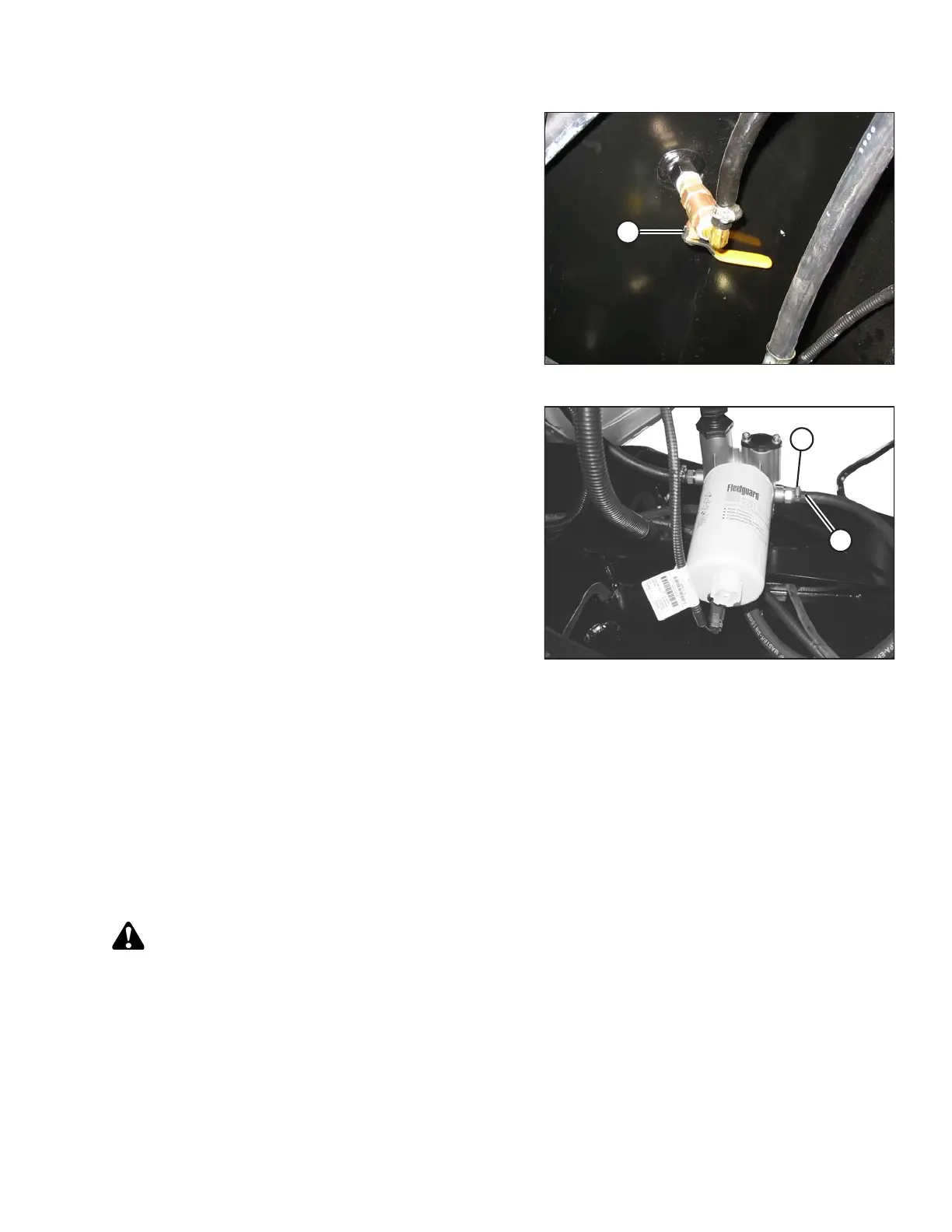
Figure 5.77: Bottom of Fuel Tank
6. Route hose to drain pan and open valve (A) to
drain tank.
Figure 5.78: Fuel System
7. Add some clean fuel to the tank to flush out any
remaining contaminants.
8. Reattach fuel supply hose (A) to fitting. Install clamp (B)
and tighten.
NOTE:
Do NOT refill the fuel tank if performing additional
maintenance on fuel system. Refill it once work is
completed. Refer to Filling the Fuel Tank, page 167.
Fuel/Water Separator
A fuel/water separator is incorporated into the primary fuel filter. The separator is equipped with a drain and a
sensor that triggers a warning on the cab display module (CDM) if water is detected in the fuel. Drain the water and
sediment from the separator daily or at any time the CDM water in fuel (WIF) light illuminates.
To remove water from the fuel system, refer to Removing Water from Fuel System, page 329.
Removing Water from Fuel System
Drain the water and sediment from the separator daily, or at any time the cab display module (CDM) water in
fuel (WIF) light illuminates.
DANGER
To avoid bodily injury or death from unexpected startup of the machine, always stop the engine and
remove the key from the ignition before leaving the operator’s seat for any reason.
1. Stop the engine and remove the key.
2. Open the hood. Refer to 5.2.1 Opening Hood (Lower Position), page 284.
MAINTENANCE AND SERVICING





 To Next Page