214603 339 Revision A
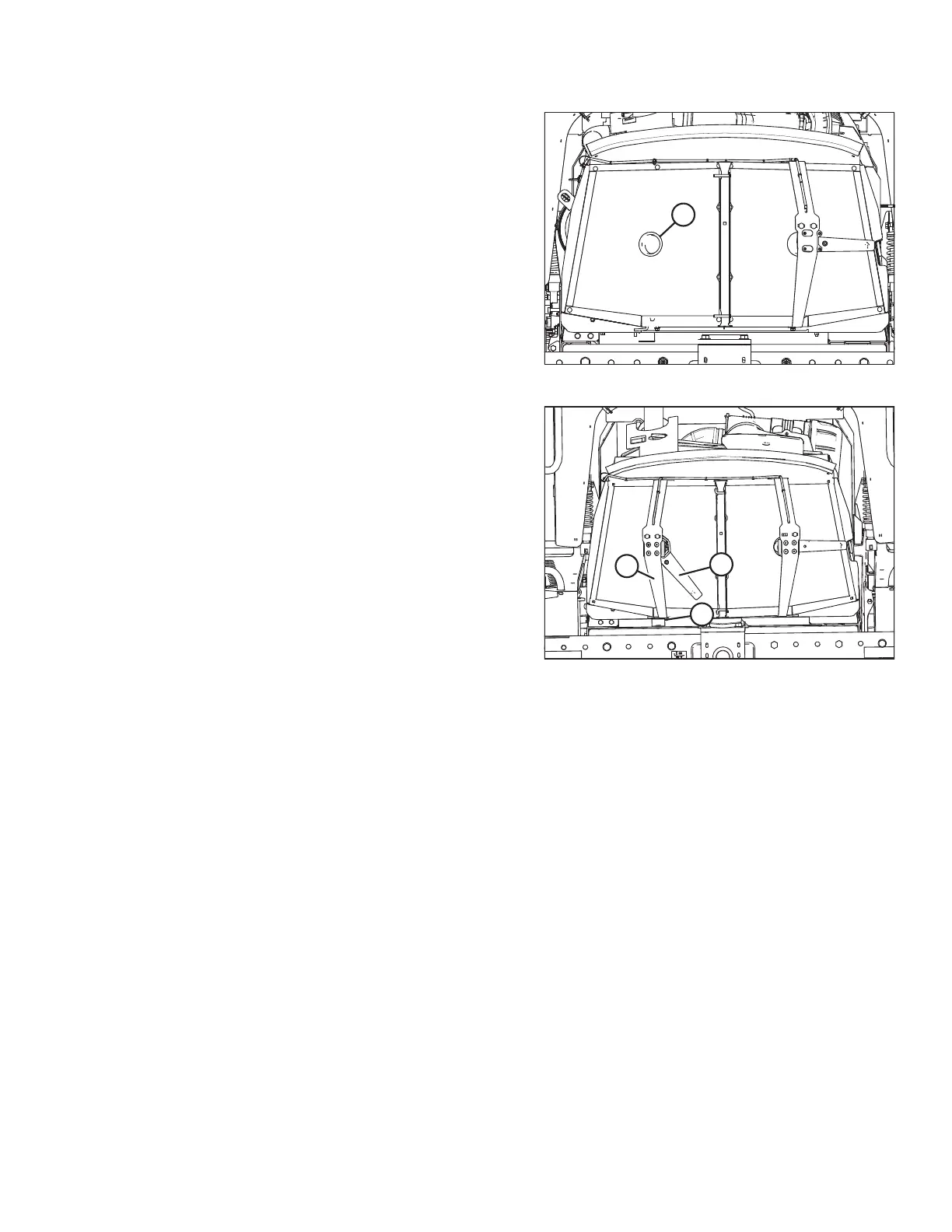
Figure 5.94: Cooler Box Screen
6. Blow debris out of duct (A) with compressed air.
7. Clean screen with compressed air.
Figure 5.95: Screen Cleaner Assembly
8. Move screen cleaner assembly (C) back into position
and secure with bolts and nuts (B).
9. Check duct (A) clearance to screen. Refer to Adjusting
Screen Cleaner Rotor to Screen Clearance, page 341.
10. Close the cooler box screen. Refer to Closing Cooler
Box Screen, page 342.
11. Close the hood. Refer to 5.2.4 Closing Hood (Highest
Position), page 287.
Cleaning Cooler Box Components
The radiator and oil cooler should be cleaned daily with compressed air. More frequent cleaning may be necessary
in severe conditions. The charge air cooler and air conditioning (A/C) condenser may also be cleaned at the
same time.
To clean these components, proceed as follows:
1. Open cooler box screen. Refer to Opening Cooler Box Screen, page 337.
MAINTENANCE AND SERVICING





 To Next Page