214603 199 Revision A
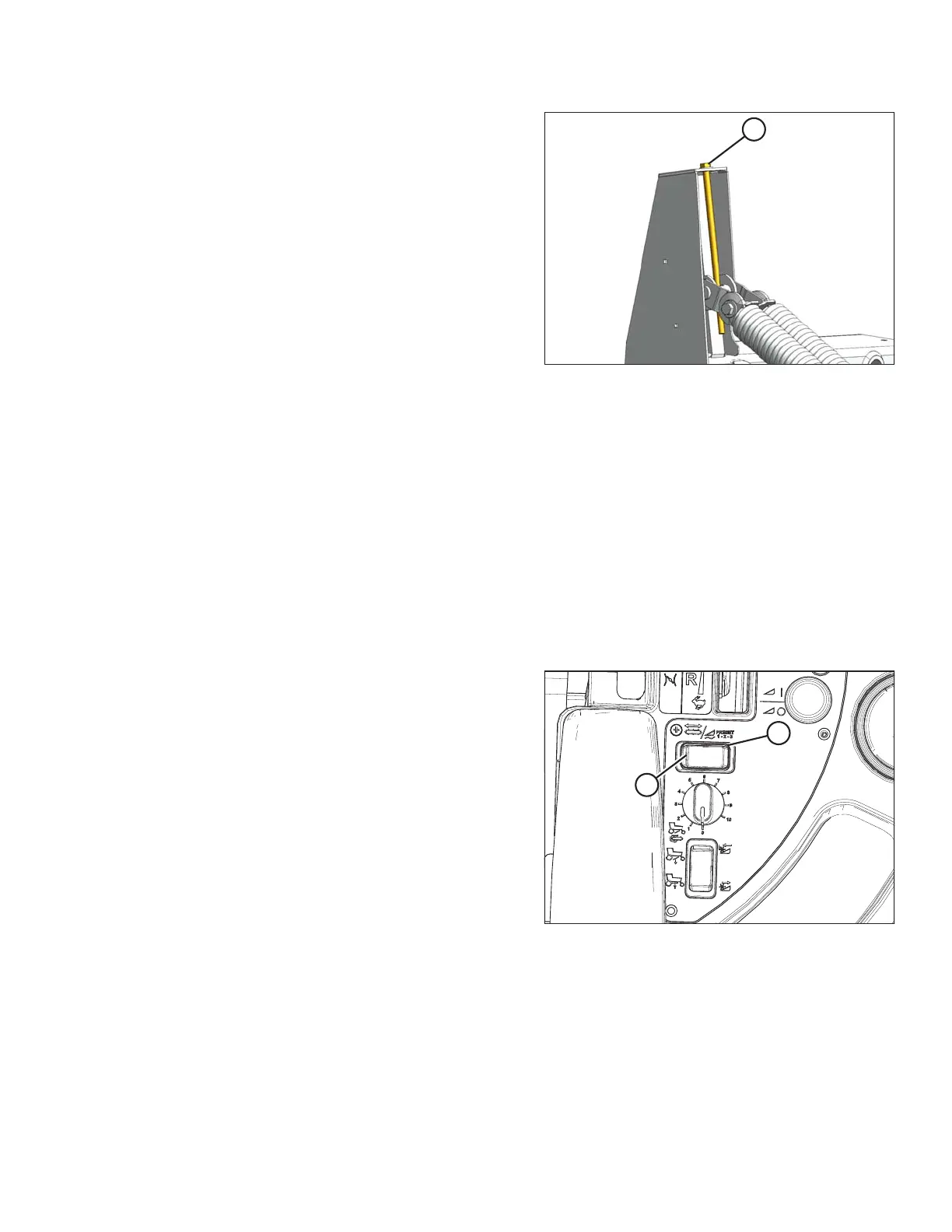
Figure 4.69: Header Float Adjustment
3. Turn drawbolt (A) clockwise to increase float (makes
header lighter) or counterclockwise to decrease float
(makes header heavier).
4. Recheck the header float.
Float Options
For draper headers without the deck shift option, auger headers, and rotary headers, the float disc can be
preprogrammed for three types of windrowing conditions.
Example:
• Position 1: Border
• Position 2: Normal
• Position 3: Rocky
Set float presets as follows:
1. Engage header.
Figure 4.70: Float Preset Switch
2. Push FLOAT PRESET SWITCH (A) to Position 1 (B).
OPERATION





 To Next Page