214603 137 Revision A
1010040
SENSOR INPUT
HDR HEIGHT 1.23 V
C###
X###
C
C
B
A
D
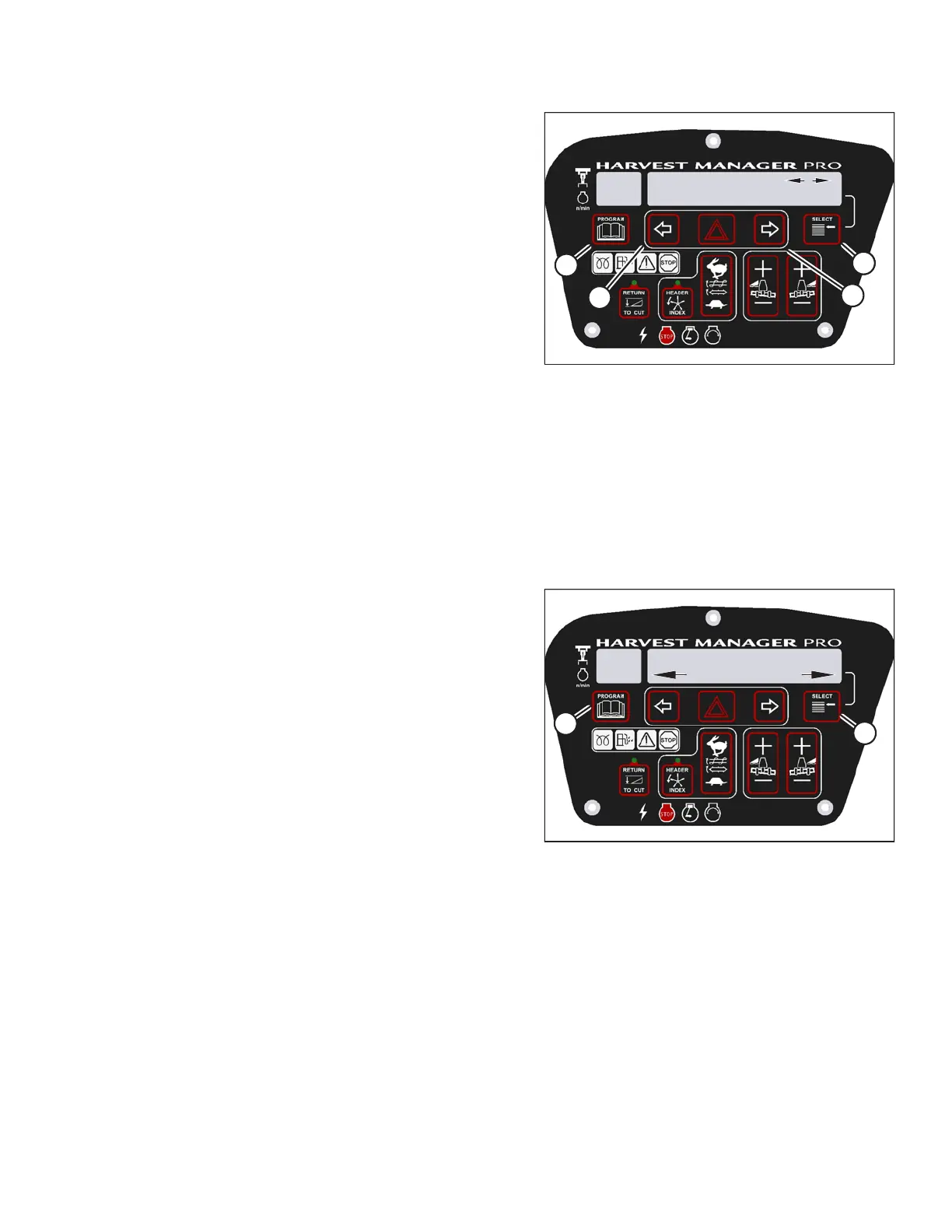
Figure 3.175: M205 Header Sensors
6. Press right arrow (C) to select YES. Press SELECT (D).
• SENSOR INPUT is displayed on the upper line.
• HDR HEIGHT 1.23 V is displayed on the lower line.
7. Press left (B) or right (C) arrow to cycle between
individual sensor readers.
8. Press SELECT (D) to skip to EXIT READ SENSORS?
selection.
9. Press right arrow (C) to select YES. Press SELECT.
10. Press PROGRAM (A) to exit programming mode or
press SELECT (D) to proceed to next diagnostic mode.
Forcing a Header ID
The header must be attached to the windrower to troubleshoot certain issues. If damage has occurred to the
header wiring or no header is available, you can force the windrower control module (WCM) to read a header ID.
The WCM reverts to reading NO HEADER each time the engine ignition is cycled.
IMPORTANT:
Forcing a Header ID that is different from the attached header can damage the windrower and header. Doing so
can lead to vibration, belt failures, and other overspeeding related problems.
1007188
C###
X###
WINDROWER SETUP?
NO/YES
A
B
Figure 3.176: M205 CDM Programming Buttons
1. Turn ignition key to RUN, or start the engine.
2. Press PROGRAM (A) and SELECT (B) on cab display
module (CDM) to enter programming mode.
• WINDROWER SETUP? is displayed on the
upper line.
OPERATOR’S STATION





 To Next Page