214603 61 Revision A
3.12 Emergency Exit
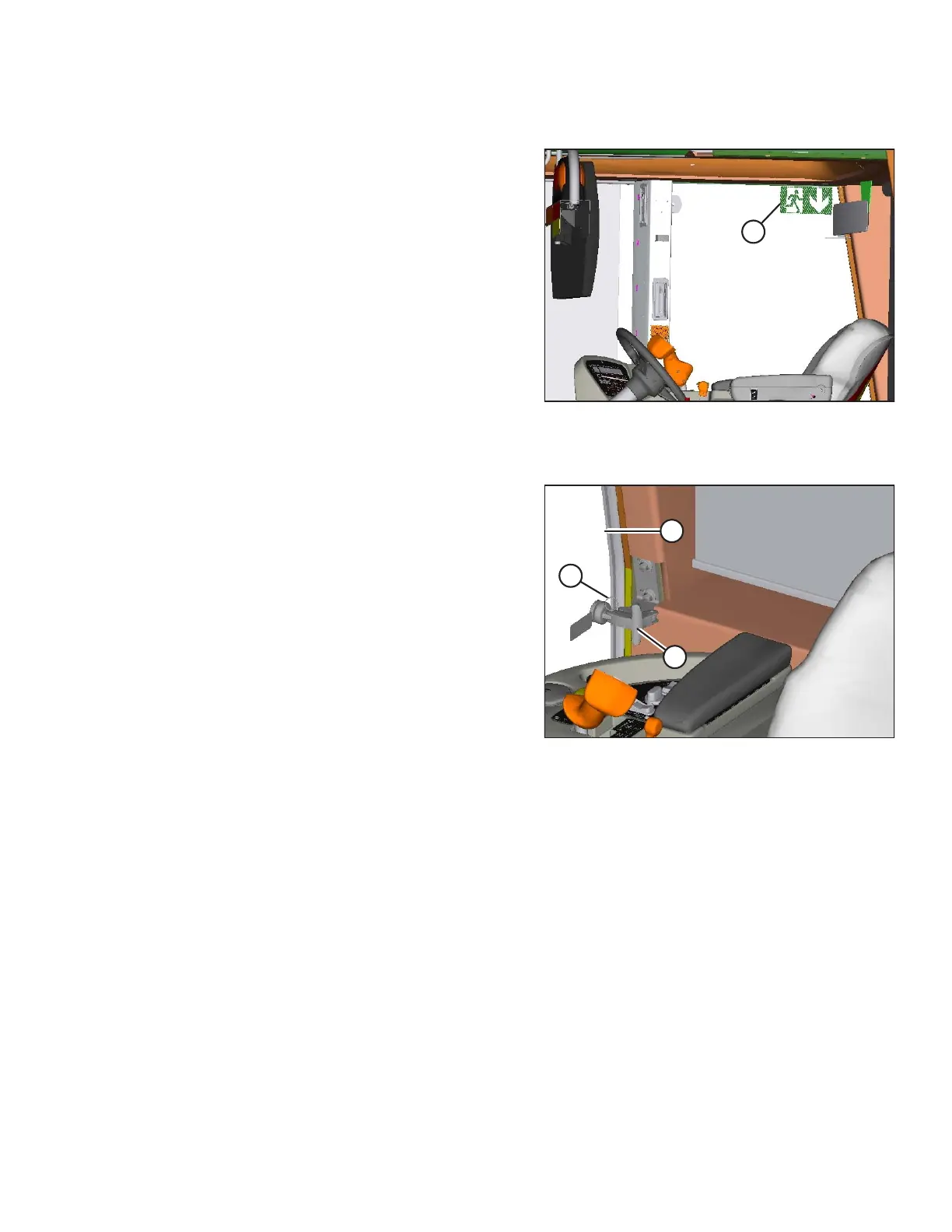
Figure 3.39: Emergency Exit Sign
The emergency exit window (indicated by the emergency
exit decal [A]) is located beside the operator’s station.
To open the emergency exit window, follow these steps:
Figure 3.40: Emergency Exit Window
1. Release the window latch (A).
2. Remove the latch pin (B).
3. Push window open (C).
OPERATOR’S STATION





 To Next Page