214603 232 Revision A
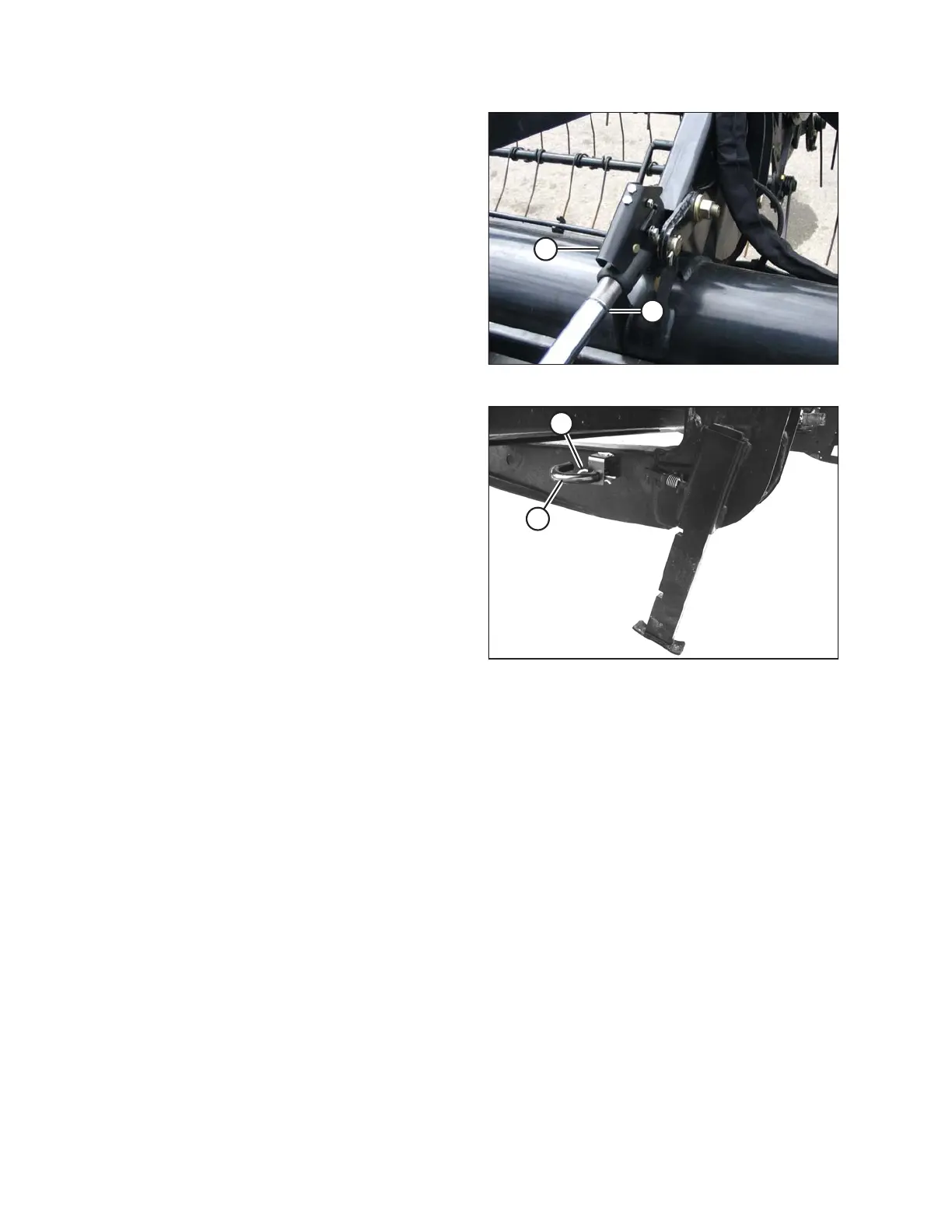
Figure 4.140: Hydraulic Center-Link
14. Disconnect center-link by lifting release (B) and lift
hook (A) off header.
NOTE:
If optional center-link self-alignment kit is installed, lift
release (B) and then operate the link lift cylinder with
REEL UP switch on the GSL to disengage the center-
link from the header.
Figure 4.141: Header Stand
15. Reinstall pin (A) into header leg and secure with a
hairpin (B).
4.5.4 Attaching an A Series Header
A30D, A30S, and A40D headers can be attached to an M205 Self-Propelled Windrower.
Refer to the following instructions based on the type of center-link installed on your windrower:
• Attaching an A Series Header: Hydraulic Center-Link with Optional Self-Alignment, page 233
• Attaching an A Series Header: Hydraulic Center-Link without Self-Alignment, page 238
OPERATION





 To Next Page