214603 356 Revision A
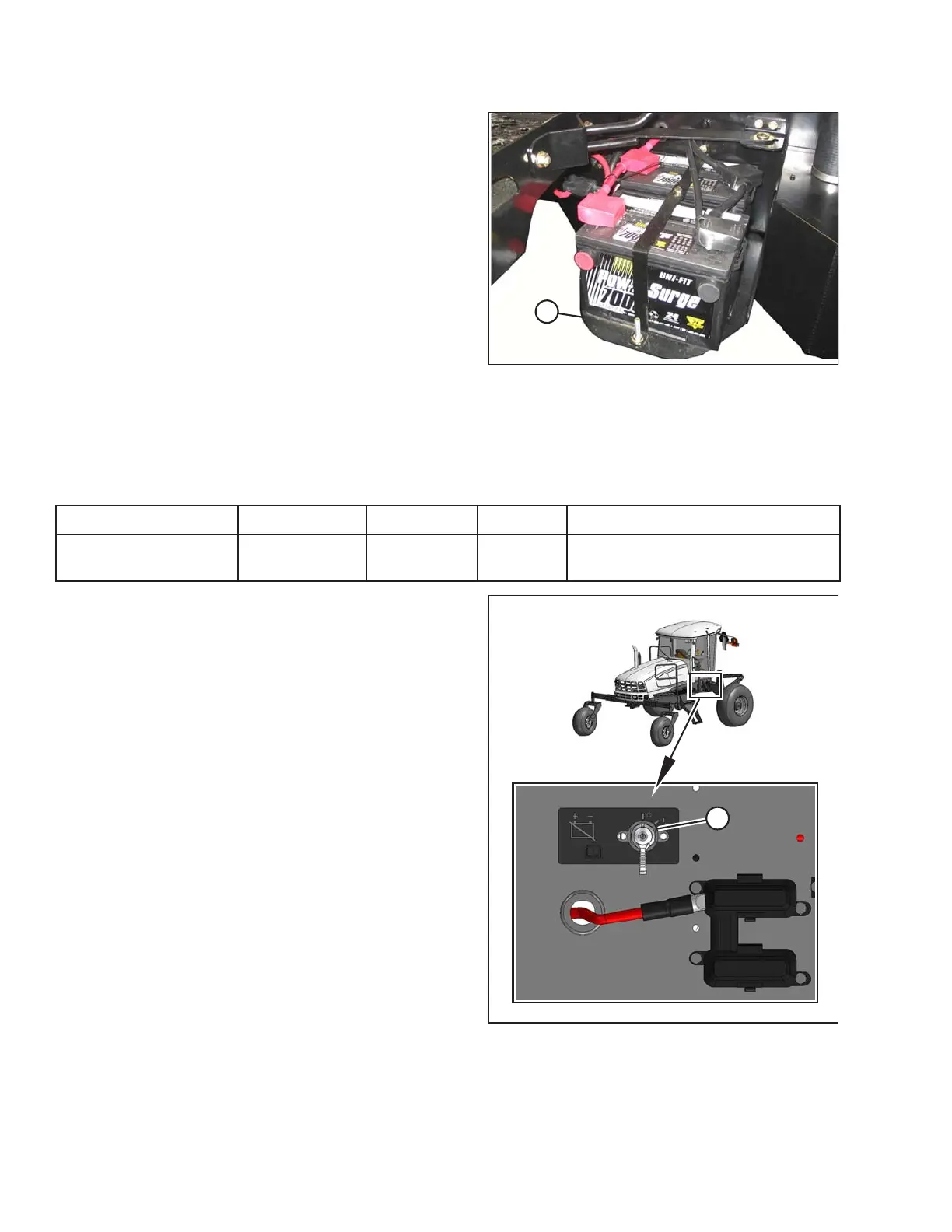
Figure 5.123: Battery Holder
8. Lift batteries off holder (A).
IMPORTANT:
• Store batteries in a cool, dry area in an upright
position.
• Do NOT stack batteries on top of each other unless
they are in cartons.
• Test wet batteries every 4–6 months and recharge if
necessary.
NOTE:
Dual battery support can be removed from frame by
simply lifting support, and pulling it away from frame.
Installing Batteries
Replacement batteries must meet the specifications shown in the following table:
Table 5.2 Battery Specification
Rating
Group CCA (min)
Volt Maximum Dimension
Heavy duty, off-road,
vibration resistant
BCI 29H or 31A
750 12
334 x 188 x 232 mm
(13.25 x 7.37 x 9.44 in.)
Figure 5.124: Battery Main Disconnect Switch
1. Ensure the battery main disconnect switch (A) is turned
to the POWER OFF position (the battery main
disconnect switch is located on the right frame rail
beside the batteries).
2. Open right cab-forward platform to expose batteries.
Refer to 5.3.1 Opening Platforms (Standard Position),
page 288
3. Remove cable ties securing battery cables to
battery clamp.
MAINTENANCE AND SERVICING





 To Next Page