Chapter 5
Maintenance and Repair
Trimble S, VX, SPS & RTS Service Manual5 - 136 P/N 57150002, Revision 5.0
F
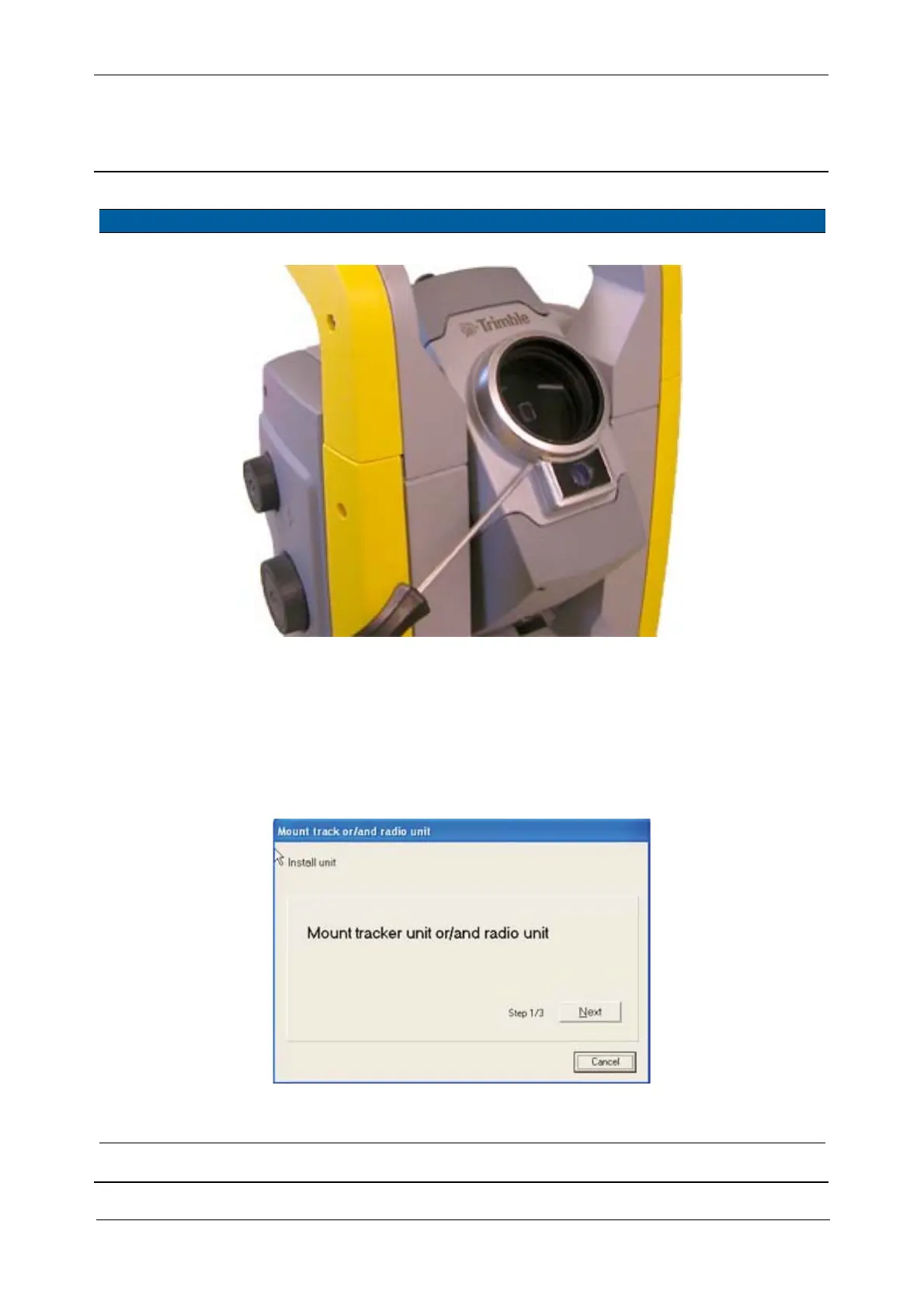
Fig. 5-127 Removal of Cover objective
Software upgrade
2 Start update software. Select Autolock/Robotic
upgrade
from Update in
Maintenance & Service.
3 Confirm tracker unit
is installed.
Click
Next.
Fig. 5-128 Confirm tracker installation
4 Activate tracker unit. Click
Tracker and then
Next.
Item Performance Action Results Notes



 To Next Page