Chapter 5
Maintenance and Repair
P/N 57150002, Revision 5.0 5 - 143 Trimble S, VX, SPS & RTS Service Manual
F
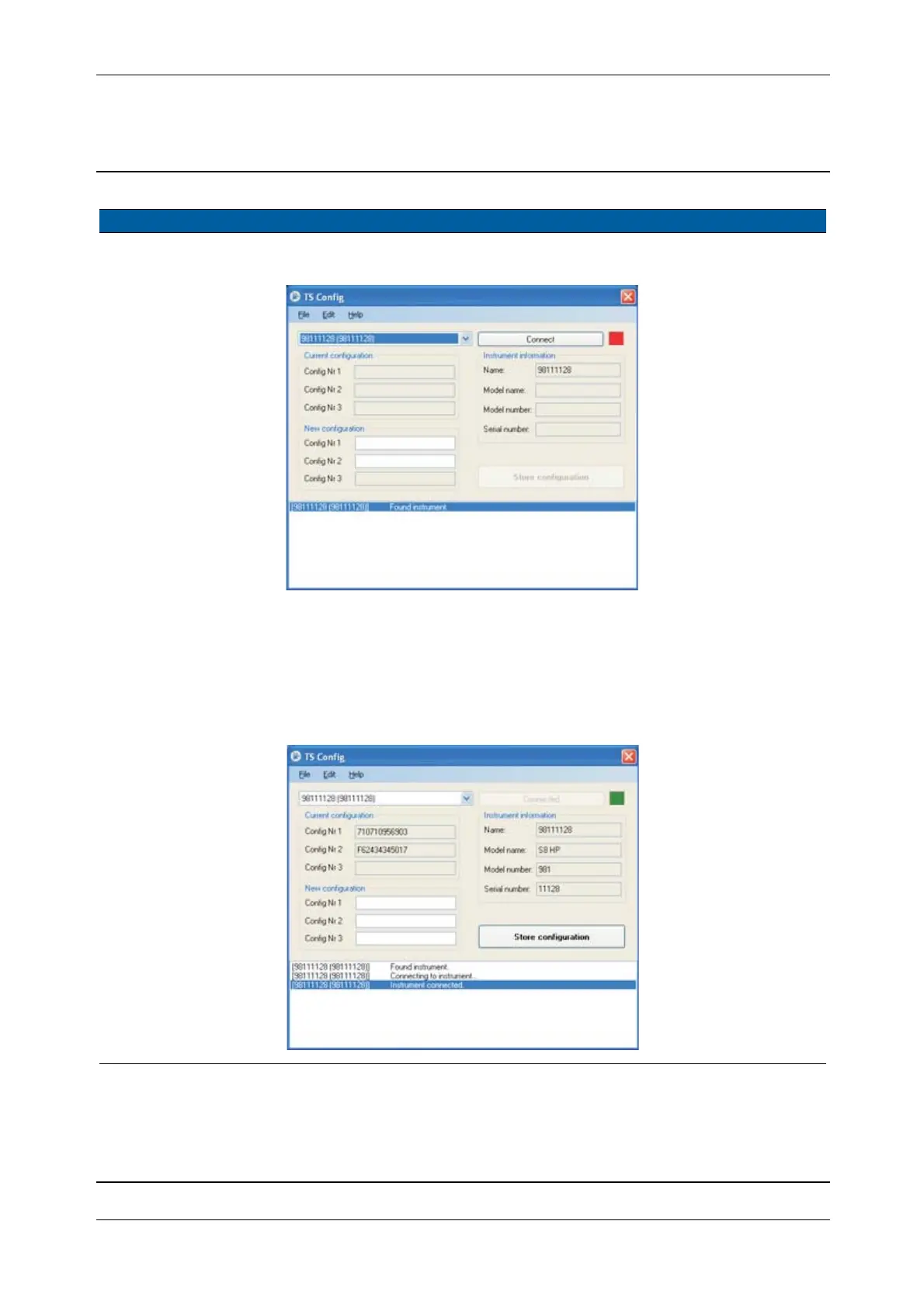
Fig. 5-138 Set Configuration number
3 Connect to instrument. Click
Connect. Red light goes
green when
connection is
established
Fig. 5-139 Instrument connected
Item Performance Action Results Notes



 To Next Page