Chapter 6
Adjustment and verification
P/N 57150002, Revision 5.0 6 - 61 Trimble S, VX, SPS & RTS Service Manual
F
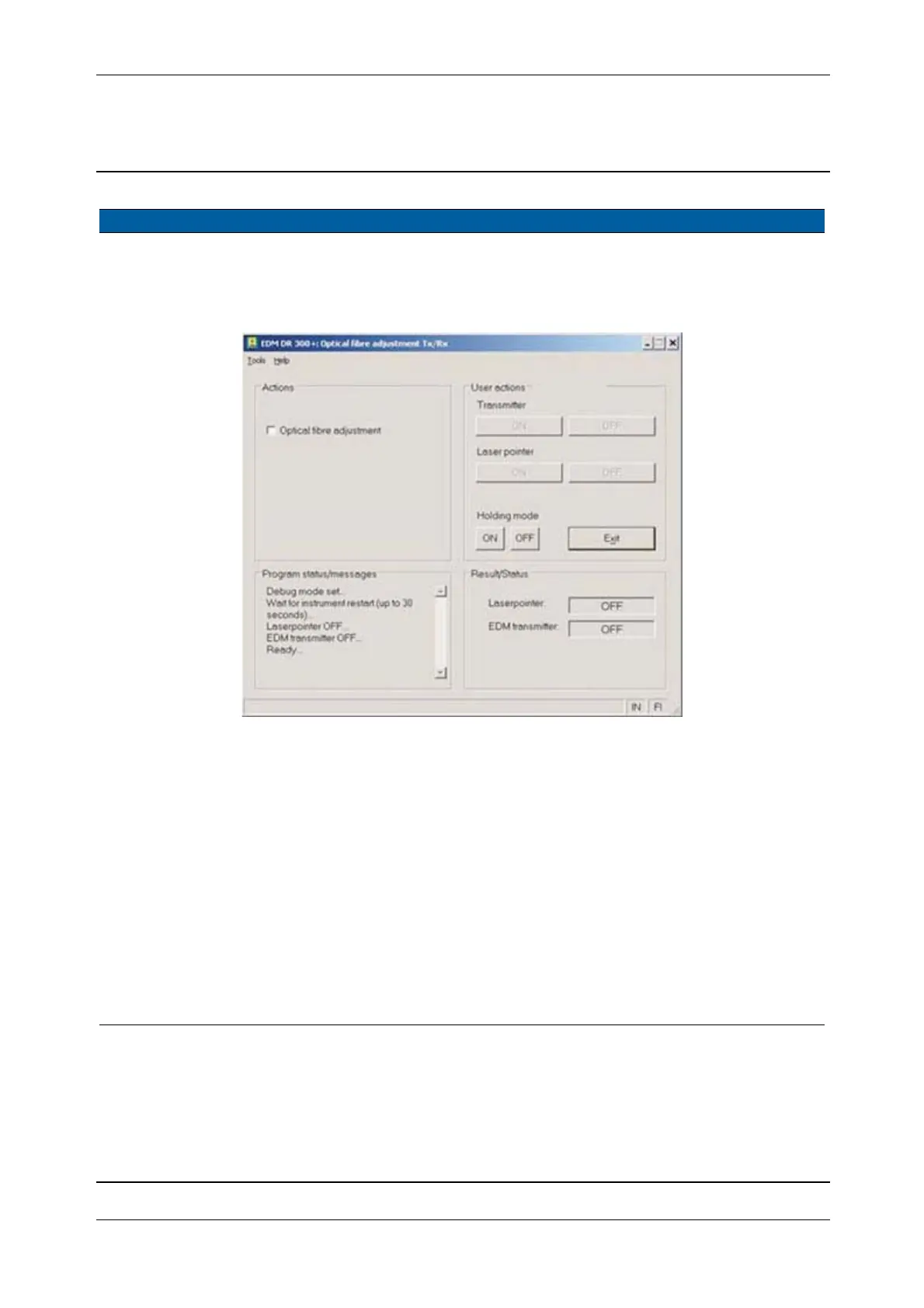
4 Start service software. Select Optical fibre
adjustment
from EDM in
Maintenance & Service.
Fig. 6-54 Optical fibre adjustment software
5 Verify that the
collimator is aligned to
the instrument.
See “Collimator
alignment” on page 6-32.
6 Preparation of the fibre
adjustment.
A. Aim the instruments
cross-hair to the
collimator cross-hair.
B. Click Holding mode
ON.
C. Click Transmitter
ON.
D. Adjust the light
intensity by moving
the Greyfilter, see Fig.
6-55 on page 6-62 and
see Fig. 6-56 on page
6-62 .
The spot of the
Transmitter will
appear on the
monitor.
Move the Greyfilter
from the left to right
for best image.
Item Performance Description Result Notes



 To Next Page