Chapter 6
Adjustment and verification
Trimble S, VX, SPS & RTS Service Manual6 - 62 P/N 57150002, Revision 5.0
F
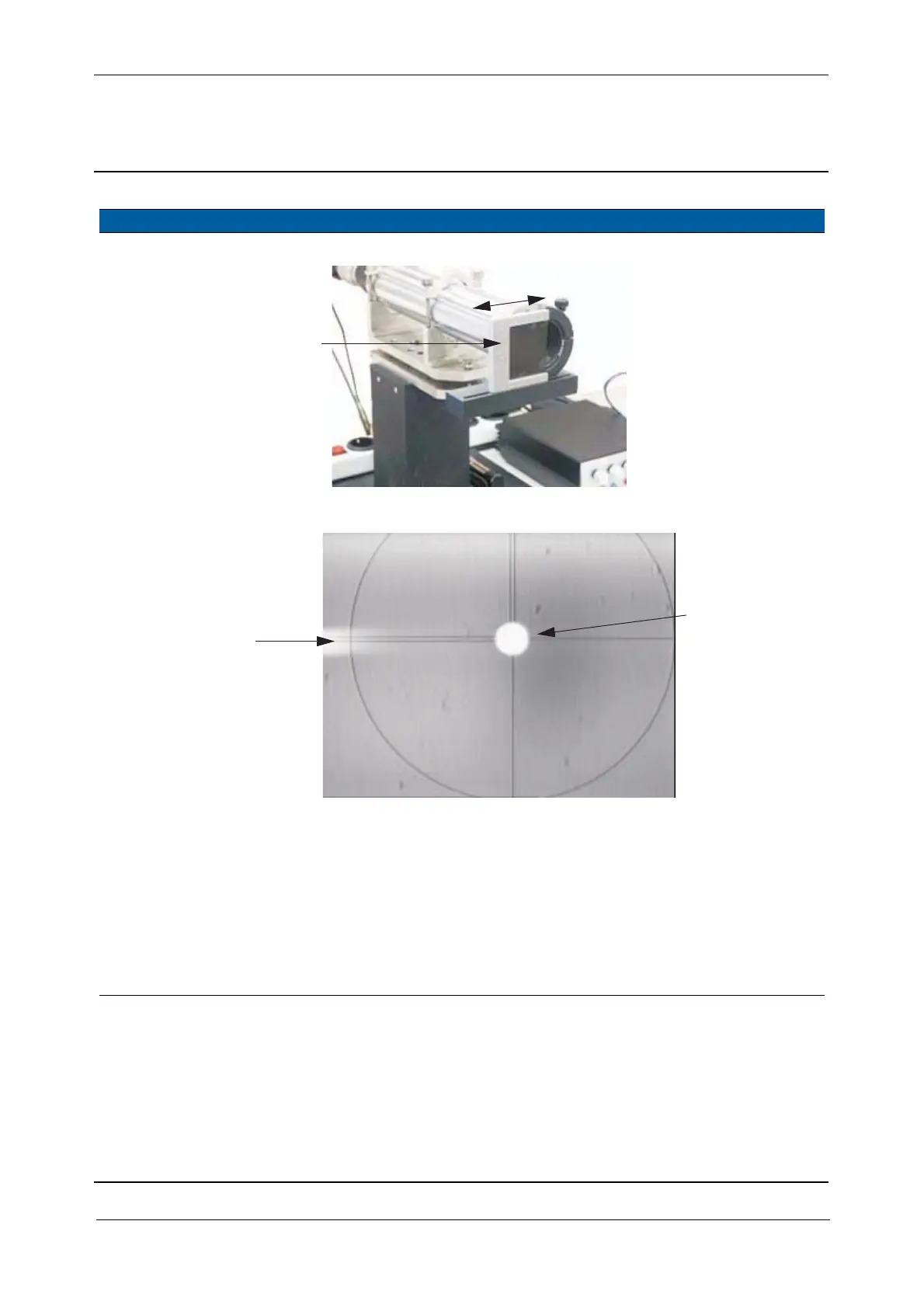
Fig. 6-55 Adjust attenuator Greyfilter TX
Fig. 6-56 Transmitter Laser spot
7 Focus transmitter
fibre.
A. Loosen the locking
screw.
B. Grip the transmitter
ferule with the
tweezers, see Fig. 6-
57 on page 6-63 and
move it in and out
until the image of the
fibre is sharp see Fig.
6-56 on page 6-62
Use tweezers with
cushioned tips.
Item Performance Description Result Notes
D
When this halo
Transmitter fibre
appears the
image is optimized



 To Next Page