Chapter 6
Adjustment and verification
Trimble S, VX, SPS & RTS Service Manual6 - 70 P/N 57150002, Revision 5.0
F
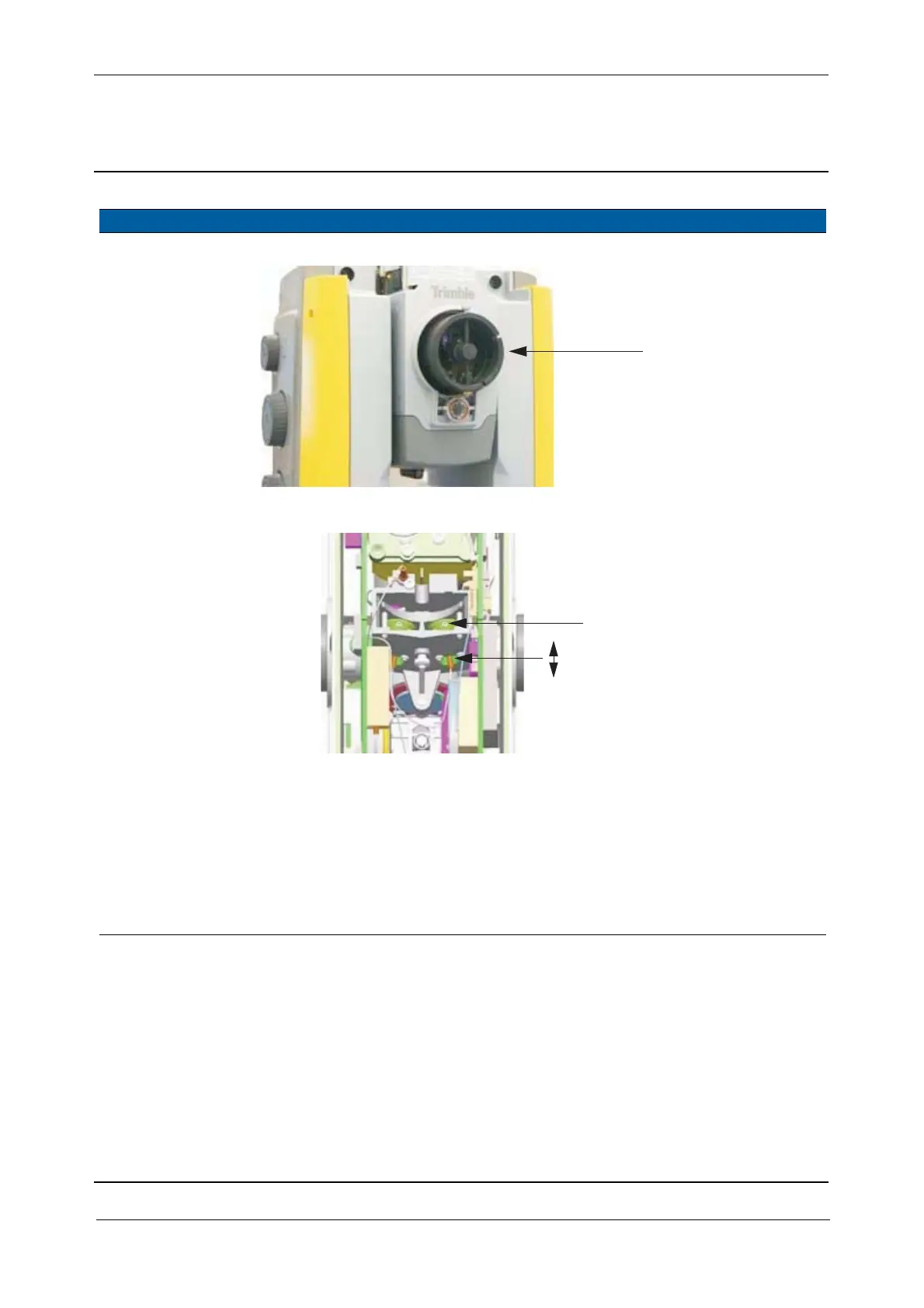
Fig. 6-71 Attachment of Illumination RX S6/5600 tool
Fig. 6-72 Focusing receiver fibre
9 Align receiver fibre. A. Turn the two position
screws counter-
clockwise, until the
fibre is unaligned.
B. Turn the two position
screws clockwise, see
Fig. 6-73 on page 6-71
until the fibre is
aligned.
Within 1
graduation on
the collimators
cross-hairs.
Item Performance Description Result Notes
A
B
C



 To Next Page