Chapter 6
Adjustment and verification
P/N 57150002, Revision 5.0 6 - 91 Trimble S, VX, SPS & RTS Service Manual
F
Item Performance Description Result Notes
Collimator 79592001
1 Prepare instrument
and collimator.
A. Mount the instrument
on to the Collimator
bench.
B. Set the collimator
wave length to 2.
C. Verify collimator
alignment, see page 6-
32.
Transmitter, receiver
boards and fibres are
mounted, cables are
connected.
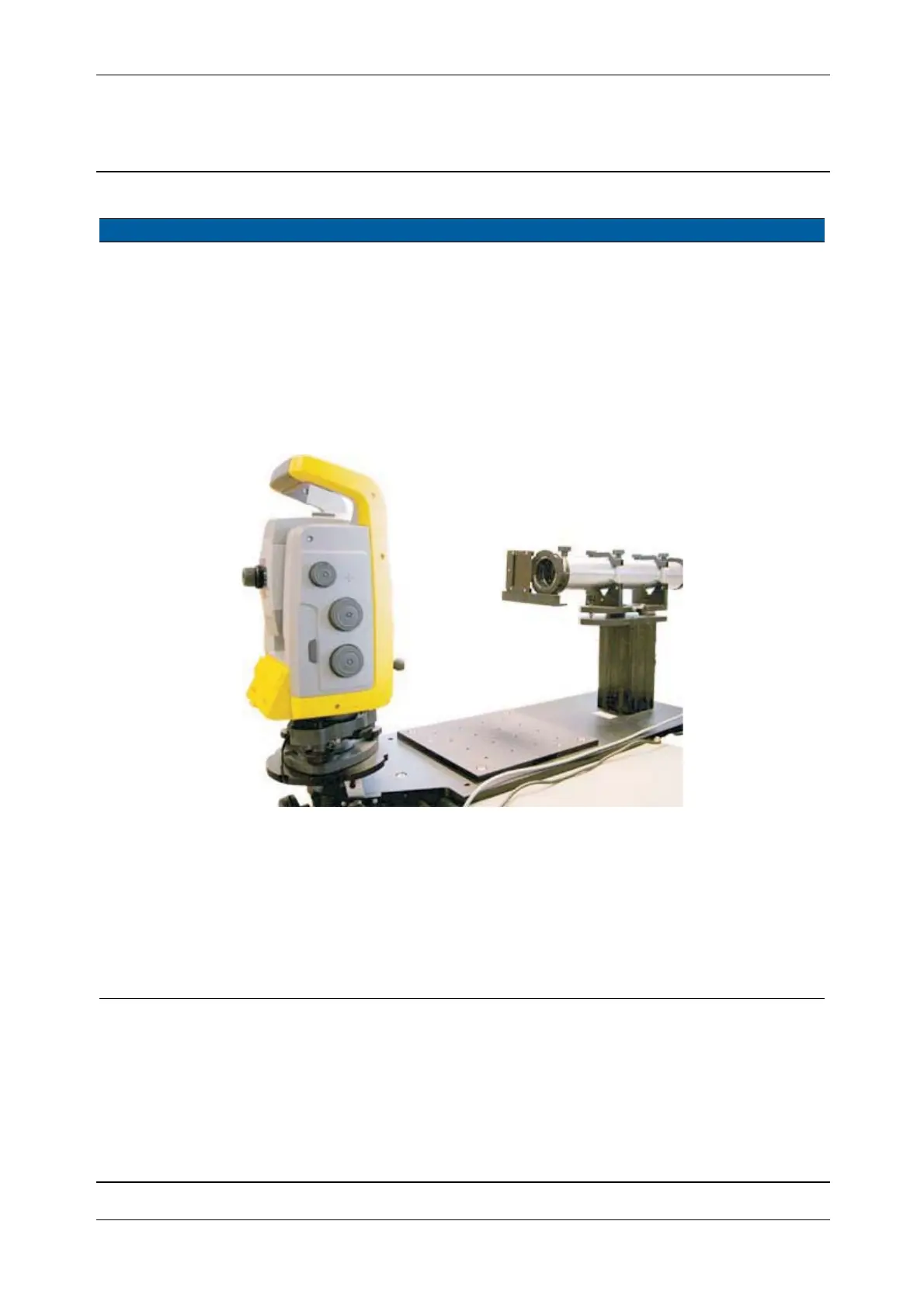
Fig. 6-99 Set-up for 79592001 collimator
GDM collimator T71601480
1 Preparing instrument
and collimator.
A. Place the instrument in
Instrument holder.
B. Adjust the height on
the instrument holder.
C. Mount the reticle
illumination and
connect to max. 5V
DC.
Transmitter, receiver
boards and fibres are
mounted, cables are
connected.



 To Next Page