Chapter 6
Adjustment and verification
Trimble S, VX, SPS & RTS Service Manual6 - 106 P/N 57150002, Revision 5.0
F
3 Start service software
and mount tools.
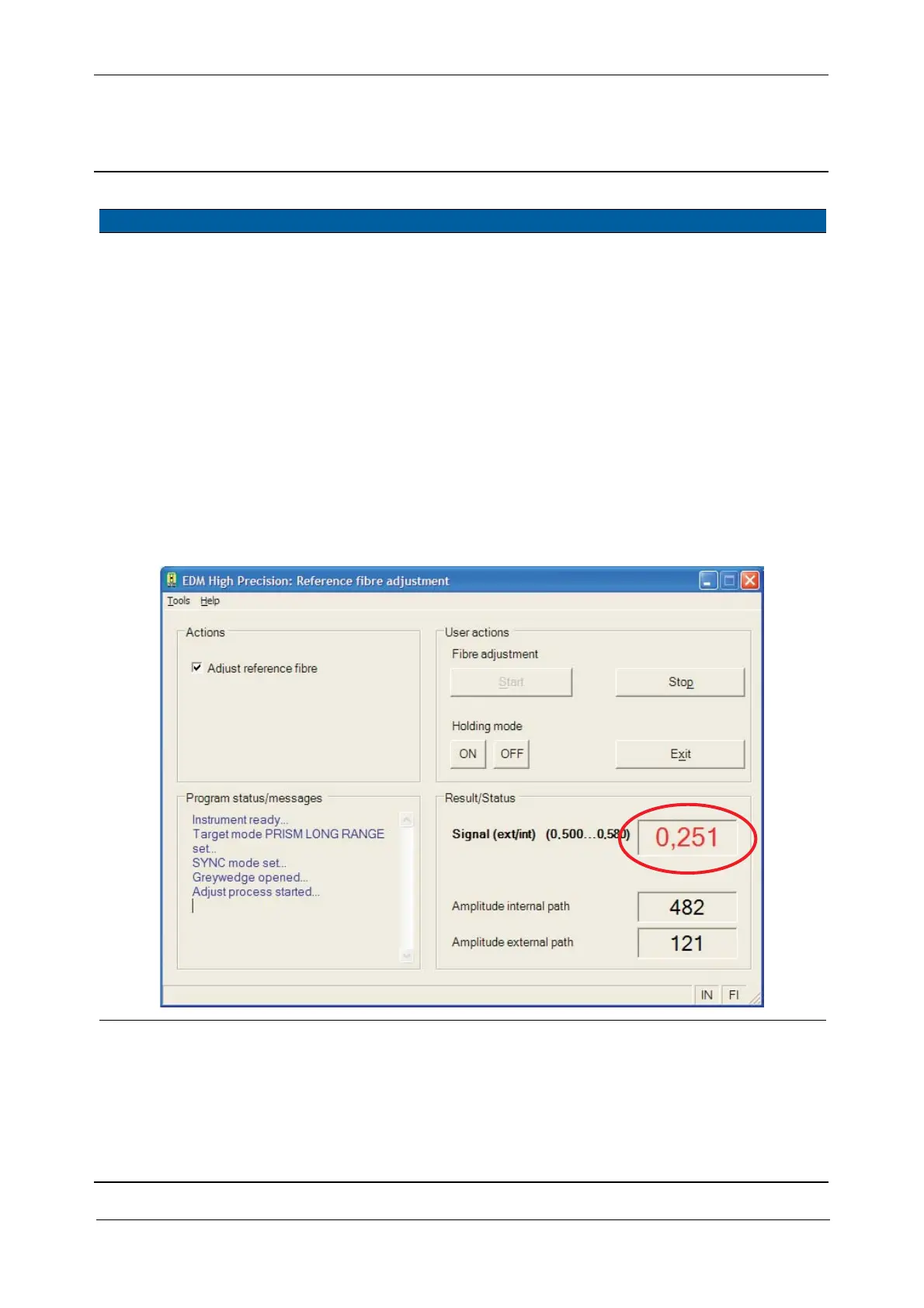
A. Select Reference fibre
adjustment
from from
EDM High Precision in
Maintenance & Service.
B. Select Adjust reference
fibre
check box.
C. Click
Holding mode
ON.
D. Mount Adapter S6
EDM High Precision
and Scattered light
device on the front
lens, see Fig. 6-124 on
page 6-110 .
E. Click Fibre adjustment
Start.
Fig. 6-119 Adjustment reference fibre High Precision / DR Standard
Item Performance Description Result Notes



 To Next Page