EasyManua.ls Logo

Trimble S - Page 457

Default Icon
596 pages
Print Icon
To Next Page IconTo Next Page
To Previous Page IconTo Previous Page
Loading...
Chapter 6
Adjustment and verification
P/N 57150002, Revision 5.0 6 - 121 Trimble S, VX, SPS & RTS Service Manual
F
Item Performance Description Result Notes
1 Start up instrument /
PASS.
See page 7-3 how to set-
up the instrument.
2 Start the offset
determination
Select
EDM offset
determination
from EDM
High Precision
in
Maintenance & Service.
3 Select Baselines.
Note – If baselines
already have been
selected, jump to item
6.
A. Select
Select base
lines
check box.
B. Click
Baselines
button.
The dialogue
“Baselines
selection” will
appear see Fig.
6-135 on page
6-122 .
Baseline selection can
be done without an
instrument connected.
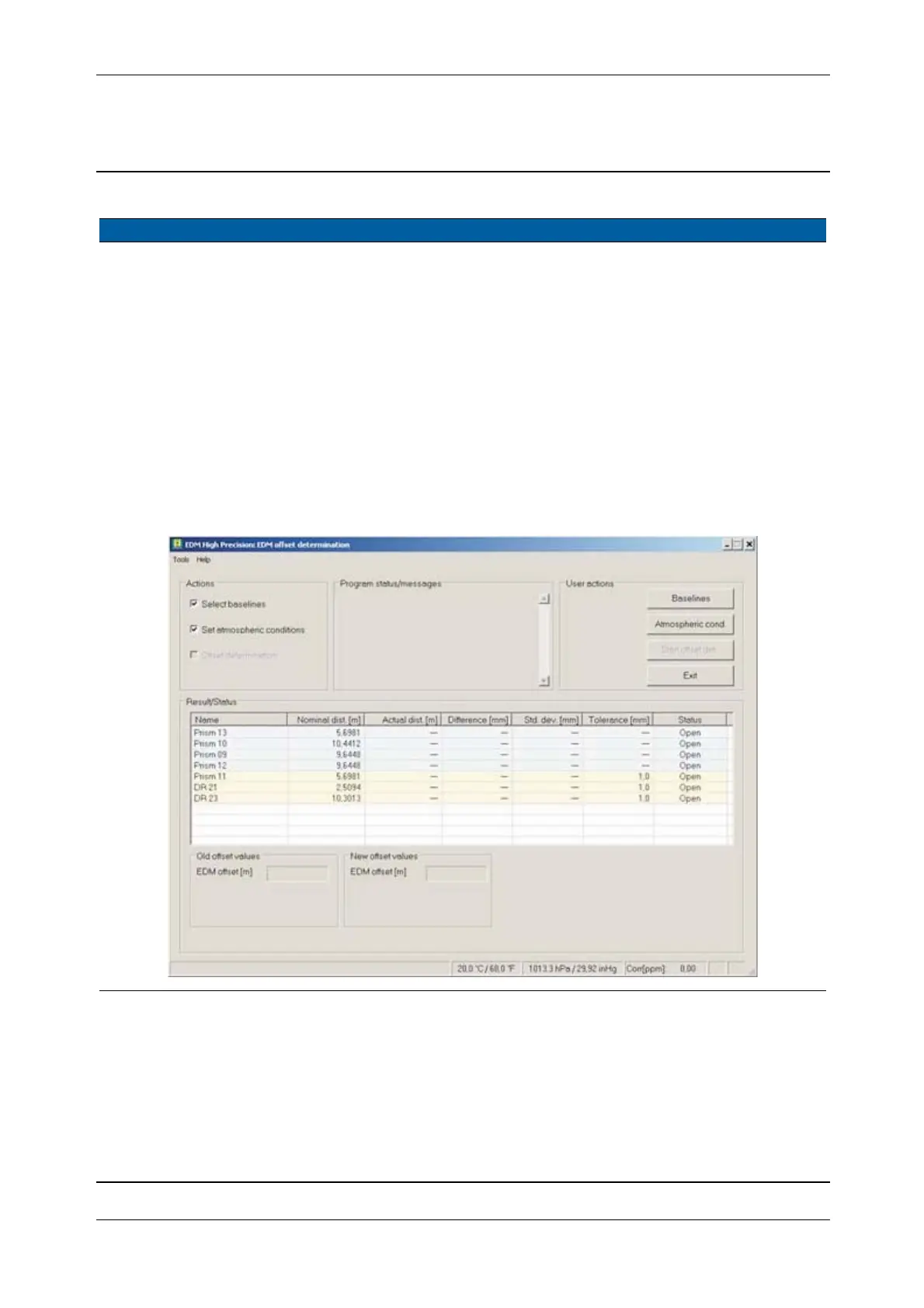
Fig. 6-134 EDM High Precision/DR Standard offset determination

Table of Contents

Related product manuals