Chapter 6
Adjustment and verification
Trimble S, VX, SPS & RTS Service Manual6 - 150 P/N 57150002, Revision 5.0
F
4 Find adjustment
position.
A. Turn the instrument
towards a prism at a
0,5m distance.
B. Click Holding mode
ON.
C. Adjust the cross-hair to
the centre of the prism,
see Fig. 6-162 on page
6-150 .
Do not touch focusing
knob.
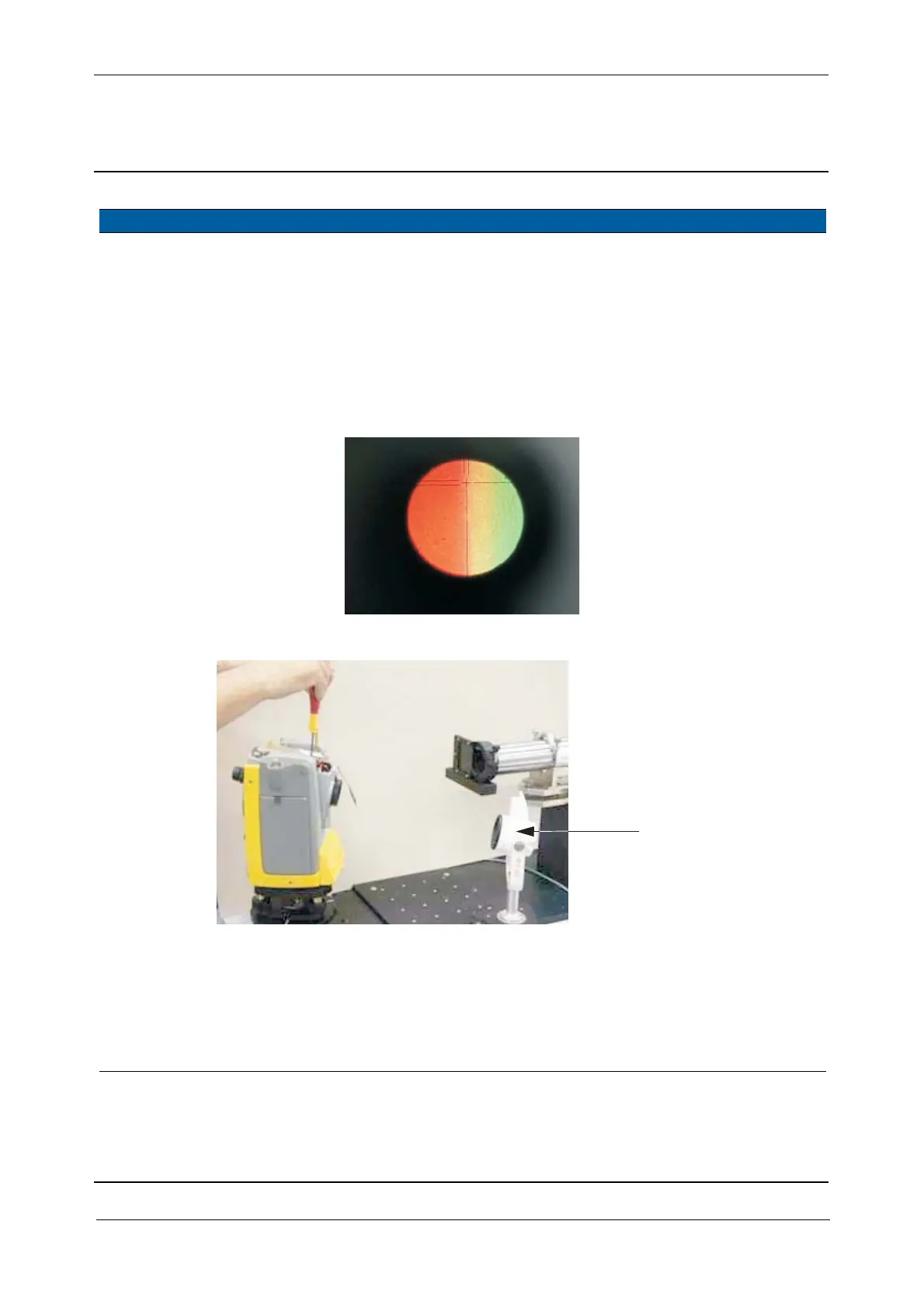
Fig. 6-162 Tracklight image, visible through the eyepiece
Fig. 6-163 Tracklight adjustments
5 Align tracklight. A. Lose the screws
slightly.
B. Move the tracklight
group until the boarder
line between red/green
field is in aligned with
the vertical cross-hair.
25 Ncm. Note: use only green
light for easier
alignment.
Item Performance Description Result Notes
Reflector



 To Next Page