7. System Setup
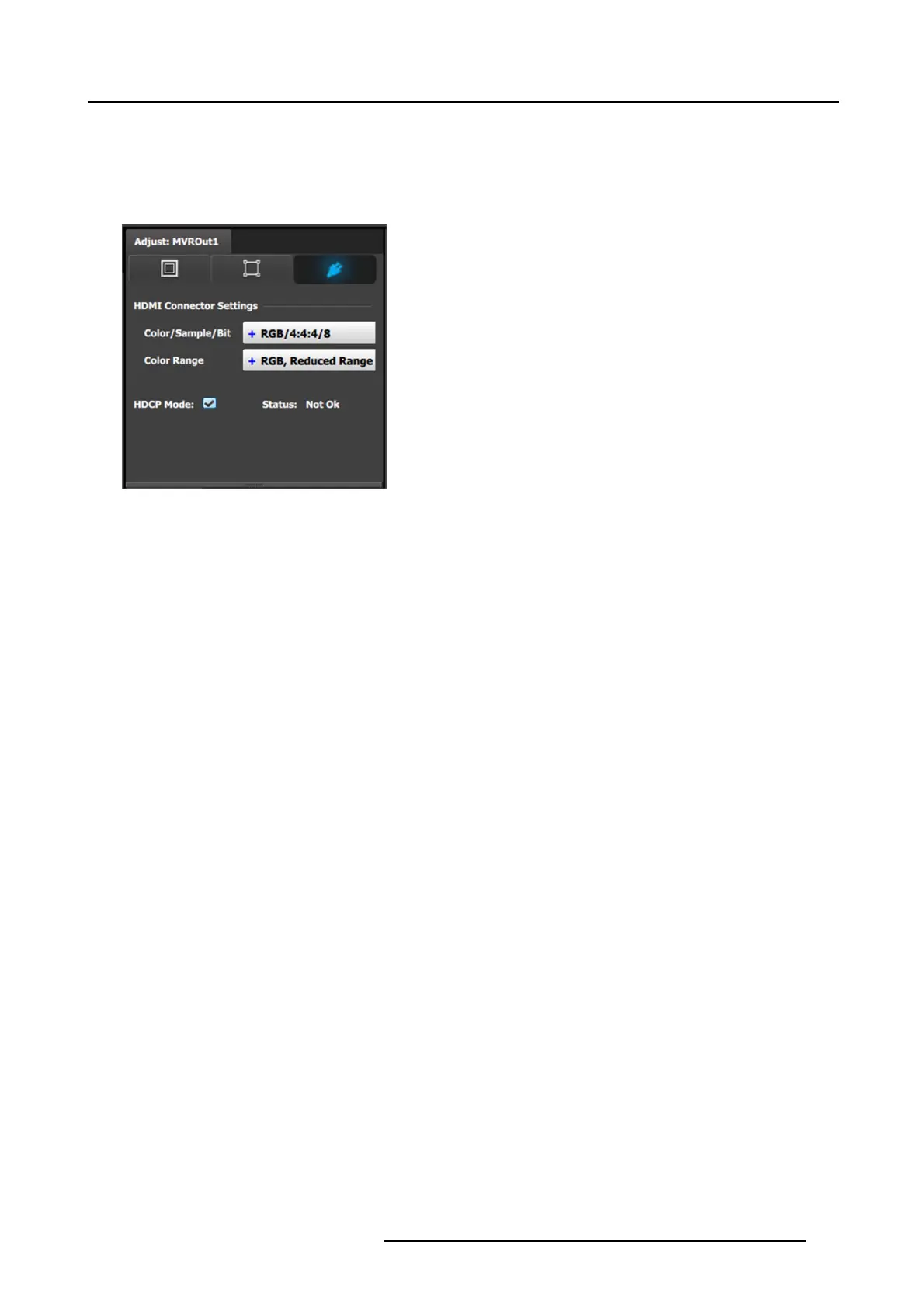
7. [Connector tab] S elect Color sp ace and Sample bit depth available as reported from the EDID of the Device.
8. [Connector tab] Change Connector capacity as long as the connector is not included in a Destination.
9. [Connector tab] Select HD CP Mode On or Of f.
The default for HDM I outputs is Off. To turn On the HDCP Mode, click on the em pty checkbox. When the checkbox displays a
check mark, HD CP M ode is O n. HDCP Mode is not applicable to SDI outputs.
Image 7-3
Adjust MVR panel—Connector
R5905948 EVENT MASTER DEVICES 17/07/2017 235



 To Next Page