10. Controller orientation
10.8 Use of color
General
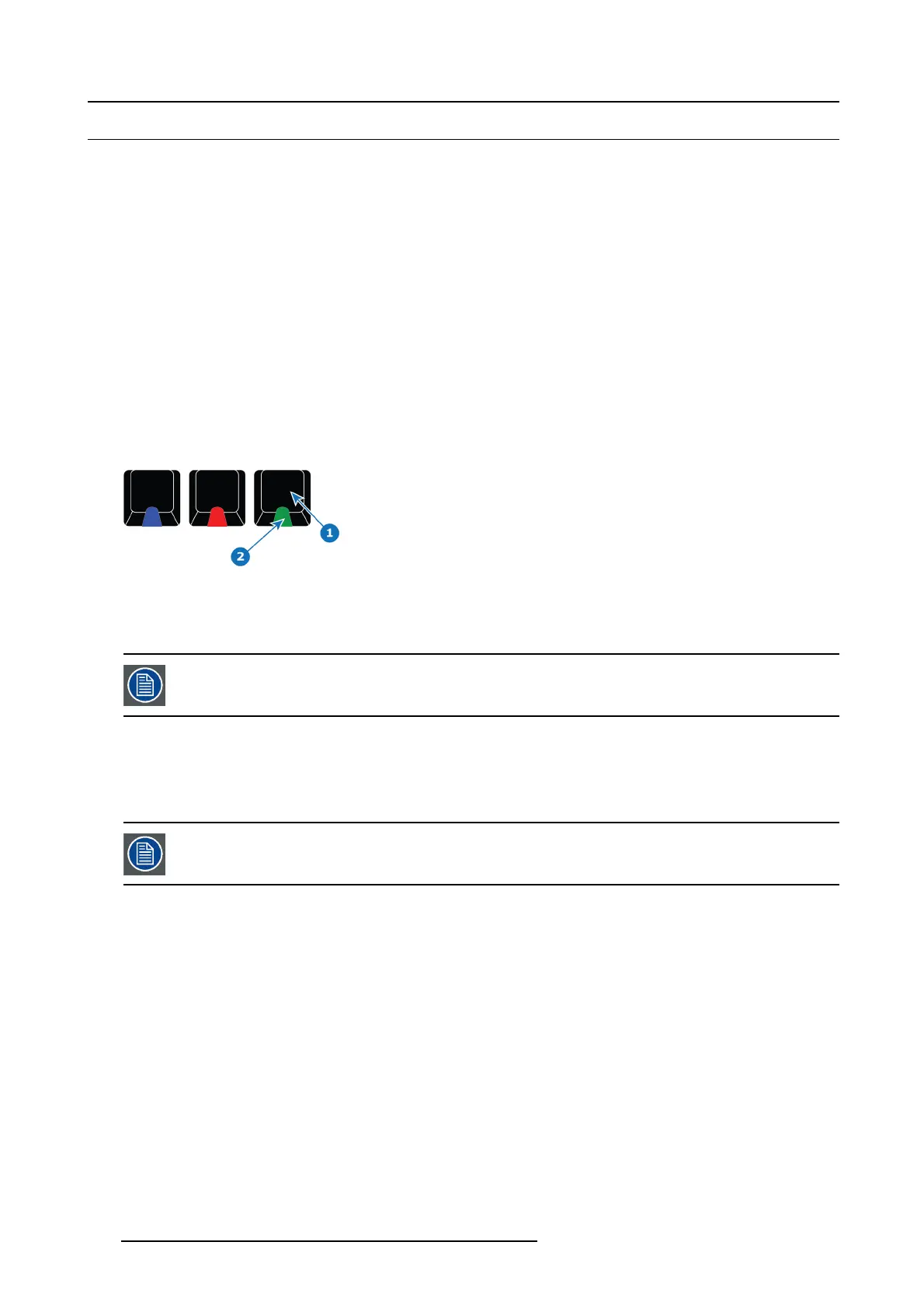
The unit h as several colored buttons and led indications which s upport the user by indicating selections and possible actions.
Button color
• Blue buttons indicate the Freeze function.
• Green buttons indicate a layer selection or an ac tion to a laye r selection.
• Red buttons always indicate Transitions.
• Yellow indicate save functionality.
• Black is neutral.
Led Color in buttons
• Blue indicates s elected in destination buttons.
• Green indicates tha t the lay er on preview is s elected (Normal).
• Green can also indic ate that the buttons function has an opposite function or other mode.
• Red indicates that the layer on program is selected (Live or Unlocked Program ).
• Red can also indicate that the b uttons function is selected / active, like T-Bar Disable.
Image 10-8
1 B utton
2LED
Backlight color for display
Applies to an entire row of displays.
• Source = Yellow backlight.
• User Key = Magenta backlight.
• Background S ource = G reen backlight.
• Preset = White backlight.
A Red backlight is reserved for LOS (Loss Of Signal).
294 R5905948 EVENT MASTER DEVICES 17/07/2017



 To Next Page