13. E2 Maintenance
13.32 Rear Rack Ears
Concerned parts
R767273K
Connector protector
Necessary tools
1 x Phillips Screwdriver #2
How to remove Rear Rack-Ears
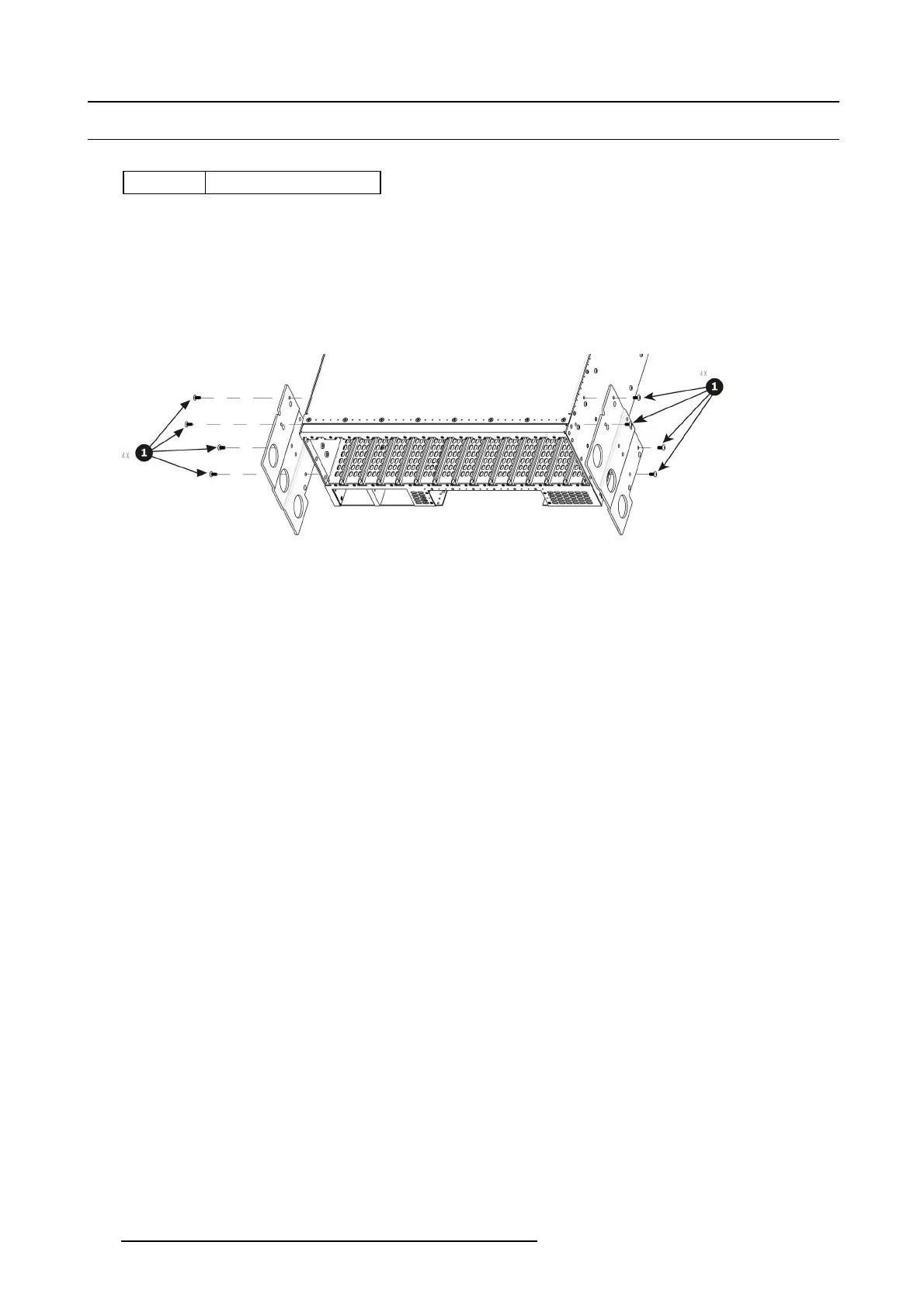
1. Remove the eight pan head screws (8-32x.31), four from eac h side, to detach the rear rack ears and connector protectors from
the unit.
Note: You don’t need to remove the rear rack ears to access any other part of the unit.
Image 13-88
How to install Rear Rack-Ears
To install the Rear Rack-Ears follow the sam e procedure in the revers
e order.
408
R5905948 EVENT MASTER DEVICES 17/07/2017



 To Next Page