13. E2 Maintenance
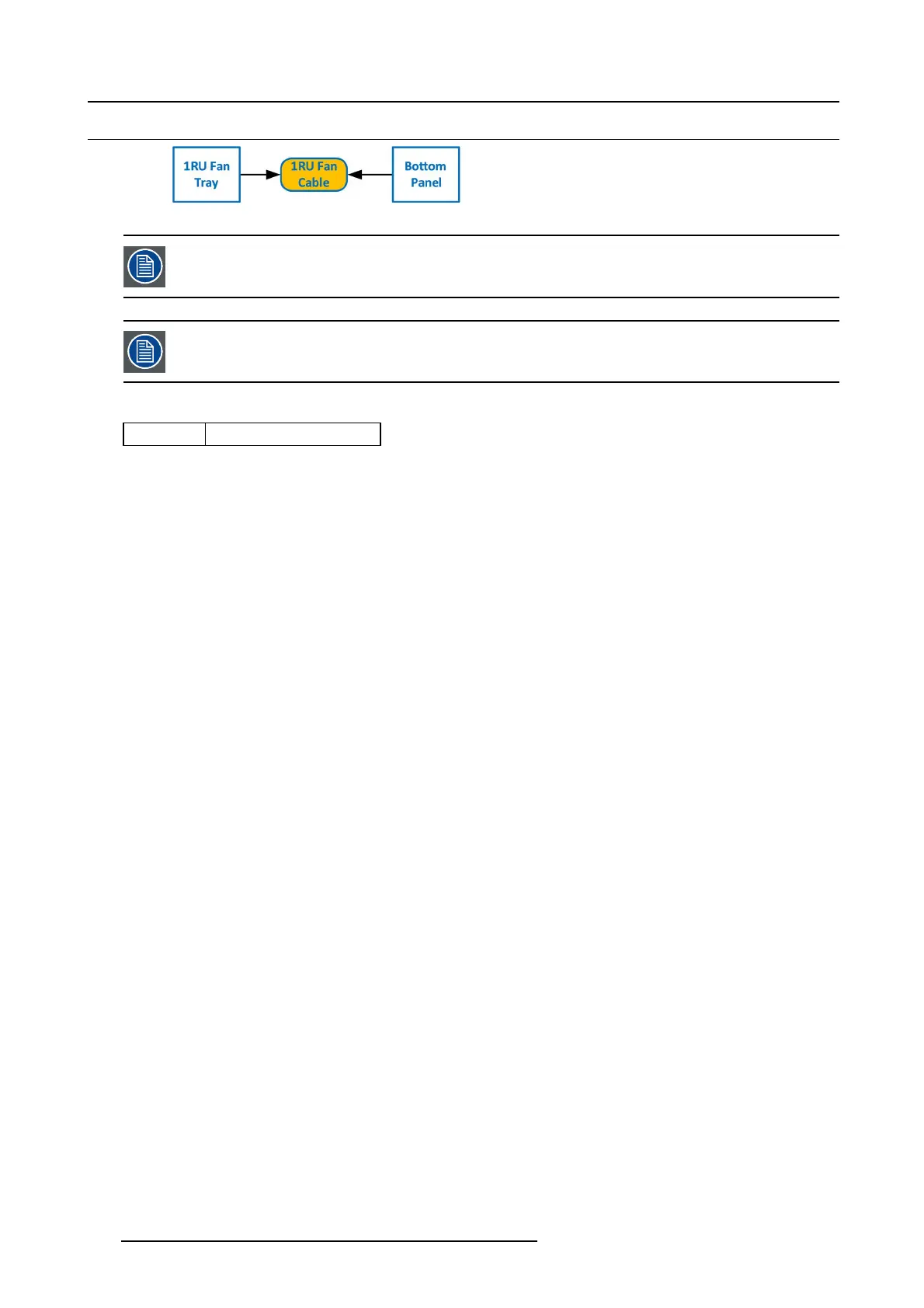
13.31 1RU Fan Cable
Image 13-82
The 1RU ca ble assembly provides power to the 1RU fans from the System- Pow er board.
One side of the cable is attached to a m etal bracket t hat is acce ssible after the 3RU and the 1RU fan trays are
removed. The other sid e of the cable assembly connects to the System -Power b oard and is accessible when
the bottom panel is remo ved.
Concerned parts
R767269K
Cable K it S et
Necessary tools
• 1 x Phillips Screw driver #2
• Hex Sc re w driver
How to remove the 1RU Fan cable
1. Make su re the unit is placed in the upright position and the 3RU and 1RU fan trays are r emoved.
2. Locate the 1RU ca ble connector that is exposed afte r the 1RU fan tray is removed. The connector is attached on a metal bracket
that is horizontally mounted in the chassis.
404
R5905948 EVENT MASTER DEVICES 17/07/2017



 To Next Page