13. E2 Maintenance
13.14 Front Panel Board
Image 13-33
Concerned parts
R767260K Front Panel Boar d
Necessary tools
1 x Phillips Screwdriver #2
How to remove the Front Panel Board
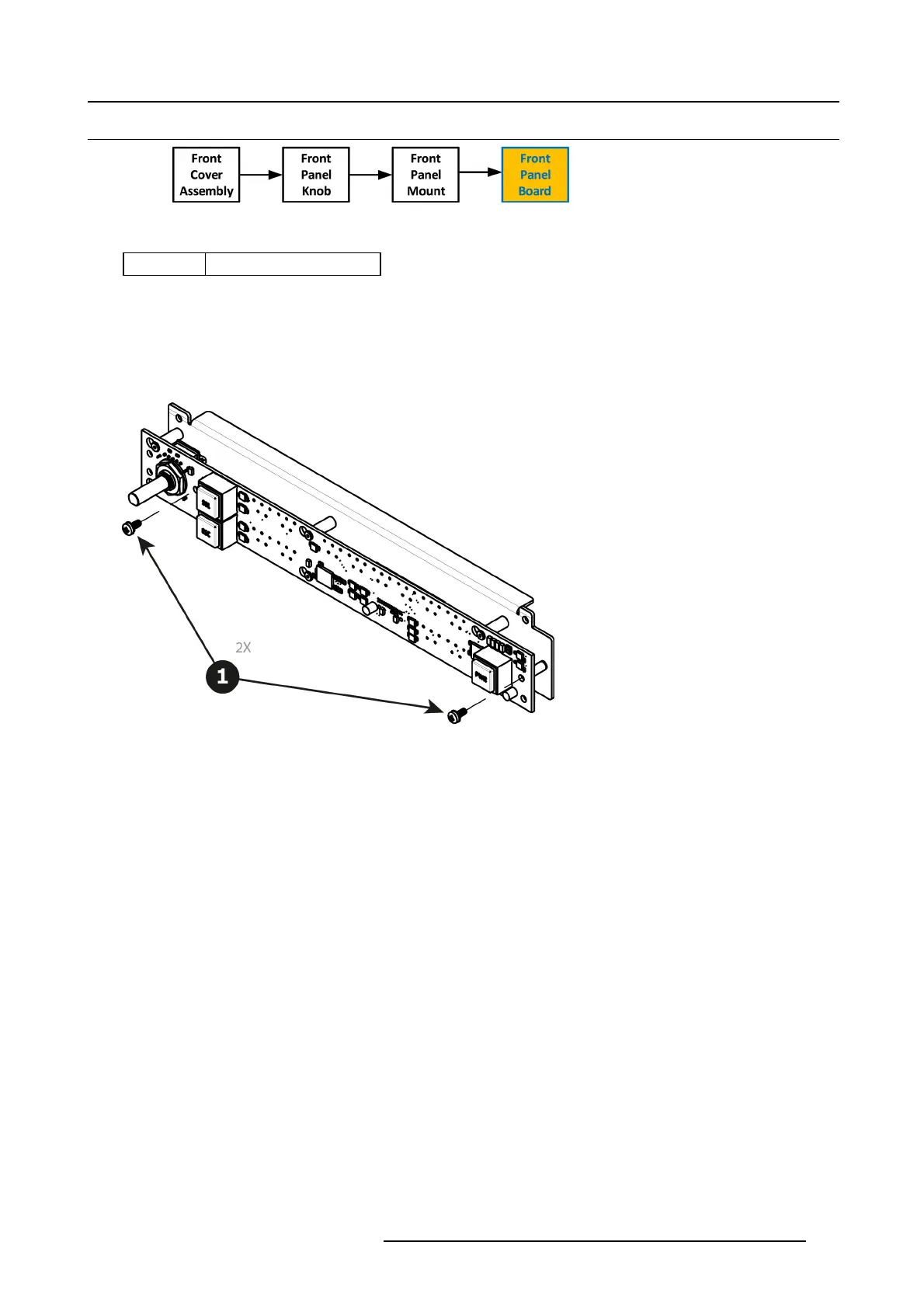
1. Remove the two screws ( 4-40X.25) that secure the PCB to the front mount.
Image 13-34
2. Move the PCB to the right and then out to release it from the m ount.
R5905948 EVENT MASTER DEVICES 17/07/2017
369



 To Next Page