5. Front Panel Menu orientation
Answering a menu query
The SEL button is use d to answer Yes to certain me nu queries. The ESC button is used to answer No to m enu queries. Sometimes
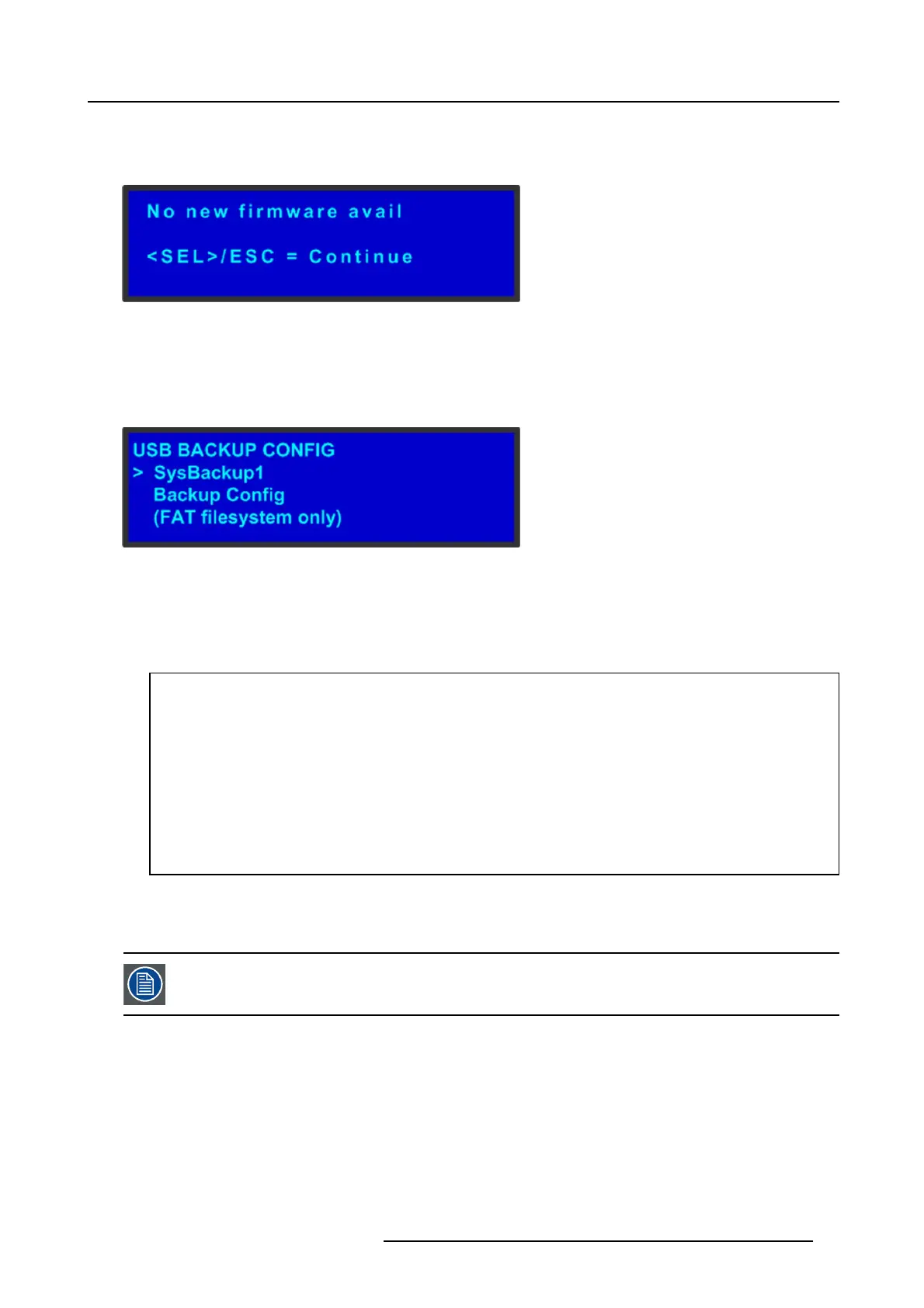
the two buttons are appr opriate for answer to a m enu queries. The follow ing illustration sho w s an exam p le of a menu query.
Image 5-4
Validation error message
Edit name
Sometimes, it is necess ary to edit name, like the nam e of a c onfiguration file, for example. To modify name use the following
procedure:
1. Navigate to submenu (For ex ample, the following illustration shows the USB Backup Config submenu).
Image 5-5
USB B ackup Config submenu
The navigator cursor (>) is at the field targeted.
2. Press SEL
The navigation cursor changes to the edit cursor. A blank field for the first character becom es available and this fie ld is mark ed
by an un derscore.
3. Use the ADJUST knob to scroll to the first character you want to use for the format name.
Turning the ADJUST knob clockwise on ce moves to the nex t letter of the alphabet. If you start w ith an upper-case letter,
as shown in the prece ding illustration, then the next letter is also a capital letter. If you start w ith a lower-case let ter, the
next letter is a lower-case letter:
-F–>G
-f–>g
If you start with a num ber, the next character is a n umber.
Continuing to turn the ADJUS T knob clockwise at the en d of the upper-case alphabet displays a series of punctuation marks
you can use in the format name.
Continuing to turn the knob clockwise at the end of the punctuation marks displays the lower-case alphabet in order.
When y ou reach the end of the lower-case alphabet, turn the
ADJUST knob counter-clockwise to s croll back through
the options in order.
4. Press SEL. The cursor mov es to the nex t character field, which is now blank with an underscore.
5. Repeat the previous s teps as many times as needed, pressing SEL for each character selection.
6. When you have selected all the characters, press SEL ag ain to save the name.
A file name can co nsist of up to 19 alpha-num eric characters.
R5905948 EVENT MASTER DEVICES 17/07/2017 67



 To Next Page