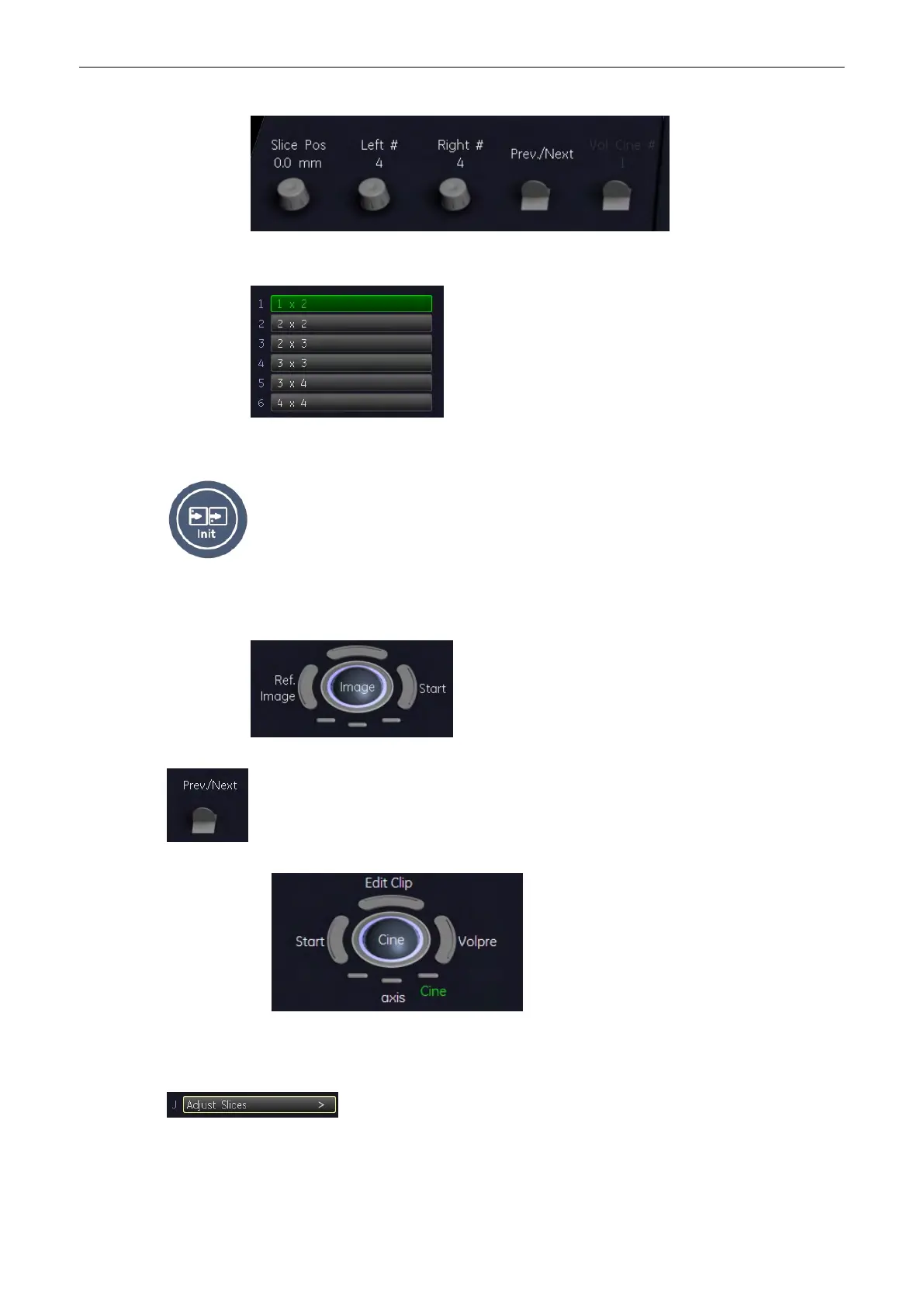
3. Select this key to select the number of slices displayed.
4. Select this key to display the “4D Volume Cine” menu. 'Volume Cine'
on page 9-98
Select this key to return into the initial position.
6. Select this key to select the reference image plane. The display on the monitor changes
accordingly.
7. Next/Previous plane is moved into view.
Shift plane inside display area.
8. Select the small keys below the trackball to select the trackball function. It activates the
respective function, Axis or Cine.
Select this key to adjust the distances between the indiviual slices. The “T.U.I
Adjust Slices” menu appears.
Following menu appears:
Volume Mode
Voluson® S6/S8 Basic User Manual
5433669-100 Revision 4 9-41



 To Next Page