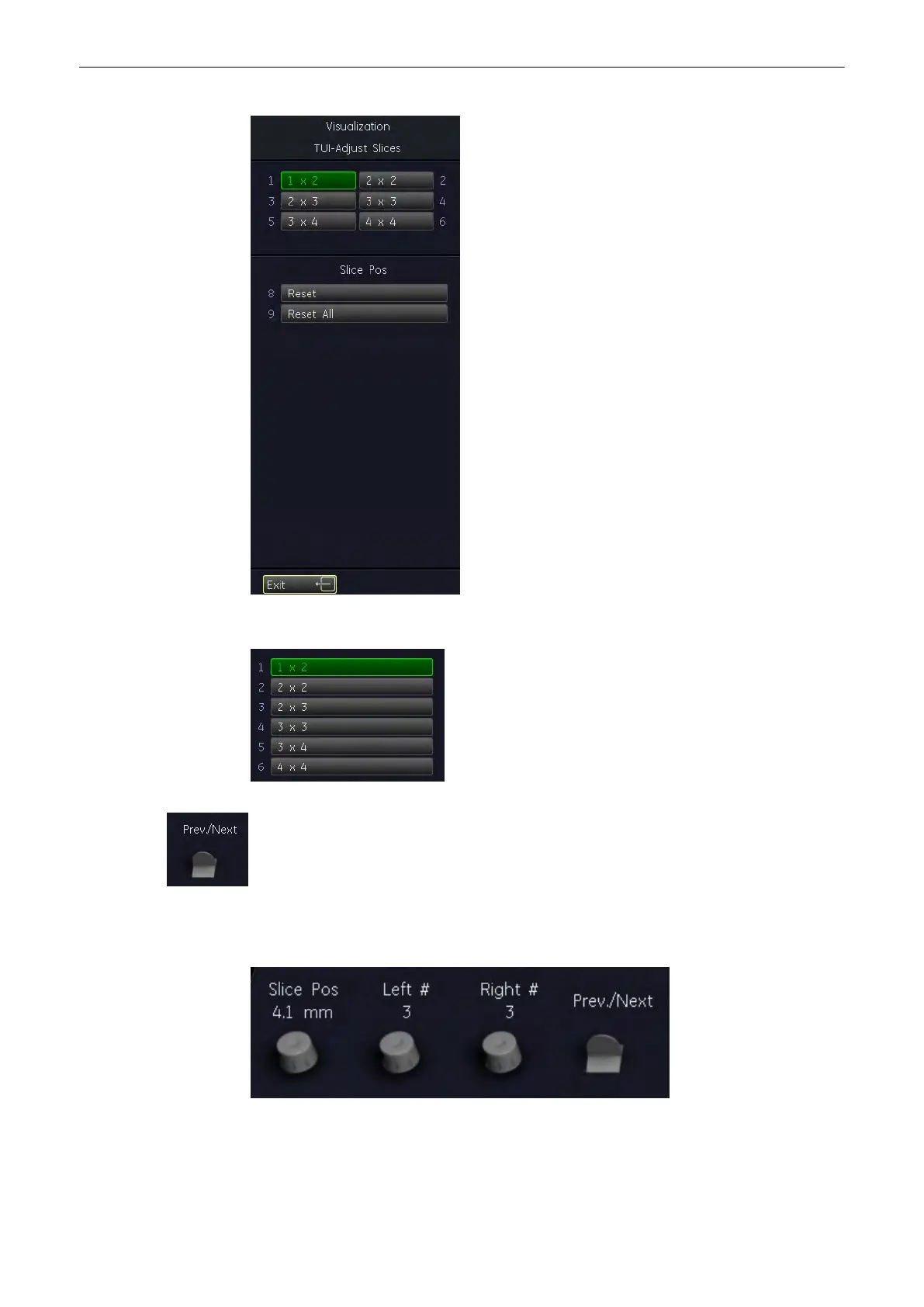
Select this key to select the number of slices displayed.
Next/Previous plane is moved into view. Shift plane inside display area.
Add/Reduce number of planes on the right and/or on the left side of the reference image and
the adjust the distance between slices (29 possible slices) with buttons below the menu area.
Select the [Reset] key to reset the position of the last slice.
Select the [Reset All] key to reset all slices.
Volume Mode
9-42
Voluson® S6/S8 Basic User Manual
5433669-100 Revision 4



 To Next Page