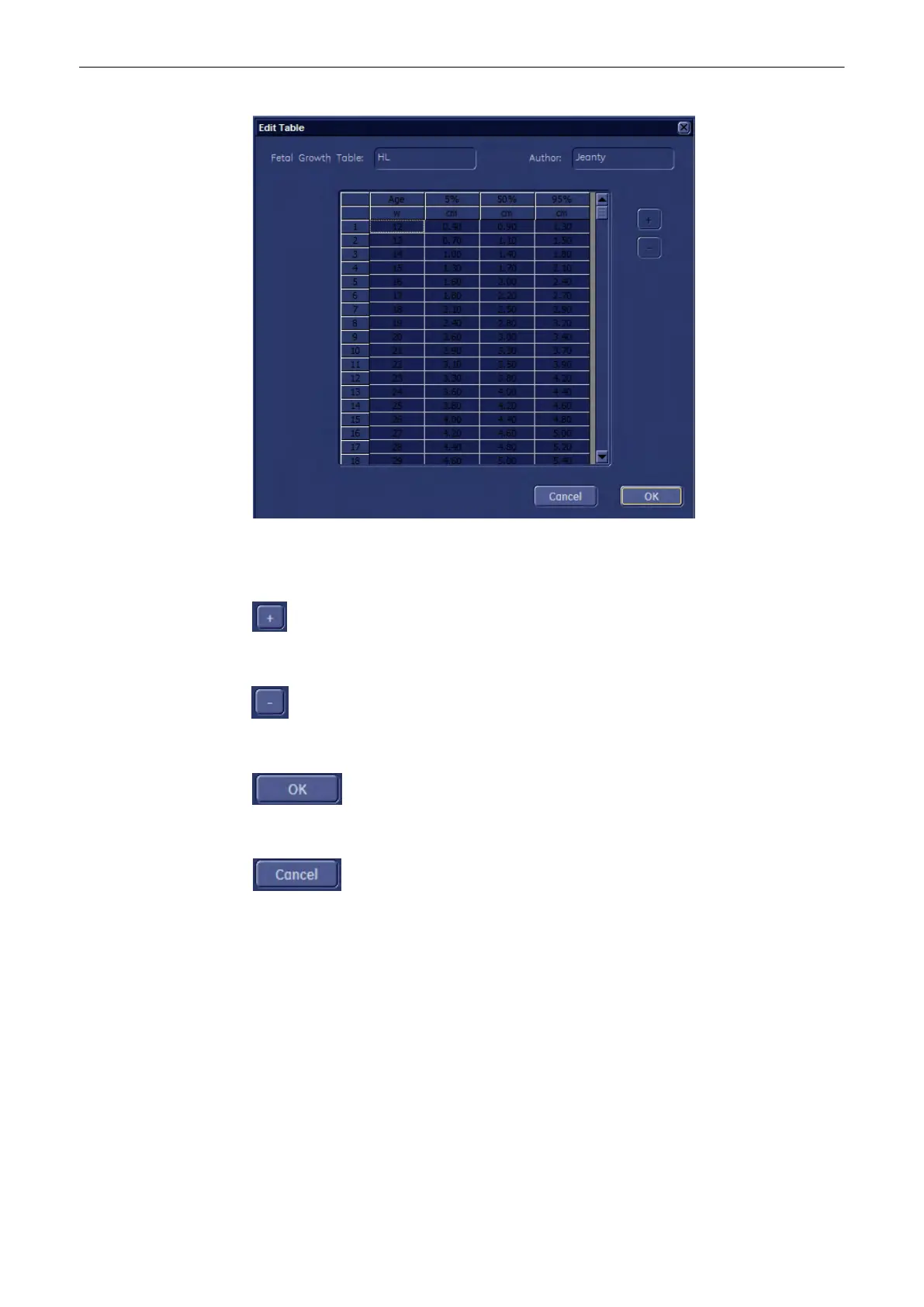
- Move the mouse pointer to the field desired and press the [Set] key (right trackball key).
- Type in the value and confirm with the [Enter] or the [Tab] key (keyboard).
Click [+] to add additional lines.
Click [-] to delete unwanted lines.
To save the values, click the [OK] button.
To exit without saving, click the [Cancel] button.
Measurements and Patient Worksheets (Reports)
Voluson® S6/S8 Basic User Manual
5433669-100 Revision 4 11-115



 To Next Page