Colorselect either Color,
Grayscale or Automatic
Image Sizeselect either Original or 640x480
2D Compressionselect either
NONE or JPEG
2D JPEG Qualityselect the desired JPEG-compression factor
Cine Compressionselect either
NONE or JPEG
Cine JPEG Qualityselect the desired JPEG-compression factor
Volume Compr.
Select None, lossless or
wavelet lossy
Volume Wavelet Qualityselect the desired Volume Wavelet Quality
DICOM Image Typeselect
either Default
1
or Secondary
capture
2
Send Image asRaw Data or
Image only
Send 2D Cine asRaw Data, Multiframe
or Screenshot
Send 3D Volume as select
either Voluson© S6/S8 Format
or Multiframe
Send 4D Cine as Voluson® S6/S8 Format
Send Measurements as
Choose a format sending
measurements via DICOM
Multiframe: FPS Limit Set the frames per second for stored 3D/4D
Choose between: - Unlimited - 50 - 40 - 30 - 20
Sets the entire STORE / STORE 3D settings to their pre-defined values which
are optimal for transmitting to PC with software “4D View”.
Sets the entire STORE / STORE 3D settings to their pre-defined values which
are optimal for transmitting to other DICOM stations.
Sets the entire STORE / STORE 3D settings to their pre-defined values which
are optimal for transmitting to ViewPoint.
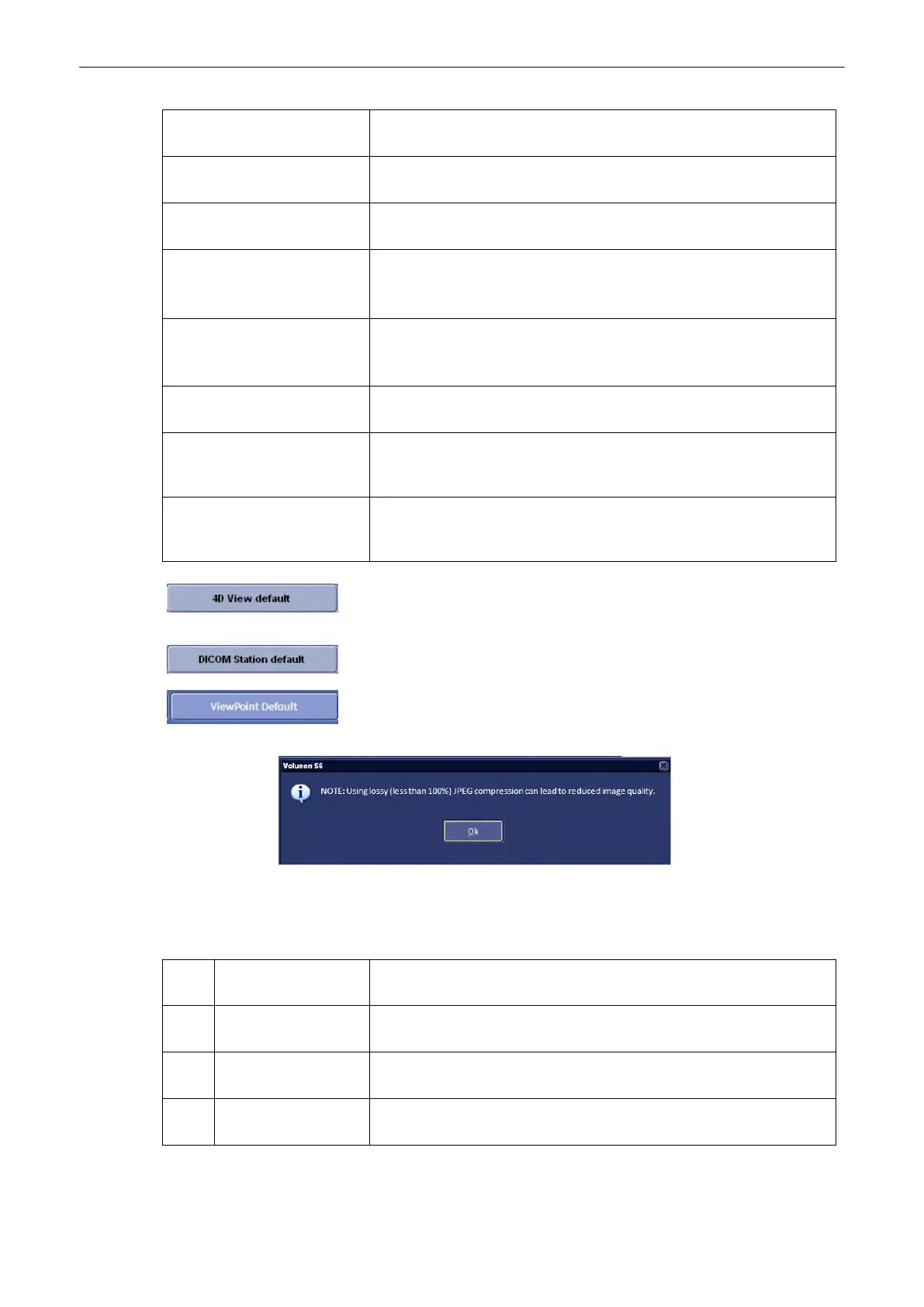
Ultrasound images are consuming a lot of the system’s memory resources. Therefore, the
JPEG-compression method can be applied to the images to reduce their size. When selecting
the JPEG-compression less than 100% a message appears.
1
Default single frame images will be sent as normal US DICOM files; screen
captures (e.g., Patient ID report) will be sent as secondary capture
2
second. capture all single frame images and screen captures will be sent as secondary
capture
* Voluson® S6/S8
Format
is an internal format that provides full functionality upon reloading into the
PC software “4D View”.
** Multiframe is a DICOM compatible format which allows 2D Cine review on most
DICOM platforms.
PRINT
Utilities and System Setup
Voluson® S6/S8 Basic User Manual
5433669-100 Revision 4 13-35



 To Next Page