If a USB device was not recognized you can reinstall it.
1.
Select the USB device from the list.
2. Press the [Reinstall Drive] Button .
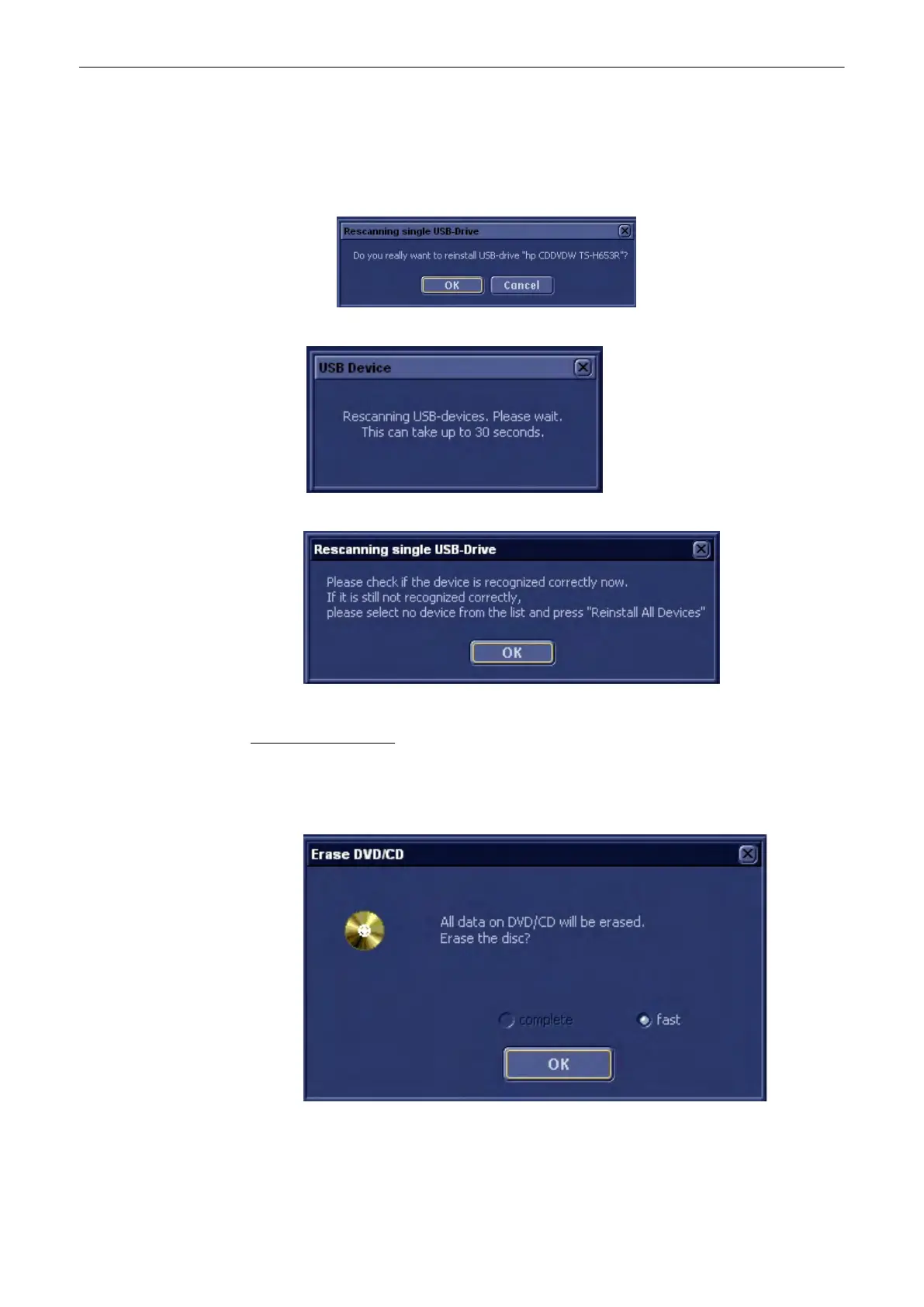
The following message appears.
3. Confirm with [OK]. The following dialog appears.
4. After the rescan, the following message appears.
5. Confirm with [OK].
To erase a CD or DVD:
1.
Insert a CD or DVD into the drive.
2. Press the [Erase CD/DVD] button
The following dialog appears.
A complete deletion of the DVD+RW and DVD-R is not available as those media will
thereby be destroyed.
3.
Press [OK] to accept or press [Cancel] to cancel the process.
Utilities and System Setup
13-46
Voluson® S6/S8 Basic User Manual
5433669-100 Revision 4



 To Next Page