•
Measure Setup Settings (user specific measure settings)
•
Voluson® S6/S8 settings (general settings such as language, time/date format and the
enabled options)
•
Windows Network Settings (network settings including the computer name)
•
Serviceplatform (state of the serviceplatform)
•
VP (additional system data)
All settings and patient data created since last full system configuration backup are NOT
backed-up! It is highly recommended to create a full system configuration backup of settings
and patient data regularly.
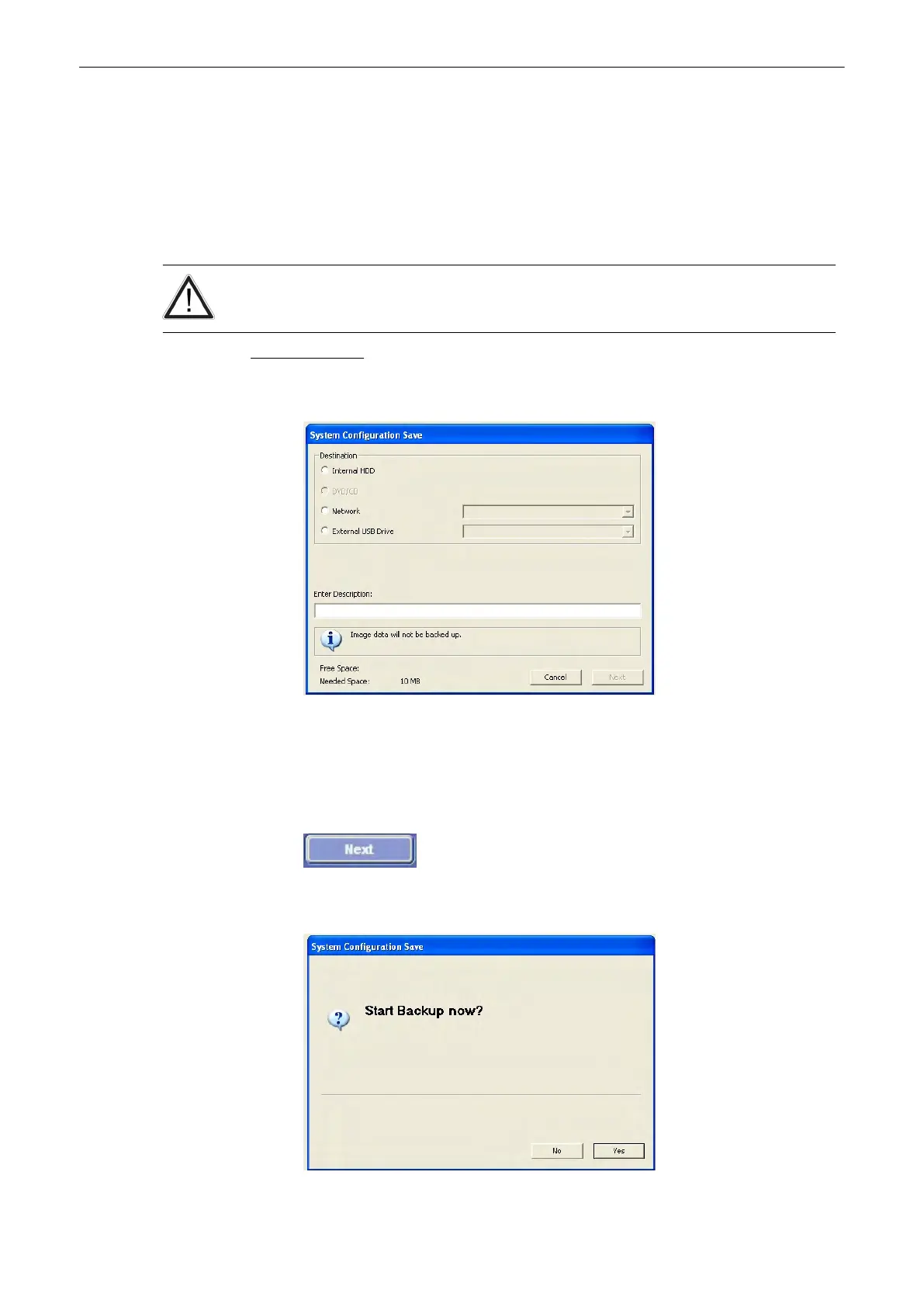
Saving procedure:
1. Click on the [Save] button of the “Full System Configuration” group in the System Setup -
Backup page. The Full System Configuration Save window is displayed.
2. Choose the destination (e.g., Network Drive).
3.
Enter description of the Full System Configuration.
4. If desired and possible, activate “Include Images” (check mark visible).
Note
This can be a large amount of data, up to 70 gigabytes!
5. Select the [Next] button.
6.
Confirm with [Yes] to start the backup process.
Utilities and System Setup
Voluson® S6/S8 Basic User Manual
5433669-100 Revision 4 13-51



 To Next Page