7. After copying the data,confirm the next message with [OK] to reboot the system and start
the application again.
EXIT: Exit without saving a backup.
Remarks:
•
It is possible to store more than one backup on a destination. The backups reside in
subfolders of the main “
fullbackup
”-folder found at the root of the drive (e.g., z:
\fullbackup). DO NOT modify this directory structure or any files within, otherwise the
backup data cannot be restored. For further details review:
Note for the Administration of
“Full System Configuration” Data
(chapter
'Cleaning and Maintenance'
on page 2-11
)
.
•
The “Include Images” checkbox is only active, if destination “Network Drive” or “Other
drive” is selected.
•
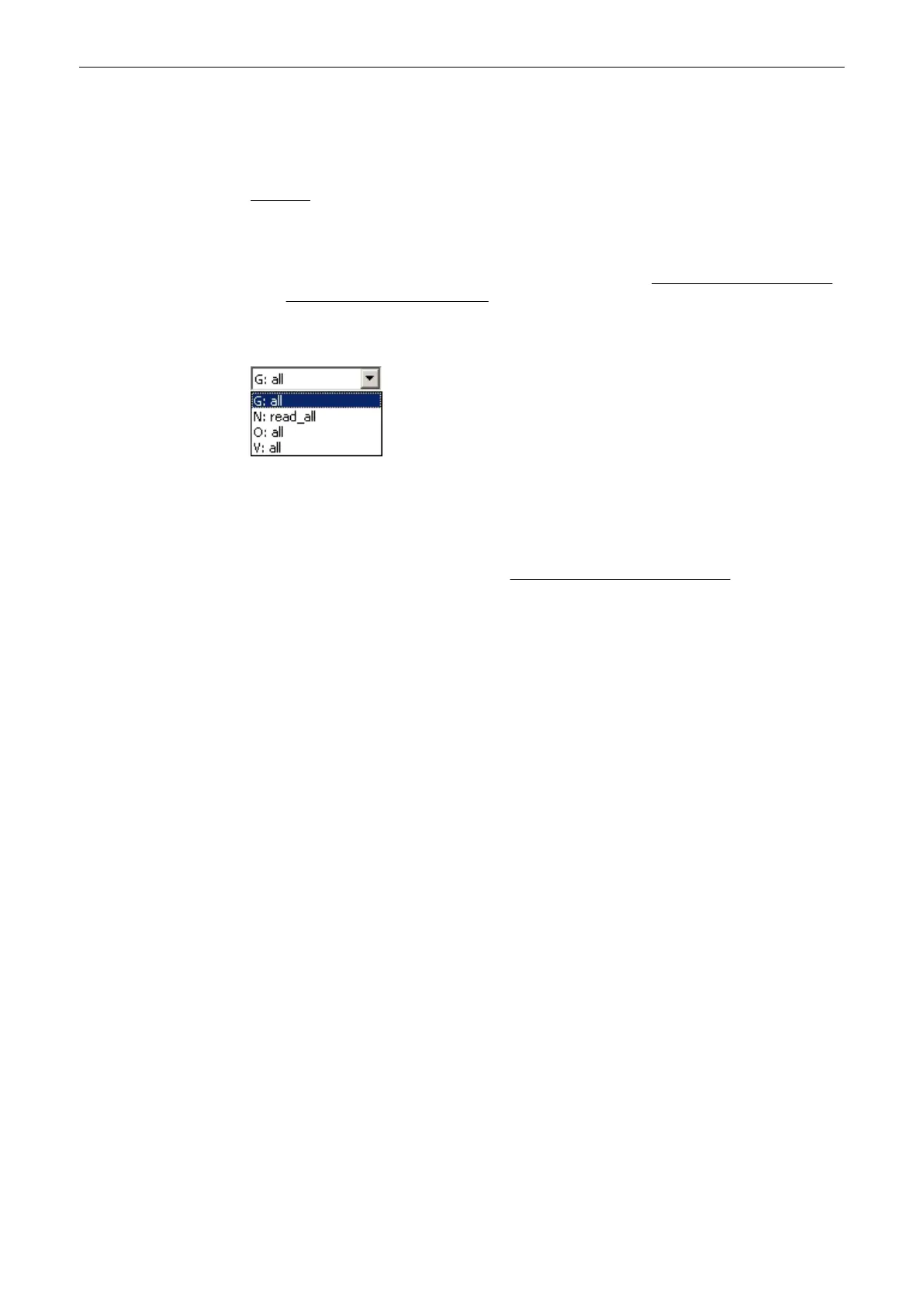
If the destination “Other drive” is selected, the available drives (e.g., external USB-
memory stick) can be chosen from the drop down list.
Note
When the backup is saved to an external USB-device, the system has to be informed about
the removal of the hardware. For this purpose every last dialog of Full System Configuration
has a [Stop USB Devices] button. review: Working with external USB-Devices (chapter
'Working with external USB-Devices'
on page 13-56 )
Utilities and System Setup
13-52
Voluson® S6/S8 Basic User Manual
5433669-100 Revision 4



 To Next Page