Chapter 5
Maintenance and Repair
P/N 57150002, Revision 5.0 5 - 33 Trimble S, VX, SPS & RTS Service Manual
F
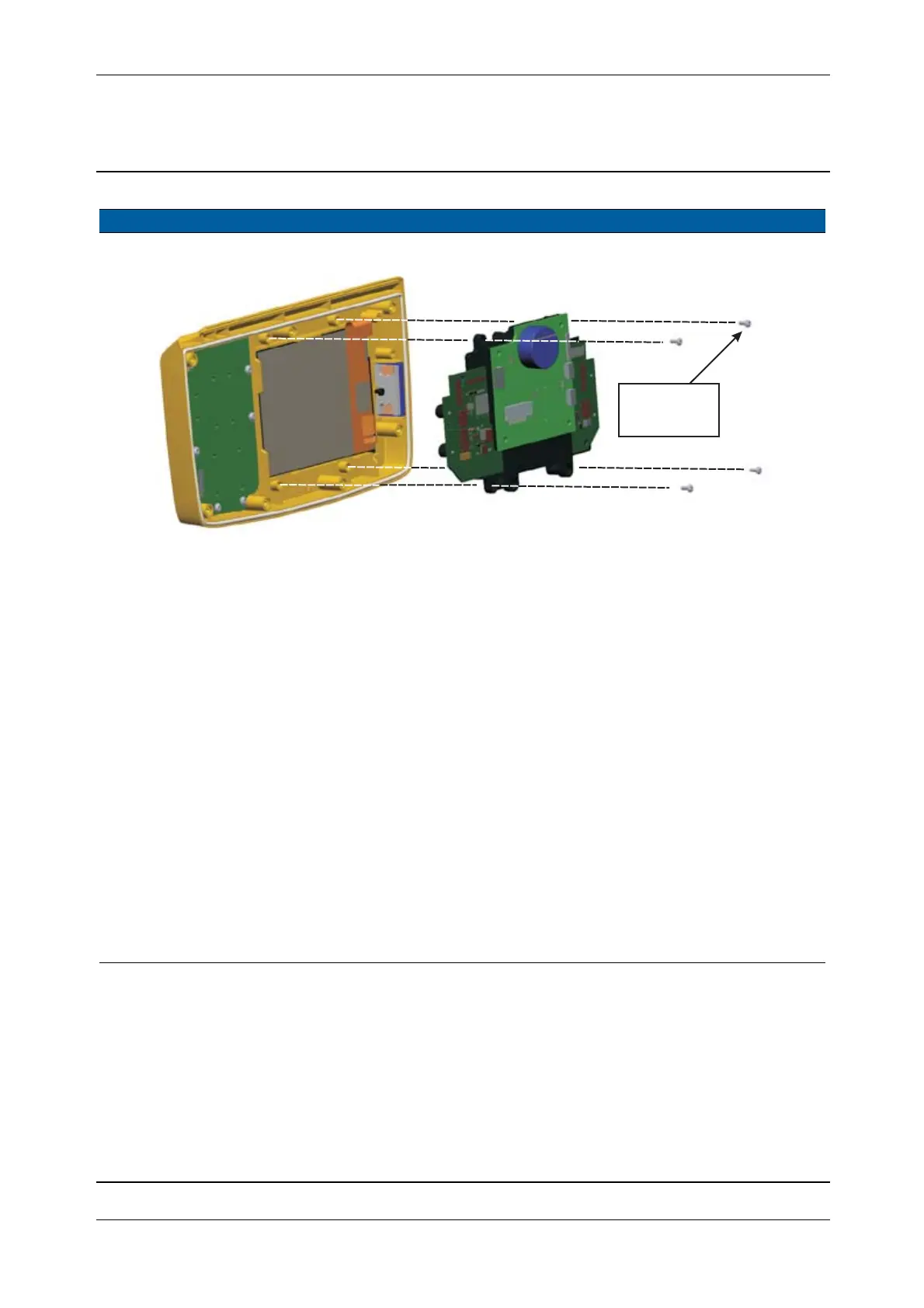
Fig. 5-32 Remove IAB and Quimby boards
5 Remove the display Lift the display out of
the front cover
6 Remove display
sealing
Lift the sealing out of
the front cover
7 Mount sealing Mount sealing and
make sure that the
sealing is in place in
the groove on the front
cover
8 Mount display A. Mount the tool to
keep the gasket in
place
B. Place the display
with the cable side
in place first
C. Push the display in
place
D. Hold the display in
place and remove
the tool
Note – Make sure that
the sealing is correctly
in place
Item Performance Action Result Notes
4 Ncm/
0.35 lbfin



 To Next Page