Chapter 6
Adjustment and verification
P/N 57150002, Revision 5.0 6 - 53 Trimble S, VX, SPS & RTS Service Manual
F
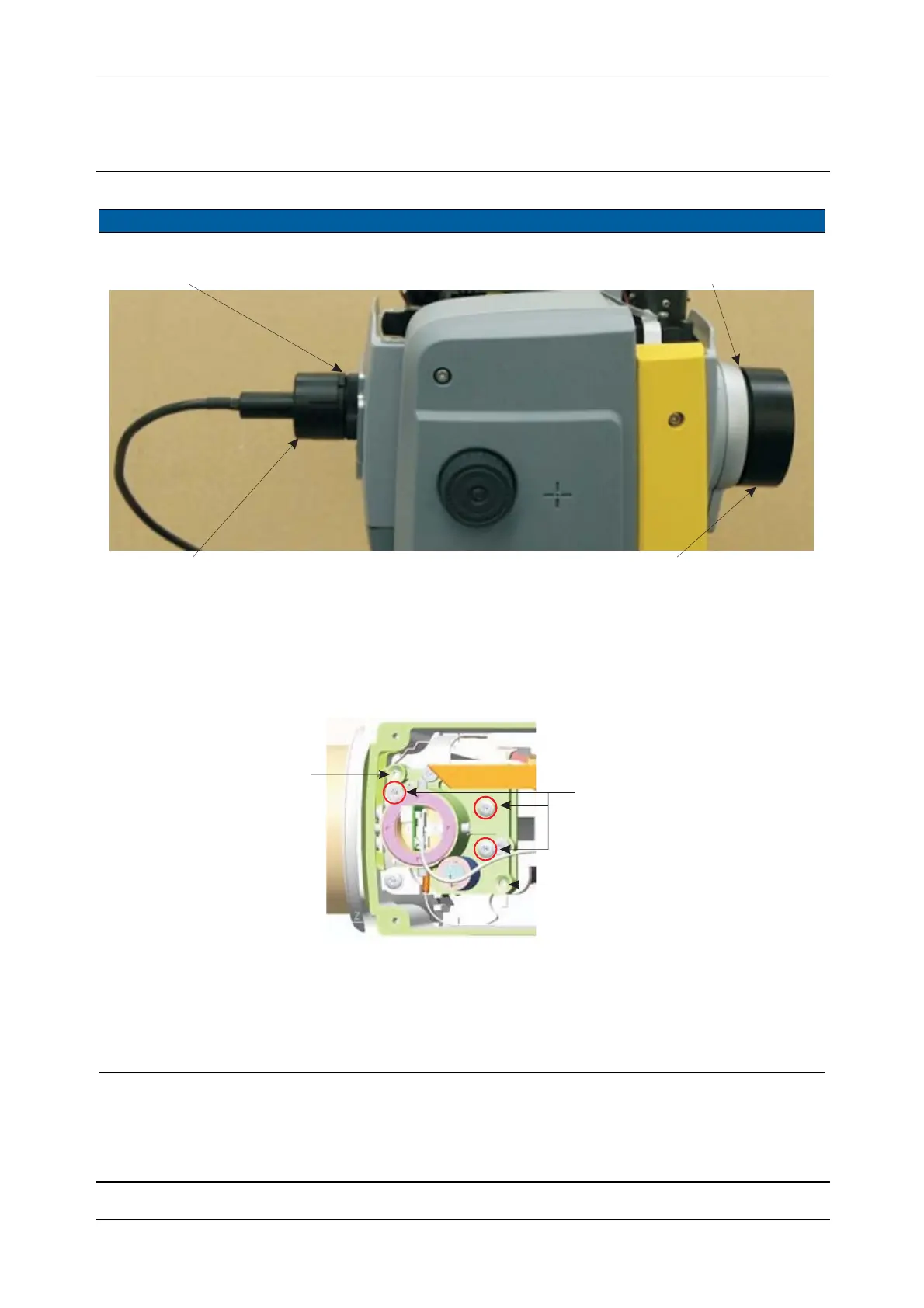
Fig. 6-44 Eyepiece illumination and Screen attachment mounted
Important information
If the EDM frame has NOT been removed or adjusted, then adjust ONLY the transmitter position screws
and NOT the frame.
If the EDM frame has been removed or adjusted, then go on with the procedure.(next Item)
Fig. 6-45 Transmitter beam adjustment to infinity and close range (by tilting)
4 Start service software. A.Select
Pointer from
EDM in Maintenance &
service
.
B. Select
Adjust laser
pointer
check box.
C.Click Laser pointer ON
Item Performance Description Result Notes
Adapter ring
Eyepiece illumination DR
Adapter ring
Screen attachement
Vertical adjustment
(e.g. clockwise down)
Horizontal adjustment
(e.g. clockwise left)
Do not touch the Tracker
transmitter screws!



 To Next Page