Chapter 6
Adjustment and verification
Trimble S, VX, SPS & RTS Service Manual6 - 94 P/N 57150002, Revision 5.0
F
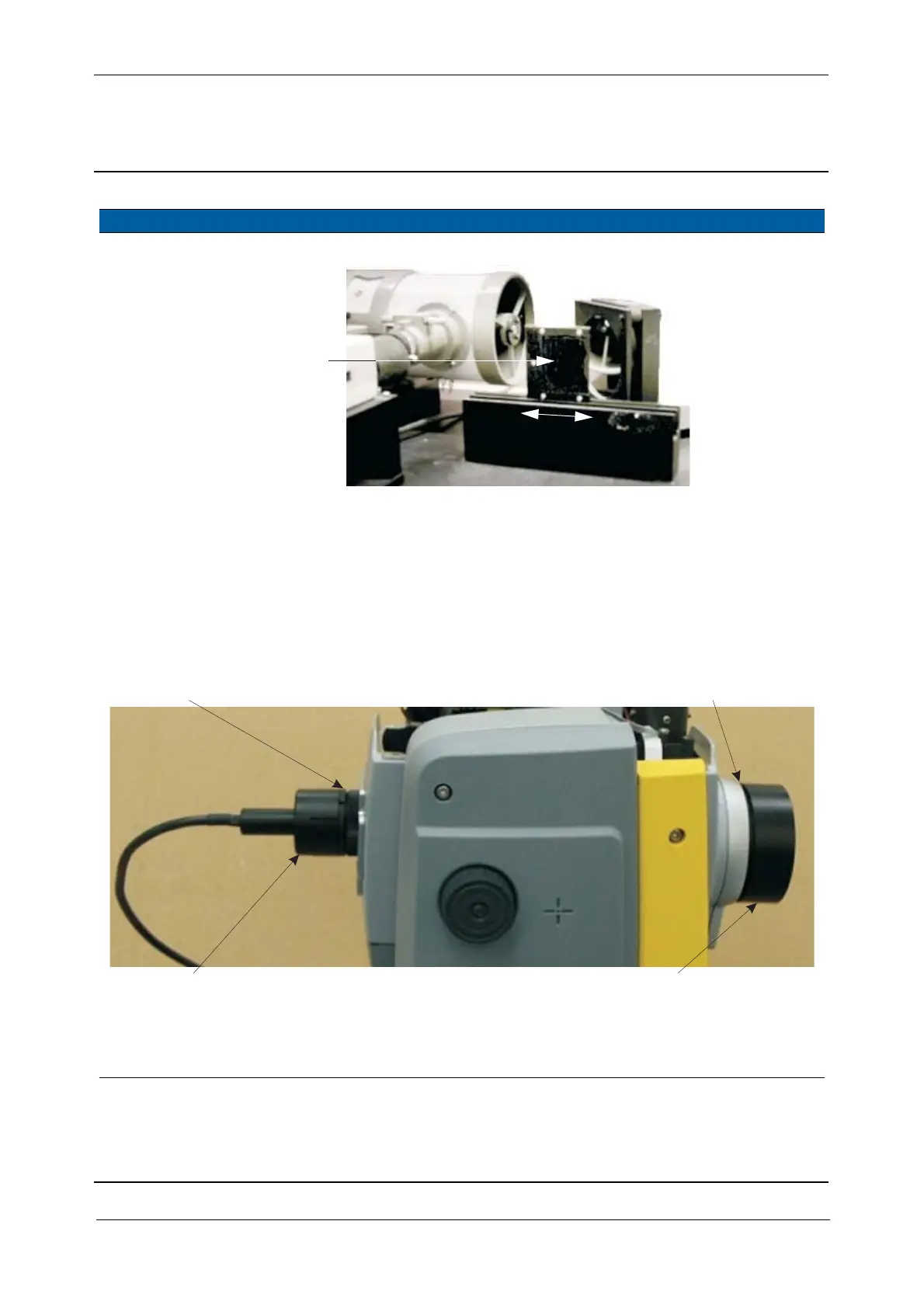
Fig. 6-103 Adjust attenuator Greyfilter TX
4 Mount tools. A. Mount the Eyepiece
illumination with
adapter on the
eyepiece.
B. Mount the Screen
attachment with
adapter on the front
lens.
The shadow of
the central
mirror can be
seen on the
screen.
Fig. 6-104 Eyepiece illumination and Screen attachment mounted
Important information
If the EDM frame has NOT been removed or adjusted, adjust ONLY the transmitter position screws and
not the frame.
Item Performance Description Result Notes
Attenuator
Greyfilter
Adapter ring
Eyepiece illumination DR
Adapter ring
Screen attachement



 To Next Page