Chapter 6
Adjustment and verification
Trimble S, VX, SPS & RTS Service Manual6 - 102 P/N 57150002, Revision 5.0
F
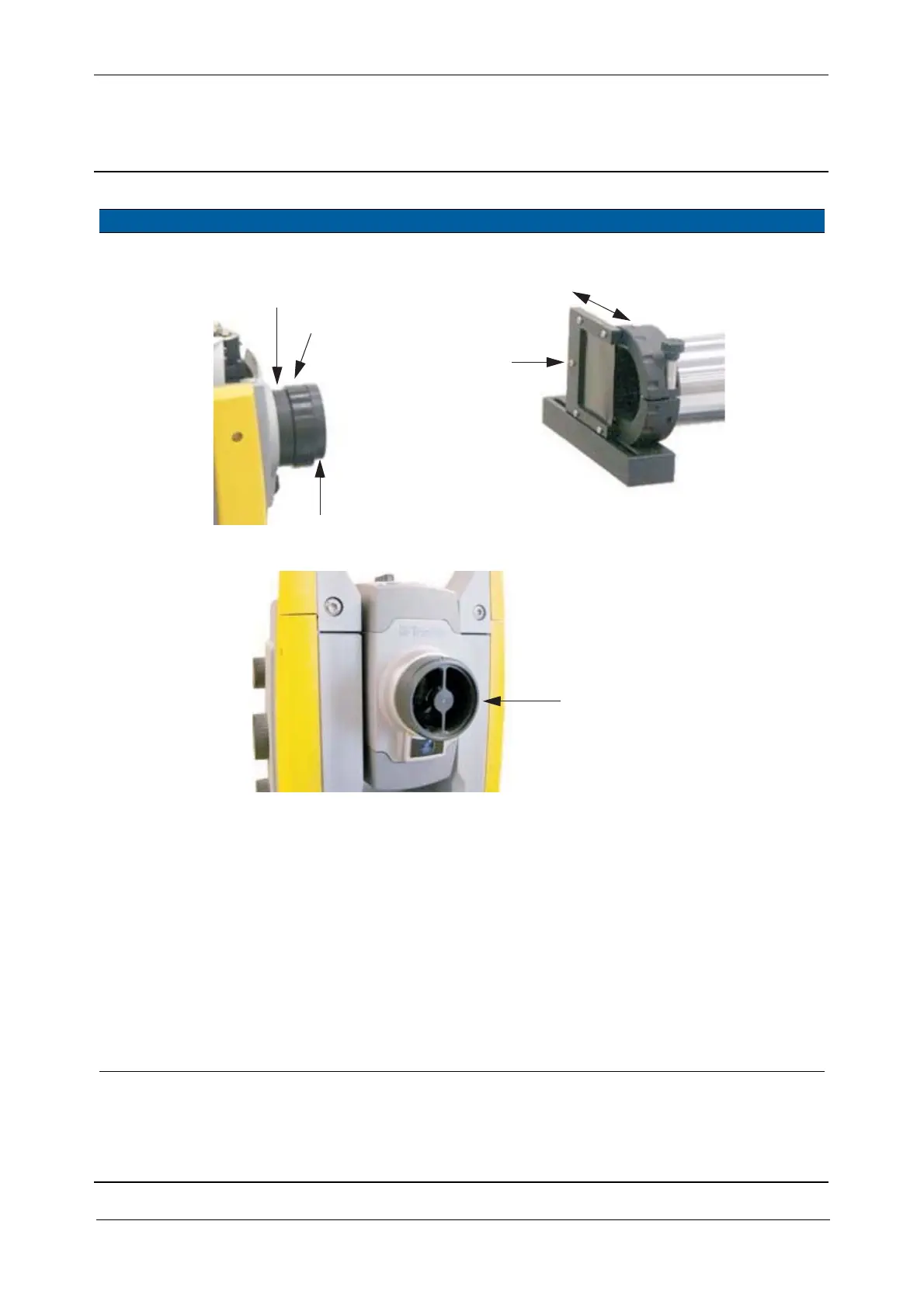
Fig. 6-112 Greyfilter at collimator and reflector at instrument
14 Prepare service
software.
A. Aim the instruments
cross-hair to the
collimators cross-
hairs.
B. Select
Switch
transmitter ON/OFF
check box.
C. Click Holding mode
ON.
D. Click Transmitter
ON.
E. Adjust the light
intensity by moving
the Grey filter, see Fig.
6-112 on page 6-102 .
The spot represents
the reflection of the
ferule.
Item Performance Description Result Notes
Adapter RX S6 EDM High Precision
B
Mark
Illumination RX S6/5600
A
Greyfilter
A&B
Adapter RX S6 EDM High Precision
Illumination RX S6/5600



 To Next Page