Chapter 6
Adjustment and verification
P/N 57150002, Revision 5.0 6 - 103 Trimble S, VX, SPS & RTS Service Manual
F
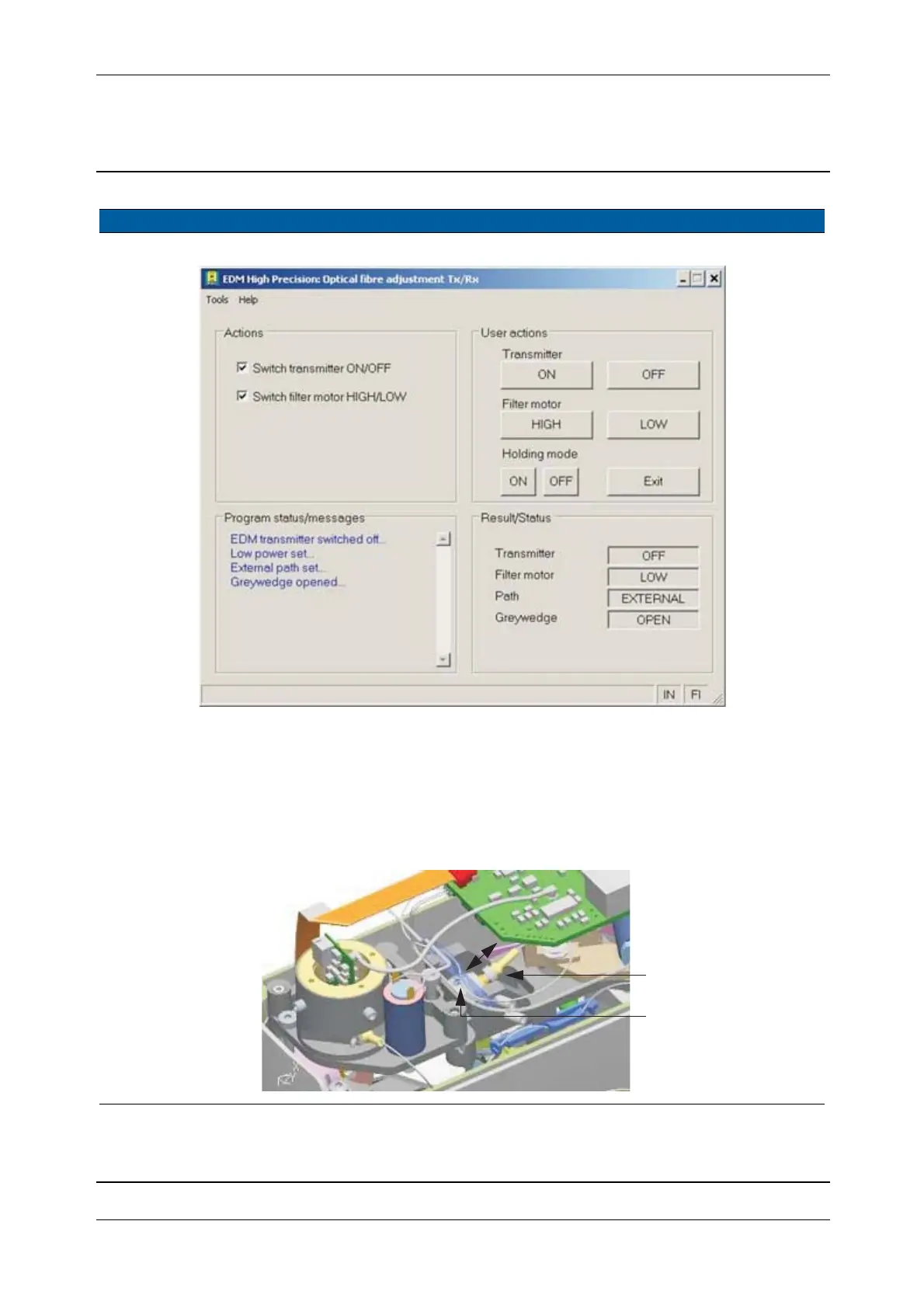
Fig. 6-113 Optical fibre adjustment
15 Focus receiver fibre. A. Loosen the clamp
screw.
B. Move the receiver
fibre in or out until the
spot is sharp, see Fig.
6-115 on page 6-104 .
0.9 mm allen key.
Fig. 6-114 Focusing the receiver fibre
Item Performance Description Result Notes
A
B



 To Next Page