Chapter 6
Adjustment and verification
P/N 57150002, Revision 5.0 6 - 123 Trimble S, VX, SPS & RTS Service Manual
F
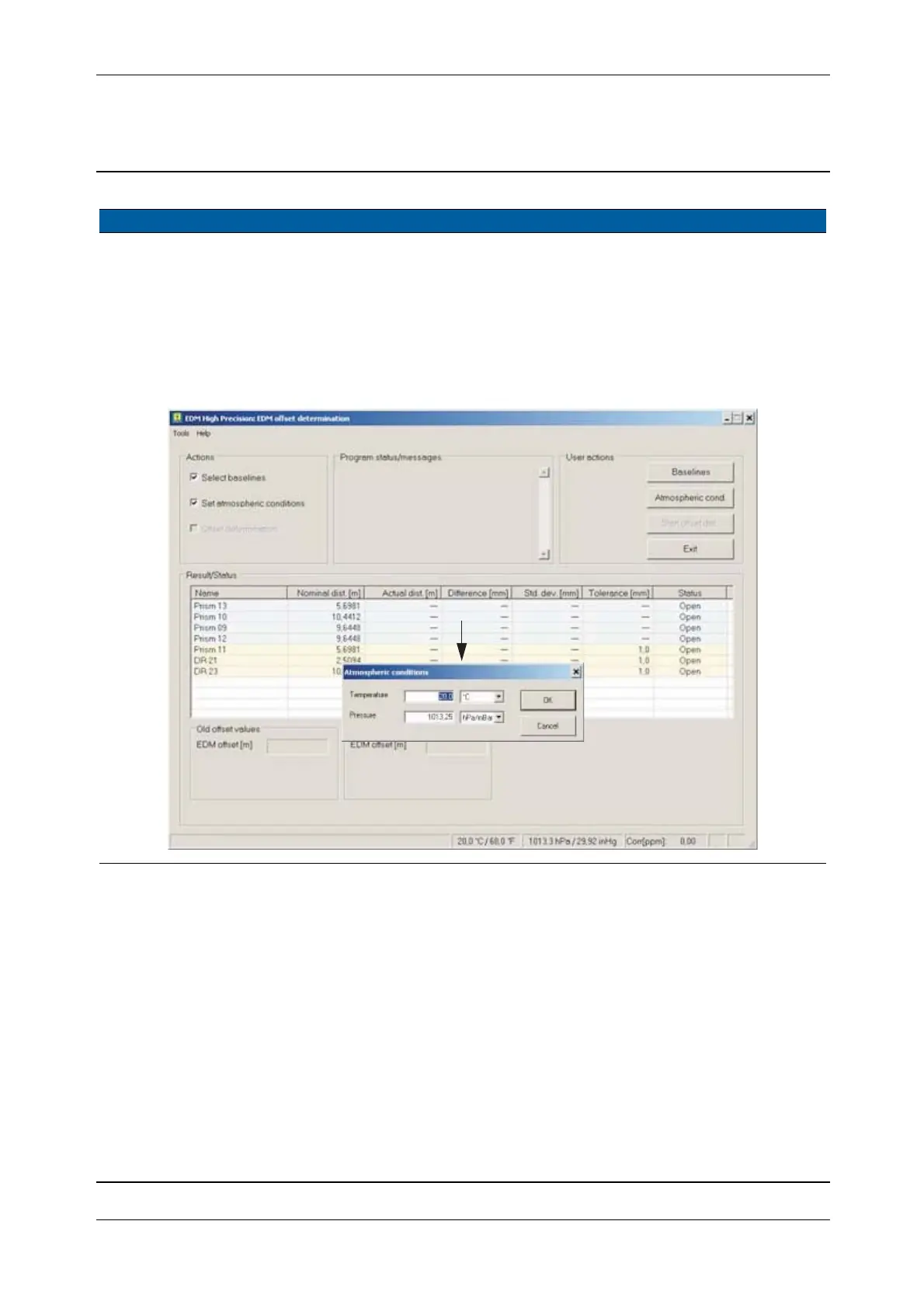
6 Setting of atmospheric
conditions.
A. Select Set atmospheric
conditions
check box.
B. Click
Atmospheric
cond.
button.
C. Type in pressure and
temperature.
D. Click
OK.
Fig. 6-136 Atmospheric conditions
Item Performance Description Result Notes
C



 To Next Page