Chapter 6
Adjustment and verification
Trimble S, VX, SPS & RTS Service Manual6 - 194 P/N 57150002, Revision 5.0
F
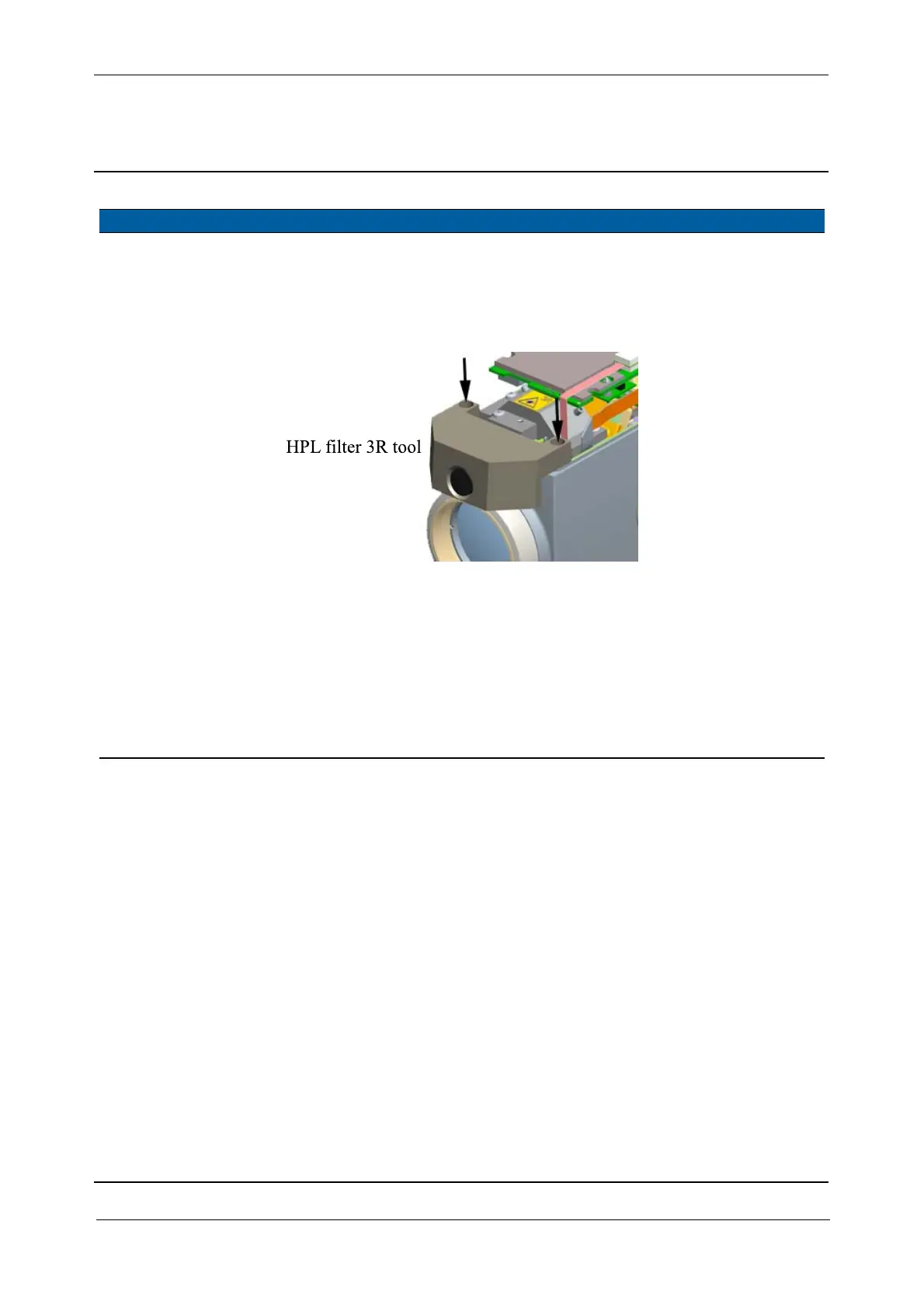
5 Mount the HPL filter
tool.
Mount the HPL filter 3R,
see Fig. 6-200.
If the tool is not
used the laser
transmission is
class 3R.
Fig. 6-200 HPL filter 3R tool
6 Switch on HPL. A. Select
Switch HPL
transmitter ON/OFF
check box and click
HPL transmitter ON,
see Fig. 6-201 on page
6-195 .
B. Click
YES when laser
warning is read, see
Fig. 6-202 on page 6-
195 .
Item Performance Description Result Notes



 To Next Page