14. S3 Maintenance
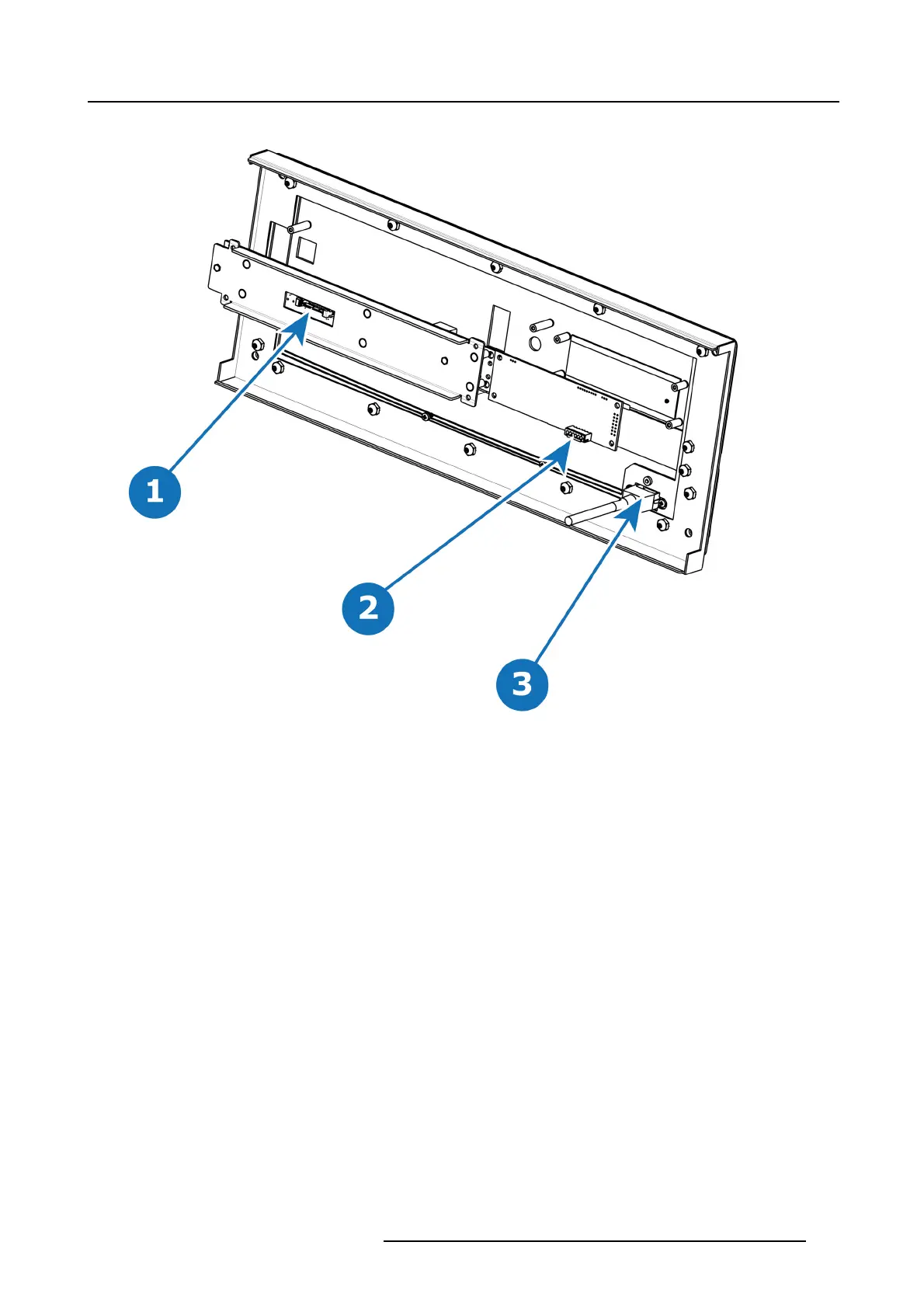
At this point there are still 3 cables connecting the Front cover to the unit.
Image 14-12
1 Front Panel Connector
2 VFD Connector
3 USB Connector
3. Pull the latches away from connectors and ge ntly pull the flat Front Panel away.
4. Remove cables as outlined in the related procedures (VFD, USB and Front Panel connectors).
How to install the Front Cover Assembly
To install the Front Cover Assembly follow the sam e procedure in the reverse order.
R5905948 EVENT MASTER DEVICES 17/07/2017
425



 To Next Page