Chapter 6
Adjustment and verification
P/N 57150002, Revision 5.0 6 - 187 Trimble S, VX, SPS & RTS Service Manual
F
9 Run TLR Tracker test
- TLR Tracker tracker
alignment check.
A. Select Check tracker
alignment & crosstalk
from Tracker in
Maintenance & service.
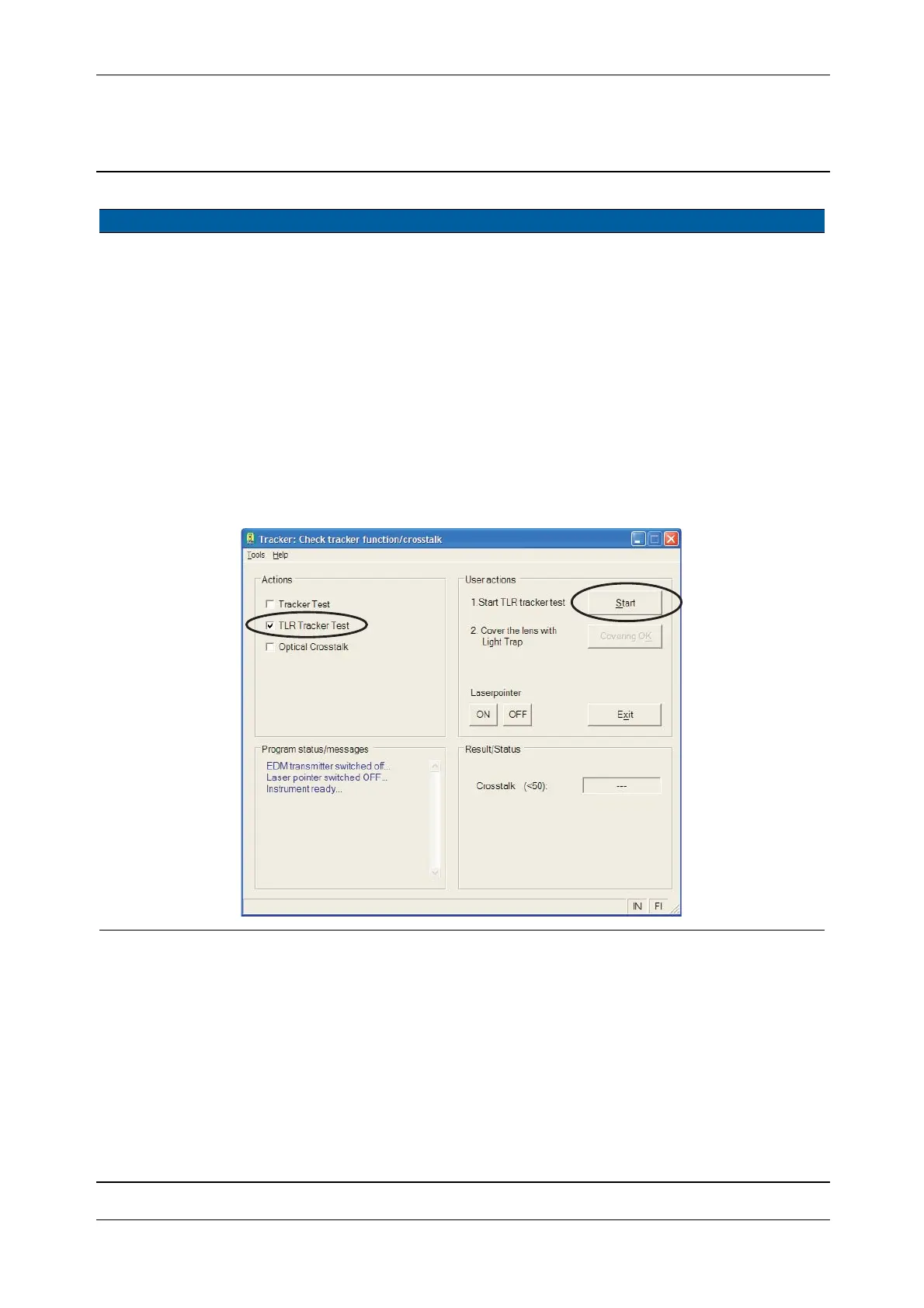
B. Select TLR Tracker Test
check box, see Fig. 6-
192.
C. Click
Start and the
tracker test bench
software will appear,
see Fig. 6-193 on page
6-188
D. Aim to a prism at 150
meter (500ft).
Note – The TLR
is not coaxial
therefore the
cross will not be
centred. The
test is only a
verification that
the cross is
inside the inner
circle.
The cross represents
the reflected TLR
signal position on the
tracker receiver
detector.
Fig. 6-192 TLR Tracker test
Item Performance Description Result Notes
B
C



 To Next Page