Phaser 6300/6350/6360 Color Laser Printer Service Manual 8-65
Service Parts Disassembly
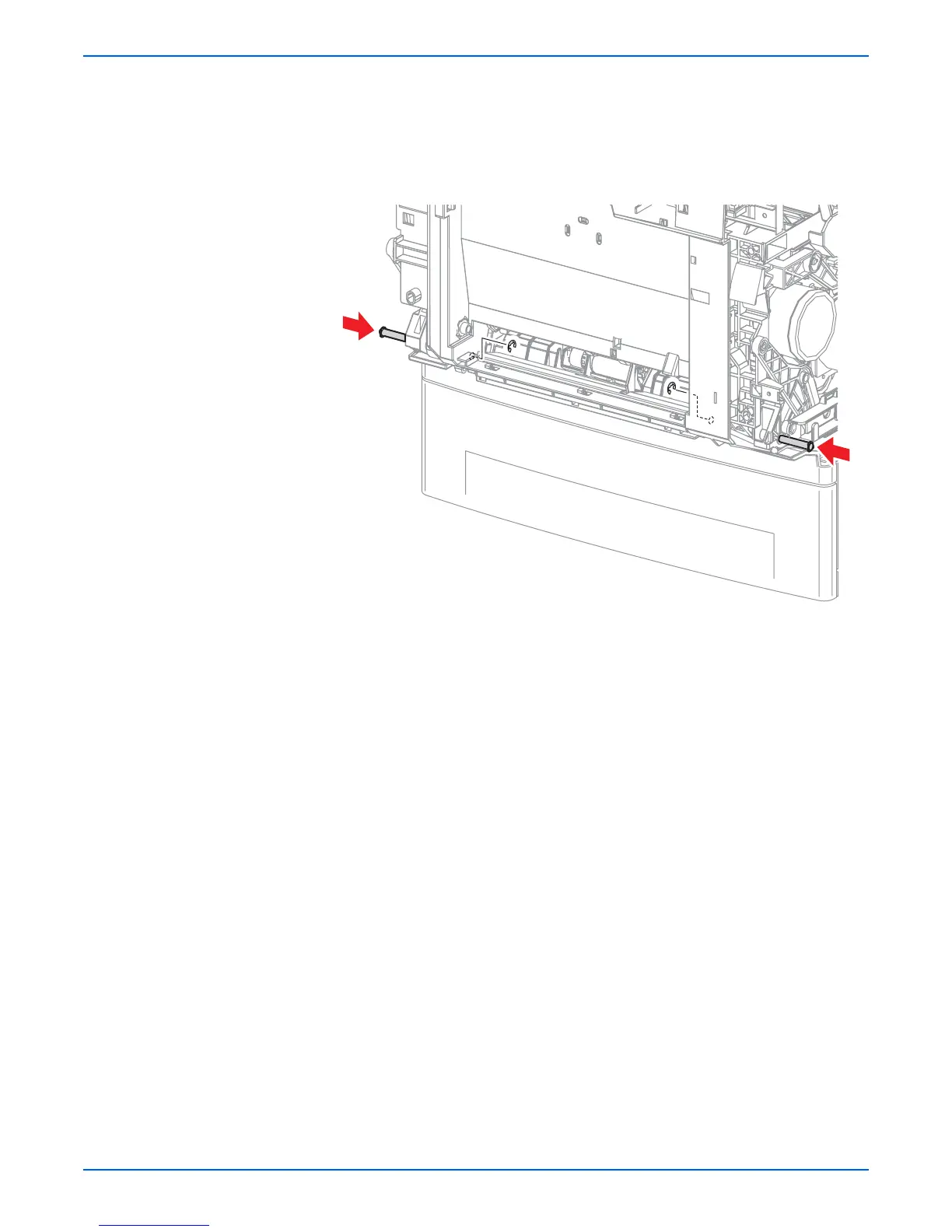
17. Remove 2 E-rings that secure the Right and Left Pivot Shafts from the
underside of Chute Assembly Out.
18. Close Door A if open.
19. Holding the Chute Assembly Out, push the Right and Left Pivot Shafts in
by approximately half their length.
Replacement Note
Install the shorter of the two pivot pins into the left side of the printer.
s6360-191

















 To Next Page