6. EM GUI orientation
Pick Hue
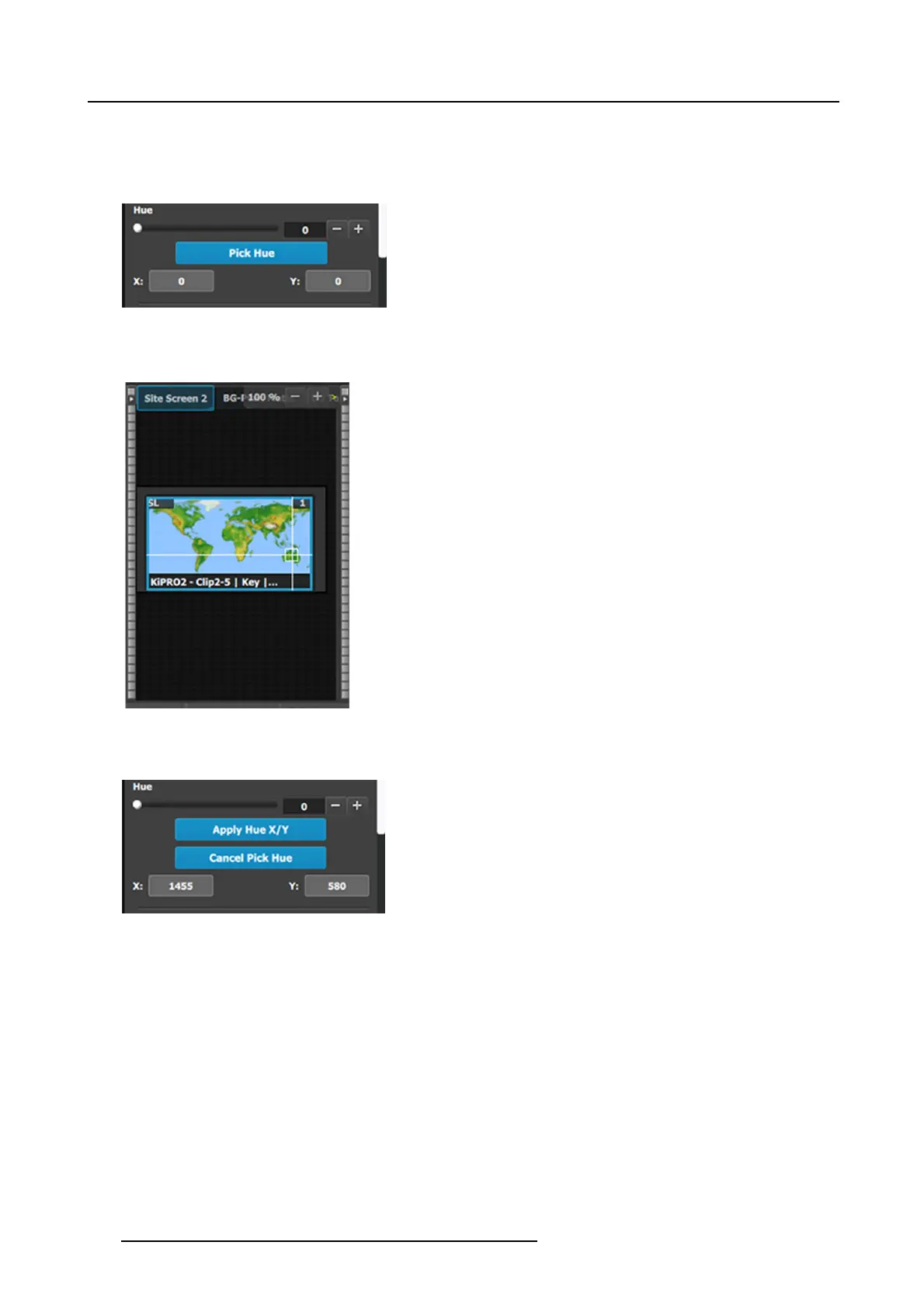
The Pick Hue button allows the user to pick and apply a selected hue from any single Layer.
1. Click on the Pick Hue b utton.
Clicking on the Pick H ue button for a Layer places a crosshair on the Layer in Preview in th e P rogramming Diagram area.
Image 6-61
The Pick Hue b u tton
2. Move the crosshair to the desired hue.
The user can move the crosshair using either the c ursor or the X and Y edit boxes.
Image 6-62
Crosshairs
3. Complete the operation by c licking on the Apply Hue X/Y button, or cancel the operation b y clicking on the Cancel P ick Hue
button.
Image 6-63
Apply Hue or Cancel
176 R5905948 EVENT MASTER DEVICES 17/07/2017



 To Next Page