GBC AdvancedPunch Pro 08/20/2015 Repairs/Adjustments
4-33
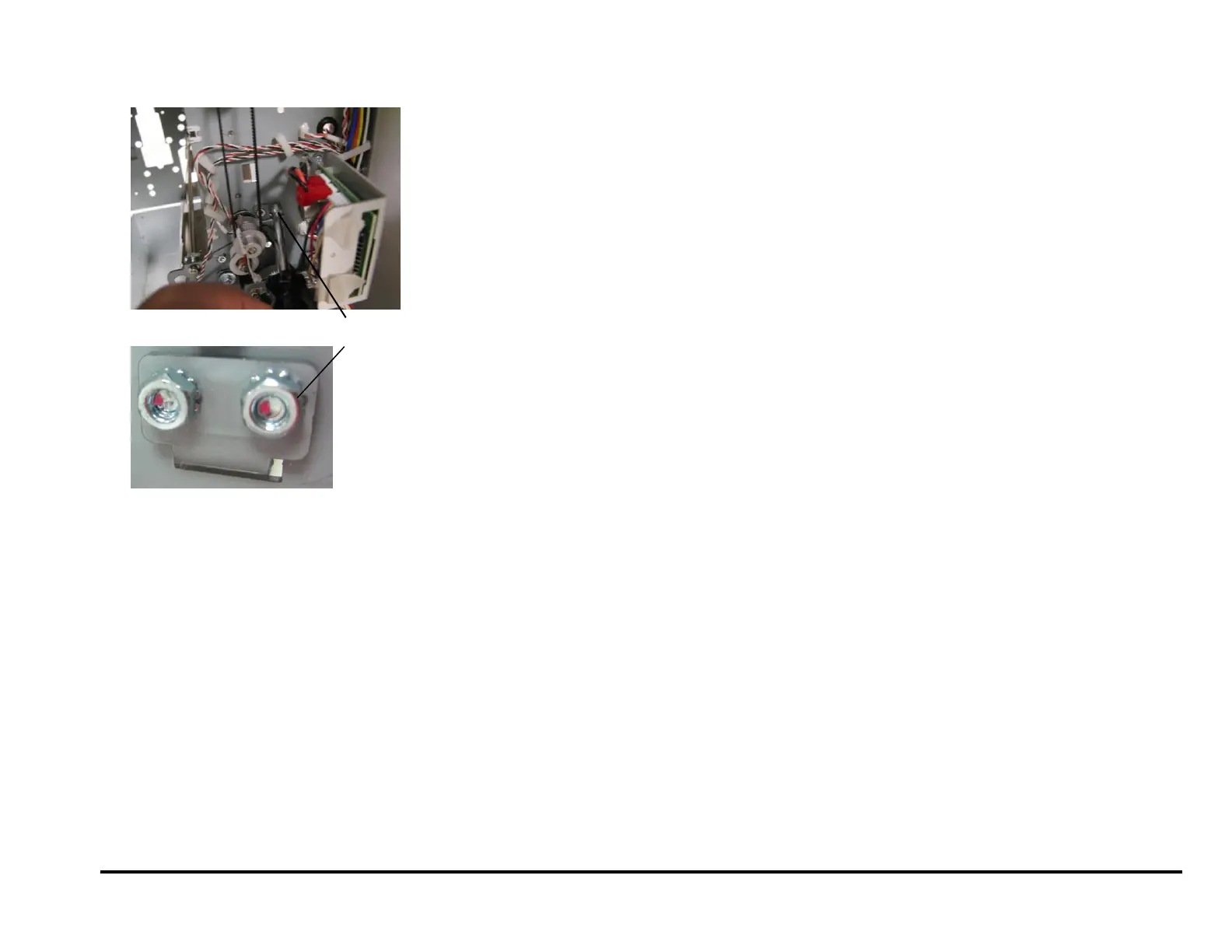
17. If you cannot remove the Entrance Drive Panel, remove the Idler
Panel Mount Bracket from the lower position only.
18. Remove the Entrance Drive Panel.
19. Transfer the sensor Boards and the Clear Cover Sensor to the new
Panel Weldment.
Installation Procedure
Do the following to install the Entrance Drive Panel.
1. Place the Entrance Drive Panel in position.
2. Install the Idler Panel Mount Bracket at the lower position with (2) M4
nuts.
3. Install the Screws (5) that hold the Entrance Drive Panel to the rear
Frame.
4. Install the Screws (5) that hold the Entrance Drive Panel to the front
Frame.
5. Connect the Sensor Board Connectors (2).
6. Place the Sensor Cables in the Cable Clamps and close the Cable
Clamps.
7. Do REP 2.22.1 to install the Drive Roller for Roller N5.
8. Hook the Acceleration Panel Latch Springs (2) to the Idler Panel side.
9. Do REP 2.3 to install the Acceleration Idler Roller Panel.
10. Do REP 2.2 to install the Entrance Idler Panel.
11. Do REP 1.18 to install the Docking Bracket.
12. Do REP 1.8 to install the Side Cover.
13. Do REP 3.1 to install the Punch Module.
14. Do ADJ 1.8 Drive Panel Position Adjustment.
15. Do REP 1.6 to install the Rear Cover.
16. Connect the Power Cord.
17. Power ON the entire printing system.
Idler Panel Mount Bracket



 To Next Page