GBC AdvancedPunch Pro 11/07/2018 RAPS
2-20
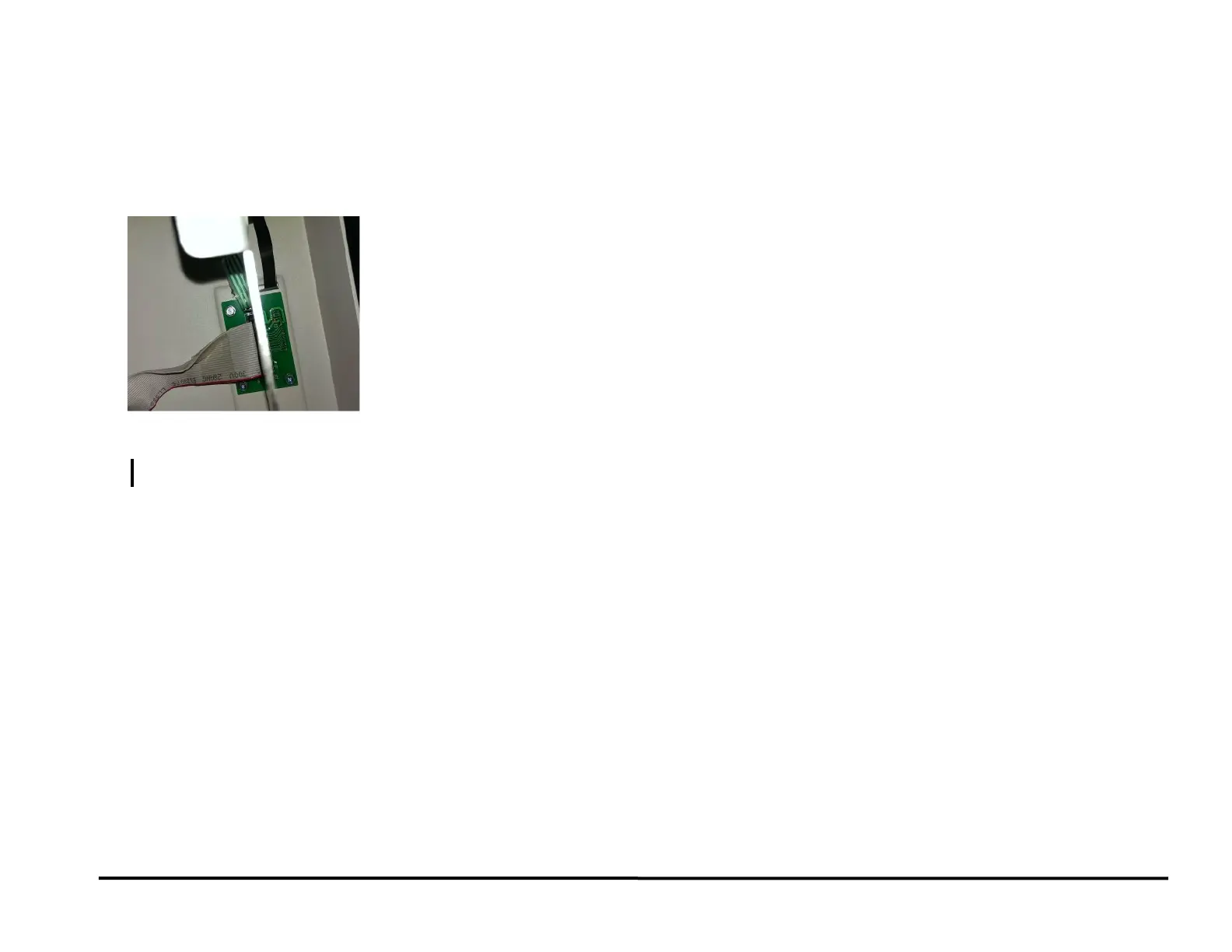
RAP 1.6 Up, Down, Enter Keys Do Not Respond
Use this RAP when the Up, Down, Enter Keys on the LCD Membrane
switch do not respond.
1. Open the Front Door and check that the flat cable 023M01337 from
the LCD Panel is connected to the LCD Display (see Section 7
Wiring).
The Cable is connected.
Y N
Connect the Cable 023M01337.
Do REP 1.16 LCD Membrane switch replacement.
2 PAPER JAMS
This section describes paper jams based on the position of the lead edge/
trail edge of the first jammed sheet.
RAP 2.1 Jam Type A
Do the following if the lead edge stopped by nip N1.
1. Check to see if there is any obstruction to paper flow at the entrance
of the machine (PL 3.1, PL 3.2).
Do RAP 2.8 Checking Obstruction in Paper Path - Area 1 (Entrance)
This clears the fault
Yes- Return to normal operation; No- Go to Step 2
2. Do RAP 3.1 to check Sensors S21 and S25.
This clears the fault
Yes- Return to normal operation; No- Go to Step 3
3. Do RAP 5.1 Checking Stepper Motors to check Bypass Motor M8.
This clears the fault
Yes- Return to normal operation; No- Go to Step 4
4. Do GP 6.14 Idler Roller Inspection and Cleaning and GP 6.15 Drive
Roller Inspection and Cleaning, to inspect and clean the rollers in Nip
N1 (PL 3.4).
This clears the fault
Yes- Return to normal operation; No- Escalate to second level



 To Next Page