Installation Instructions- DFA 08/20/2015 GBC AdvancedPunch Pro
8-4
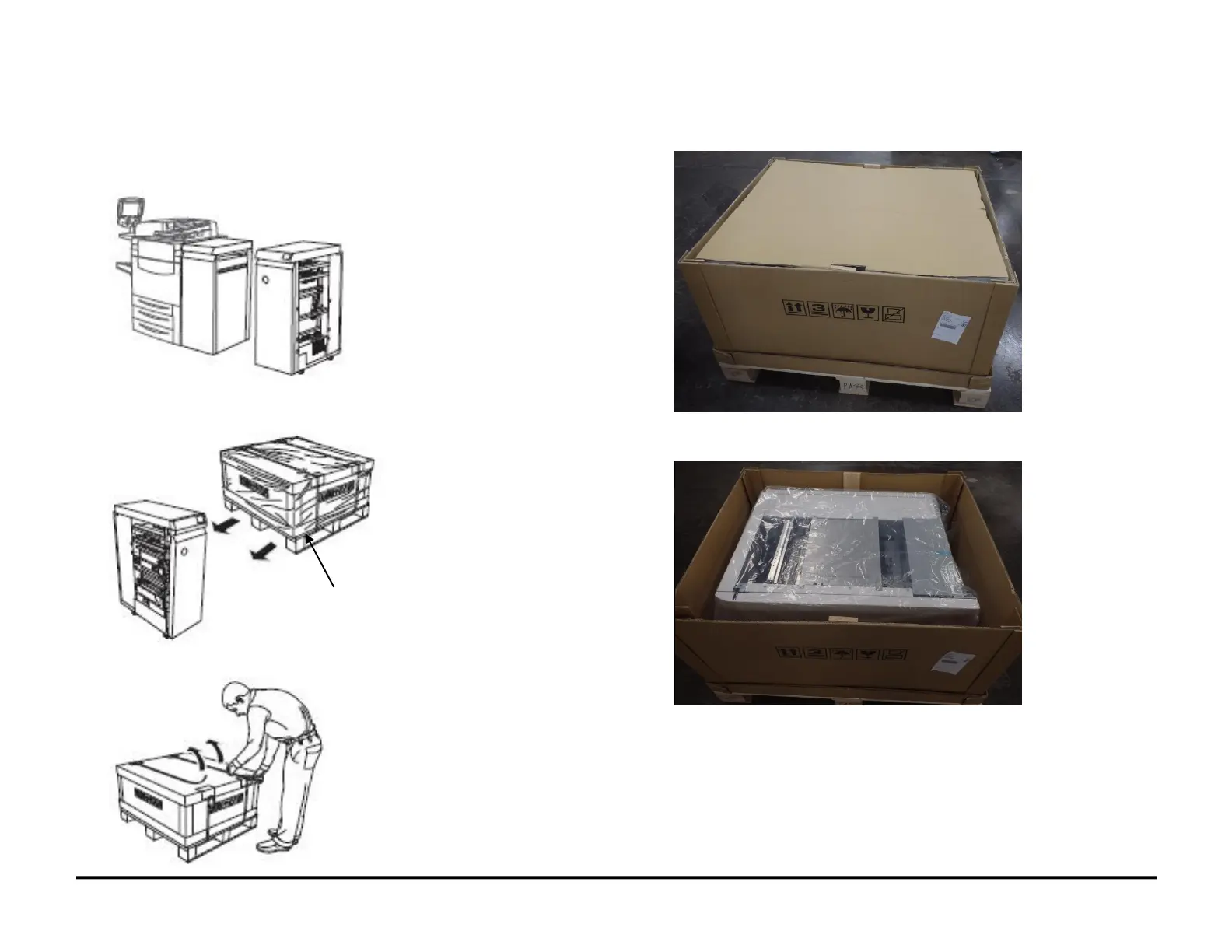
8.3. Remove the Packing Materials
Do the following to remove all packing materials from the AdvancedPunch
Pro.
1. Clear the space needed for the AdvancedPunch Pro.
2. Move the Shipping Container. into position near where you will install
the AdvancedPunch Pro
3. Remove the metal straps from the Shipping Container.
4. Remove the top outer cover of the Shipping Container.
5. Remove the packing material from inside the Shipping Container and
discard it.



 To Next Page