Repairs/Adjustments 08/20/2015 GBC AdvancedPunch Pro
4-6
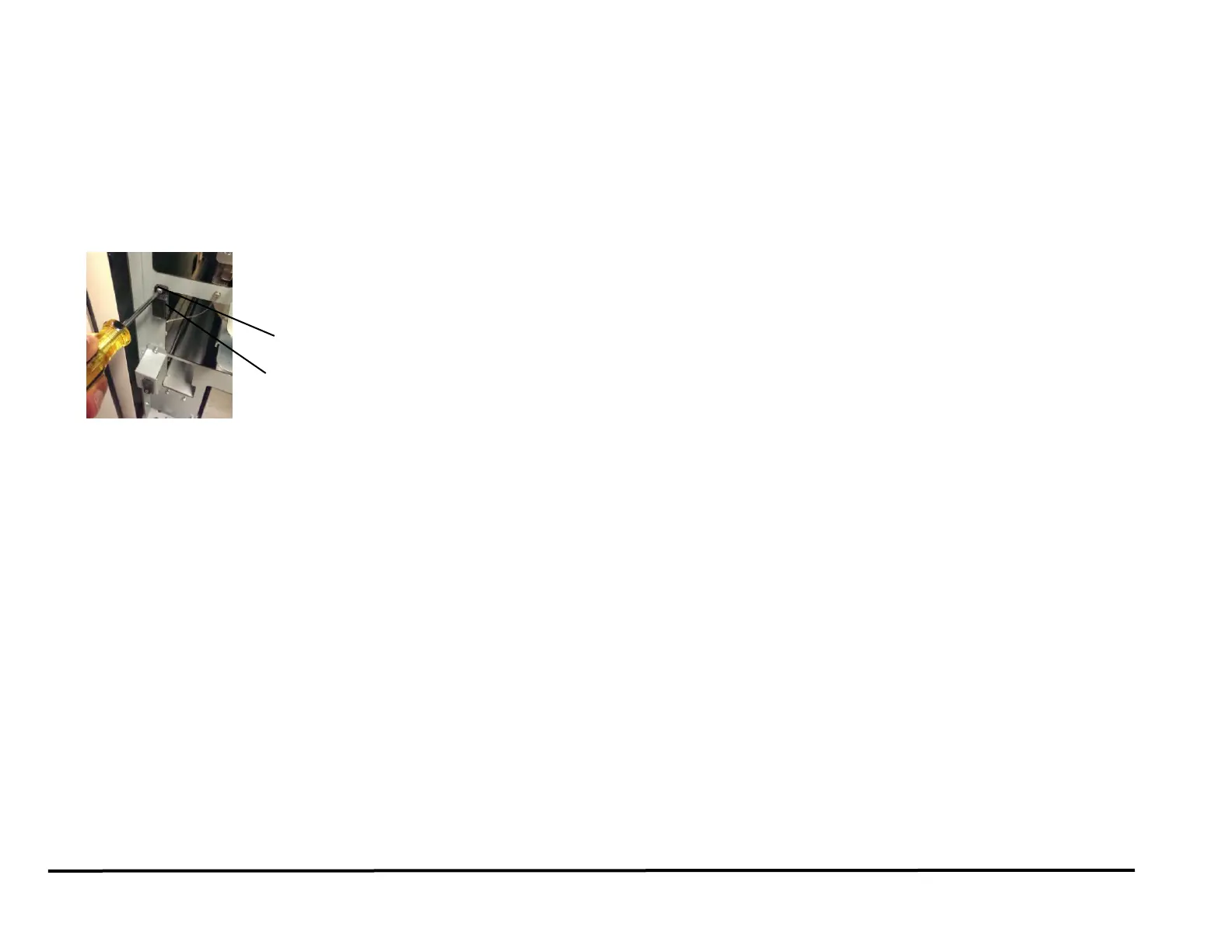
REP 1.5 Panel Open Magnet Replacement
PARTS LIST ON PL 3.2
Use this procedure to remove and install a Panel Open Magnet.
1. Switch power OFF to entire printing system.
2. Disconnect the Power Cord.
3. Open the Front Door.
4. Remove the Screws (2) and the Panel Open Magnet.
5. Place the Panel Open Bracket in position and tighten the Screws (2).
6. Close the Front Door.
7. Connect the Power Cord.
8. Power ON the entire printing system.



 To Next Page