General Procedures and Information 09/11/2018 GBC AdvancedPunch Pro
6-36
GP 6.2.7 SENSORS Procedure
A sensor can fail in two modes:
Failed in High state: Machine thinks there is no sheet even
when a sheet is present. In this mode, the LCD will always show
"0" for that sensor, and will not go to "1" when a sheet is present.
Failed in Low state: The converse of the above. "PAPER
JAM...." message will be seen on LCD.
It is unlikely for a sensor to fail in a Low state. Therefore a bad sensor will
most likely not give a "PAPER JAM..." message.
When there is "Paper Jam..." it is most likely because there is a
sheet/piece of paper, or paper dust collecting over the sensor.
Procedure
Do the following to check the status of any of the sensors.
The Sensors feature allows you to view the state of each of the 29
sensors to the AdvancedPunch Pro.
Cover each sensor to check if the sensor status changes from “0” to “1””.
0 means the sensor is open.
1 means the sensor is covered.
Do the following to check the sensors.
1. At the top level screen,
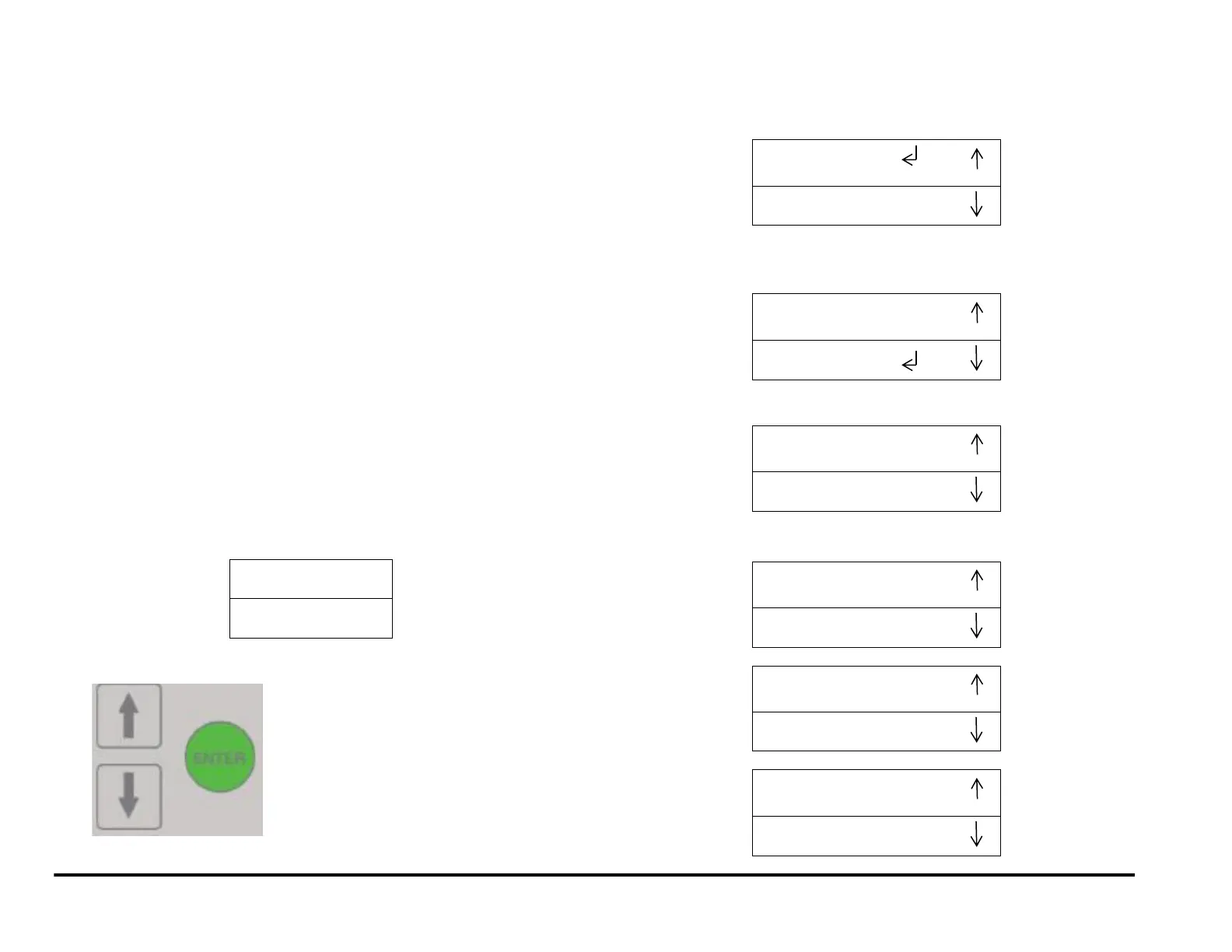
Press and hold both the Up Arrow button and the Down Arrow button
for 5 seconds.
Then while still holding down the Up Arrow button and the Down
Arrow button, press the Enter button.
The Service User Interface screen will appear.
NOTE: Door can be open to do this.
2. Press the down arrow three times so the return symbol is next to the
words SENSORS.
3. Press the ENTER button when the return symbol is next to the word
SENSORS to display the display the first SENSORS screen.
Uncovered = 0; Covered = 1
4. Press the down arrow to scroll through the sensor options.



 To Next Page