GBC AdvancedPunch Pro 09/11/2018 General Procedures and Information
6-37
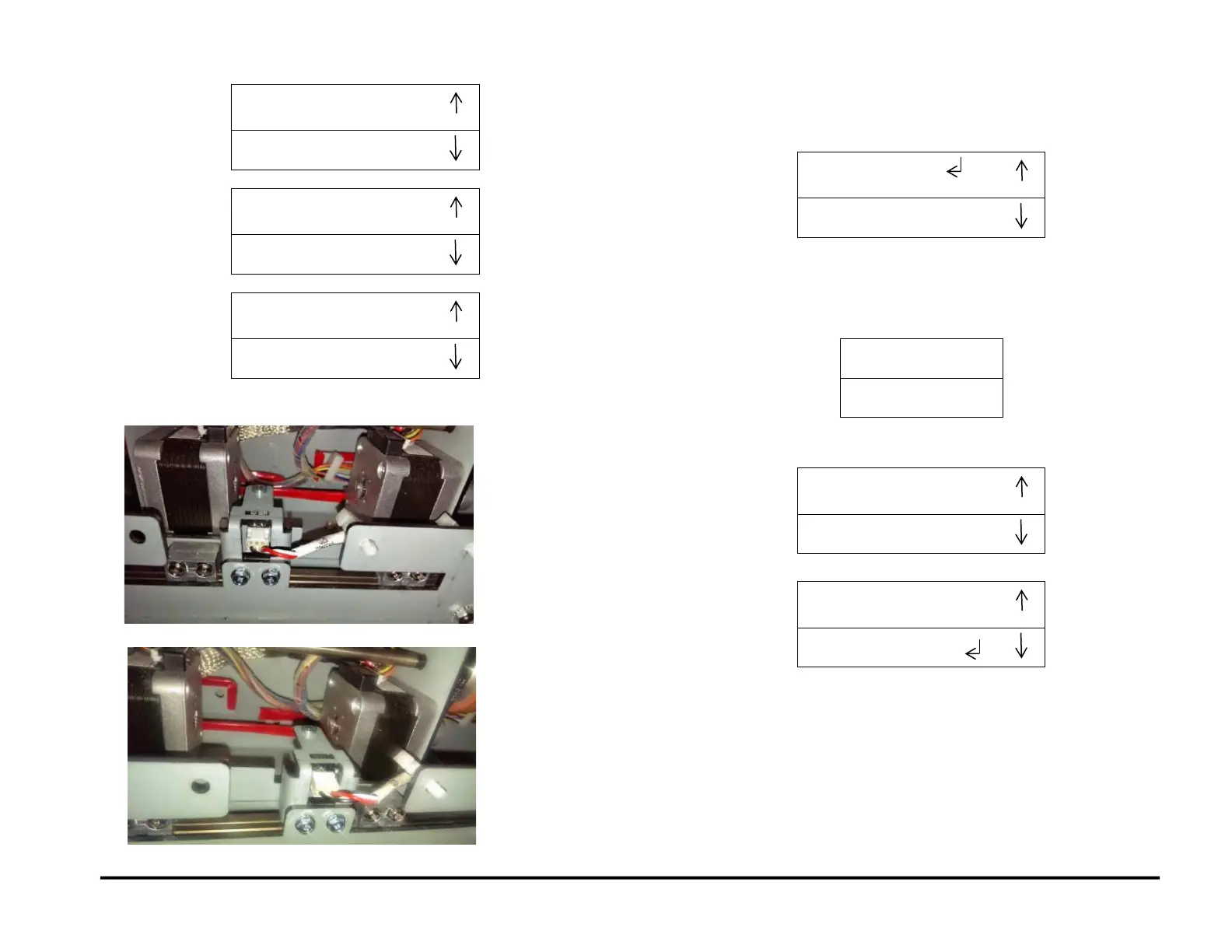
When the Steering Carriage moves left/right, the Align Home Sensor
(S28) is covered / uncovered.
Sensor S28 covered
Sensor S28 uncovered
5. If you use the down arrow to scroll through the complete list:
When you scroll down from the S26-S27-S28 screen, the system
displays the Previous Menu / EXIT screen.
You can:
Press the up arrow to return to the last sensor screen.
Press the down arrow to move the return symbol is next to the
word EXIT. Then press the ENTER button to return to the top
level screen
6. If you use the up arrow to scroll up from the S1-S2-S3-S-S5 screen:
The system displays the EXIT / Previous Menu screen.
You can Exit to Main menu or return to Previous menu.



 To Next Page