General Procedures and Information 09/11/2018 GBC AdvancedPunch Pro
6-30
GP 6.2.1 SPEED ADJUST Procedure
Note: The SPEED ADJUST feature is for future printer introductions. It is
not used at the moment.
If you accidentally change the SPEED ADJUST settings, follow the below
procedure to reset it to factory settings.
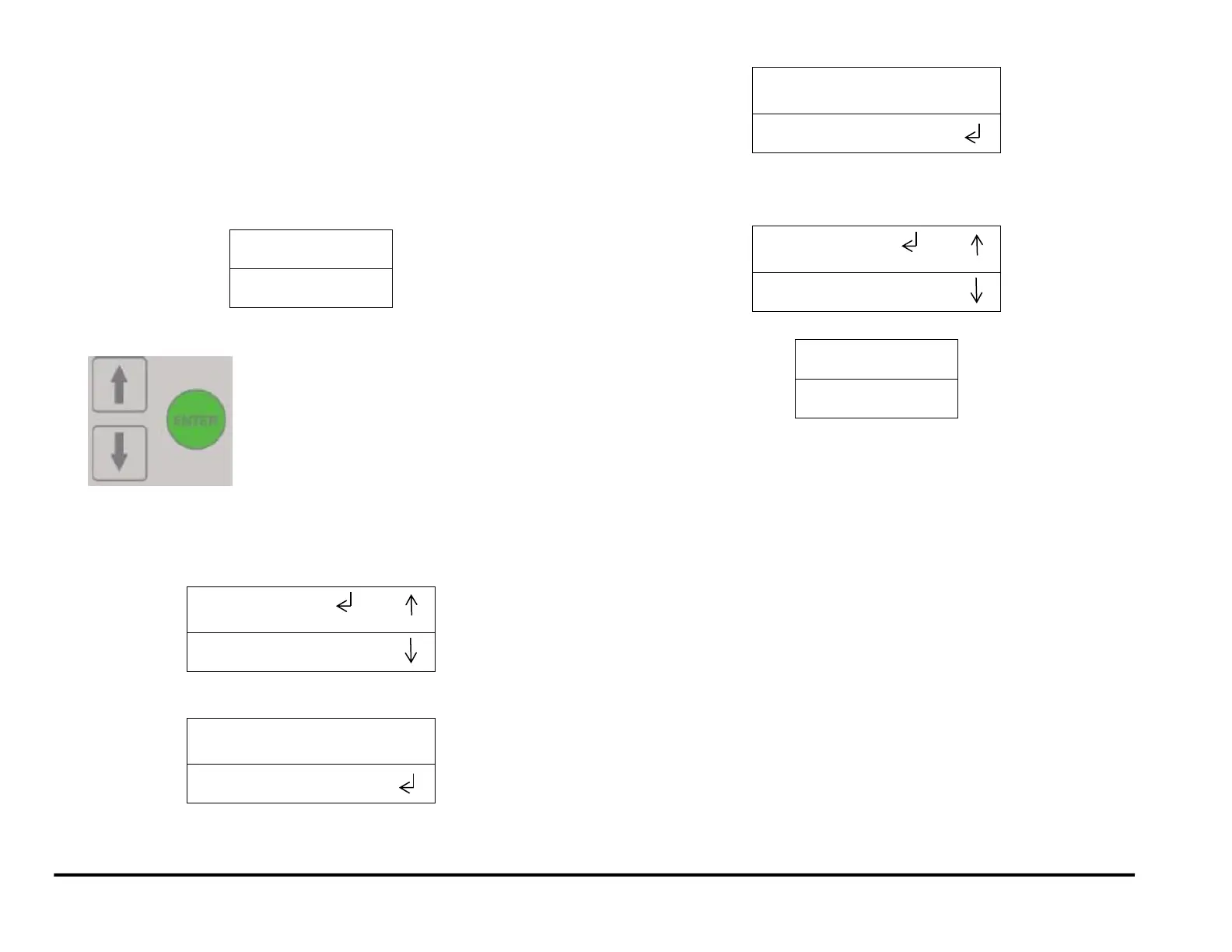
1. At the top level screen,
Press and hold both the Up Arrow button and the Down Arrow button
for 5 seconds.
Then while still holding down both the Up Arrow button and the Down
Arrow button, press the Enter button.
The Service User Interface screen will appear.
2. Press the ENTER button when the return symbol is next to the word
SPEED ADJUST. To display the display the SPEED ADJUST screen.
3. Press the down arrow to scroll through the speed options until the
return symbol is next to RESET option.
4. Press the ENTER button to reset
5. Press the up arrow to display the EXIT / SPEED ADJUST screen.
6. Press the ENTER button to return to the top level screen



 To Next Page