GBC AdvancedPunch Pro 08/20/2015 Installation Instructions- DFA
8-3
8.1. Introduction
This section contains a few general installation points regarding the
unpacking and setup of the AdvancedPunch Pro.
For more detailed instructions, please refer to the complete installation
and set-up instructions included with the cable and hardware box that
ships with each machine.
NOTE: The AdvancedPunch Pro requires Nuvera software Version 12.5.
8.1.1 Check the Packing List
The AdvancedPunch Pro shipping material should contain 4 boxes:
Pallet with AdvancedPunch Pro.
Cardboard box containing the Lift Kit (Pt # 497K14060)
Cardboard box containing the OEM to DFA Conversion Kit (Pt#
497N04065)
Cardboard box containing the Communications Adaptor Kit
(Pt # 497K14700)
Cardboard box containing the Long Train Cable Kit (Pt #
497K15210)
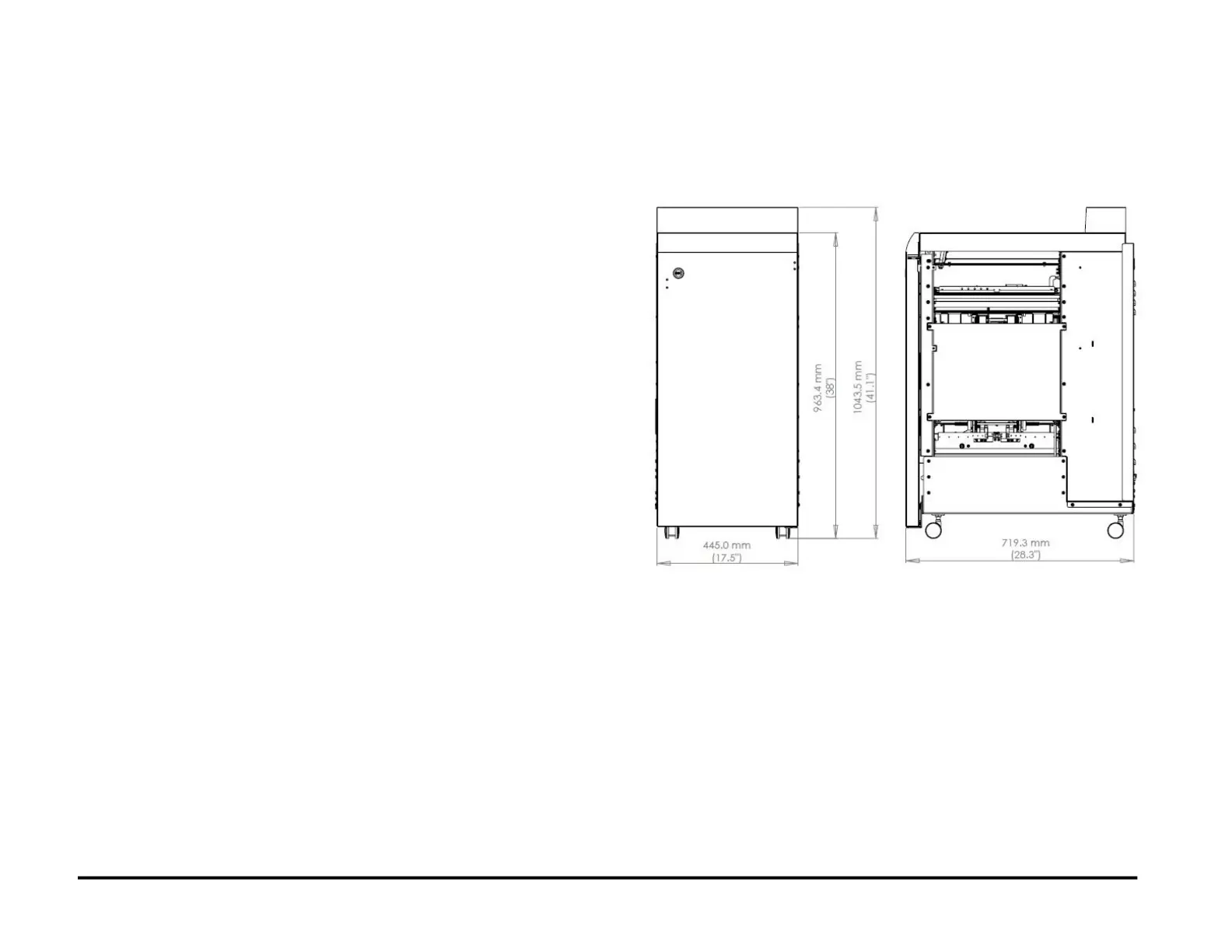
8.2. Space Requirements - Dimensions
Before installing the AdvancedPunch Pro, make sure you have adequate
space and clearance.
AdvancedPunch Pro System Dimensions
8.2.1 Check that the SEM Module is in place.
1. Check that the SEM Module is installed immediately upstream of the
AdvancedPunch Pro.



 To Next Page